01
Keep color roles in order
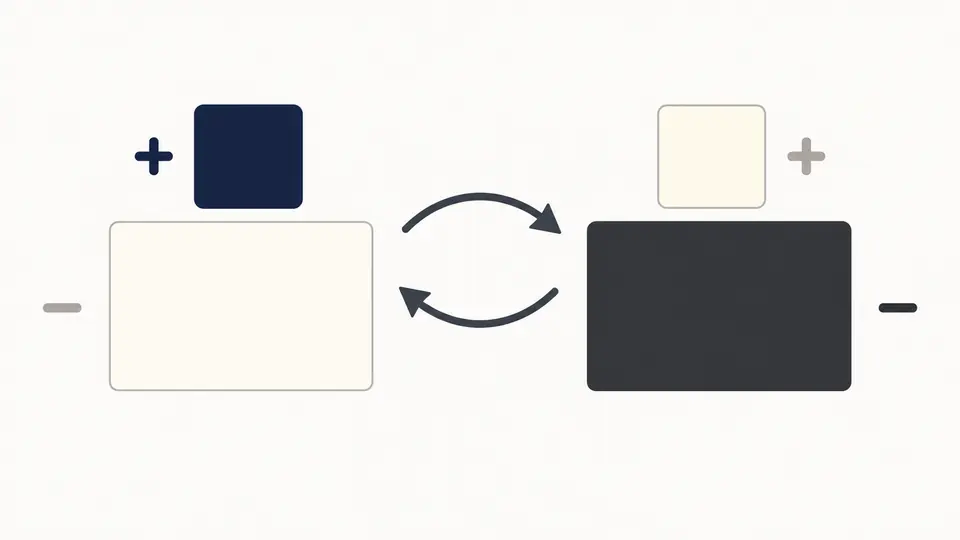
Enter the text color first and the opaque background second. The swap action reverses polarity; a short pause recalculates the current pair.
Color & Accessibility
Compare opaque sRGB text and background colors, then read the signed Lc and a font size reference.
Dark text on light background
Selected condition: 16px · 400 · Body text
Minimum at selected weight: 15px
Within the reference range
Body text uses at least Lc 75; the table is a reference, not a conformance verdict.
Lc 90: preferred body text
Lc 75: minimum body text
Lc 60: minimum fluent text
Lc 45: minimum large text
Lc 30: minimum any text; not body copy
Lc 15: invisibility point; non-text only
APCA is a draft perceptual contrast method; this result is not WCAG 2.x or WCAG 3 conformance.
Official apca-w3 0.1.9; base algorithm 0.0.98G-4g. For web content on self-illuminated displays. © 2019–2022 Andrew Somers / Myndex.
Calculated locally in your browser. Color values are not uploaded.
A dark design token may work on white yet behave differently when its colors are reversed. This APCA contrast calculator keeps text and background roles explicit so the polarity stays visible.
Use the APCA contrast checker while reviewing a text token. The perceptual contrast value stays the same when you change only font settings; the font lookup explains how to read it.
Compare opaque sRGB text and background colors, then read the signed Lc and a font size reference.
The APCA contrast calculator returns a positive Lc for dark text on light and a negative Lc for light text on dark. Swap the pair to see why one unsigned ratio cannot describe both directions.
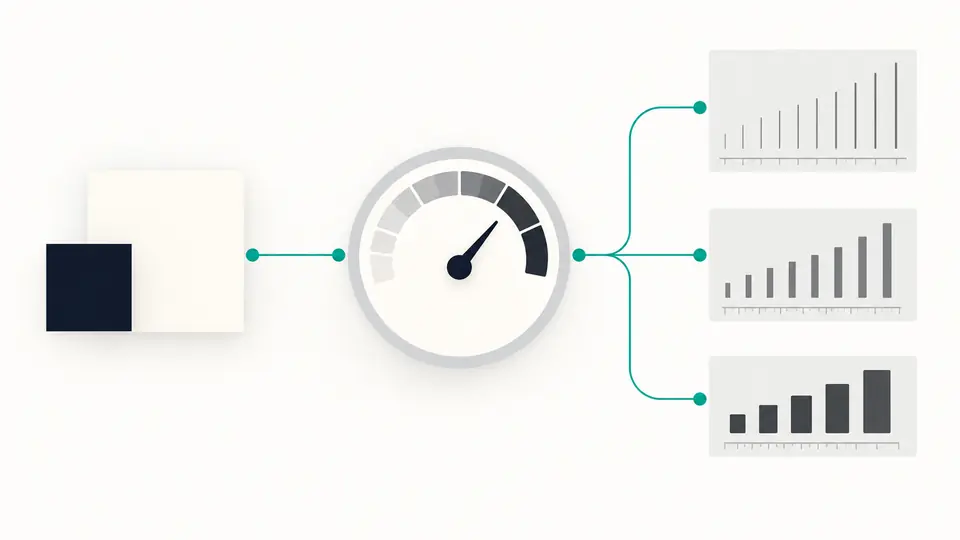
A font lookup turns the same color Lc into a minimum reference size for weights 300, 400, and 700. It does not silently change the color result when you select a new size.
Enter the text color first and the opaque background second. The swap action reverses polarity; a short pause recalculates the current pair.
Set CSS pixels, weight, and body or other readable content. These options change the font reference only, not the calculated Lc.
If auto calculation is off, use Ctrl or Cmd plus Enter. Copy is disabled whenever colors or options change until the current result is ready.
The APCA Lc calculator uses the official apca-w3 sRGB algorithm and preserves the sign for the direction of text against its background.
The APCA font lookup reports minimum CSS pixel sizes for three common weights and flags conditions below the reference instead of inventing a WCAG pass.
A copied summary includes both HEX values, Lc, polarity, size, weight, usage, and the reference interpretation.
Enter the text color before the opaque background. Read the signed Lc and polarity, then select the actual font size and weight for the reference table.
The signed scale runs from near zero for negligible contrast to roughly +106 or -108 for strong opposite polarities. A negative value is a normal light-on-dark result.
The color pair alone produces Lc. The lookup relates that value to minimum reference sizes at different weights; it is guidance for text use, not a change to the formula.
No direct conversion exists between signed APCA Lc and the WCAG 2.x contrast ratio. Check both independently if your work requires a WCAG 2.x decision.
No. WCAG 3 remains a draft and this single-pair reference is not a WCAG conformance audit. Use the current WCAG 2.x criteria for formal checks.
Found a color pair this checker misreads?
Bring the next text/background token into the APCA contrast calculator, keep its polarity and font condition together, then copy the result for review.
APCA is a draft perceptual contrast method; this result is not WCAG 2.x or WCAG 3 conformance.