Free online developer tools

Online developer tools for the small jobs between big ones

Format a payload, decode a token, check a subnet or read a log line. 306 focused tools in 41 categories, without an account and without installing anything.

Browse developer tools by topic

Eight topic groups, each split into focused categories. Open a category to see every tool for that format or job.

Tools that work together

Real tasks rarely stop at one tool. These are common chains you can follow from start to finish.

Why developers use these online tools

Small utilities should be quick to open and clear about what happens to your data.

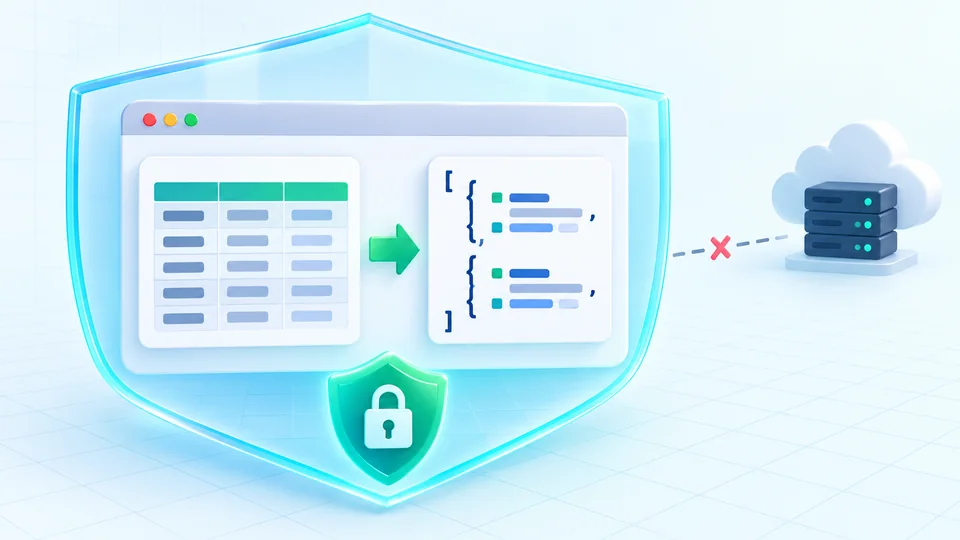
Local by default, explicit when online

Most tools, from the JSON formatter to the JWT debugger, process input with JavaScript in your browser. A few tools need the network to do their job, such as DNS lookup, the SSL checker, the redirect checker and the webhook tester. They run only when you start them and say on the page what they send.

Diagram of input being processed locally in the browser instead of being uploaded

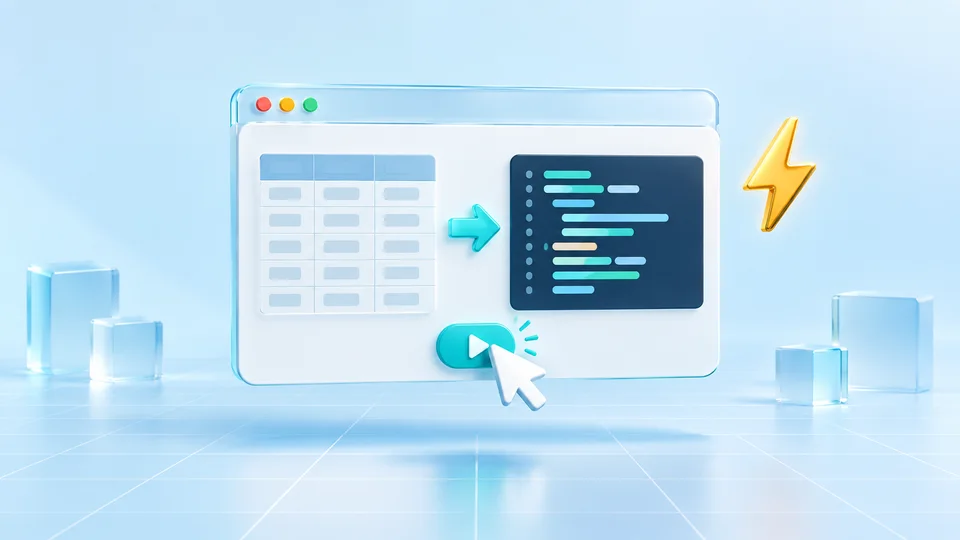
One task per page, no setup

Each tool does one job and opens ready to use, with an example you can load in one click. There is no account, no workspace to configure and nothing to install. Bookmark the pages you need and they stay the same URL.

Diagram showing a tool opening and producing a result without an account or installation

Online developer tools FAQ

What people usually want to know before pasting real data into a new site.

Are these online developer tools free?

Yes. Every tool is free to use without an account or credit card. Tools that call an external service, such as DNS lookup or the SSL checker, have rate limits to keep that service available.

Is my data uploaded to a server?

Not for most tools: formatters, converters, decoders and calculators run in your browser. Network tools like DNS lookup, the HTTP header checker, the redirect checker, the webhook tester and the SSL checker send only what they need after you start them, and each page explains the request.

Do I need to create an account?

No. HeyUtils has no user accounts. Open a tool page and use it right away.

How many developer tools are there?

There are 306 tools in 41 categories, covering data formats, text and encoding, time, APIs and security, networking, DevOps, frontend and mobile, and protocols. The full list is on the all tools page.

Can I suggest a new tool?

Yes. Use the feedback link on any page to describe the task you are trying to do. Requests that come up often are the first ones we add.

Didn't find your answer?

Find the right developer tool

Browse all 306 tools by category, or press the search shortcut on any page to jump straight to one.

No account. No install. Most tools run entirely in your browser.