01
Choose a browser-readable target
Use a CORS-enabled test API. The example fills a GET request but does not send it. A plain HTTP URL may be blocked when this page is served over HTTPS.
HTTP & Request Debugging
Build one browser request, then press Send. The target API must permit this origin to read its response.
This method has no request body.
The request goes directly from your browser to the target only when you send it. Do not use production secrets.
No response yet.
Off by default. Only method, URL path, time and status stay in this tab; query values, headers and bodies are omitted. URL paths can contain identifiers; leave history off for sensitive paths.
Limits: 50 headers, 1 MiB text body and 8 MiB readable response. Browser CORS and forbidden headers apply.
Code does not send a request. Query values and sensitive headers are placeholders; review the body before sharing.
Enter an HTTP(S) URL and send explicitly.
An online HTTP client is useful when an API example has a URL, a token and a JSON body, but you need to see the actual response from your browser. Start with the public example or enter a test endpoint; nothing is sent as you type.
This HTTP request tester makes the browser boundary visible. A REST API tester in a terminal can read servers that block browser origins; here an unreadable CORS response is reported as a failure, even when the request may have reached the server.
One explicit request and a readable response, with no site proxy in between.
The online HTTP client sends only after your click. A successful CORS response shows its real status, exposed headers and body; a blocked response never receives a fabricated status or content.
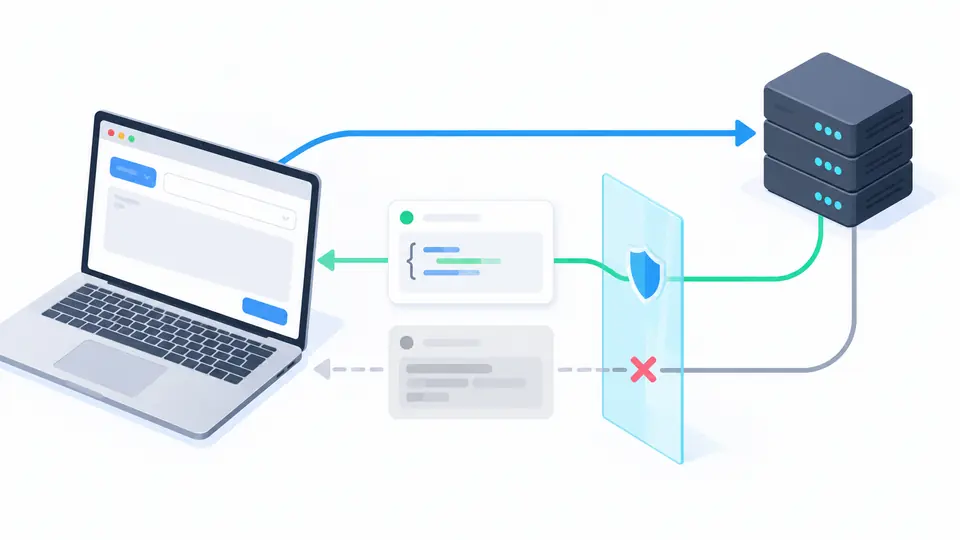
Optional history stores method, URL path, time and status only for this tab. Query values, headers and bodies stay out; generated cURL and Fetch examples replace query values and sensitive header values with placeholders.
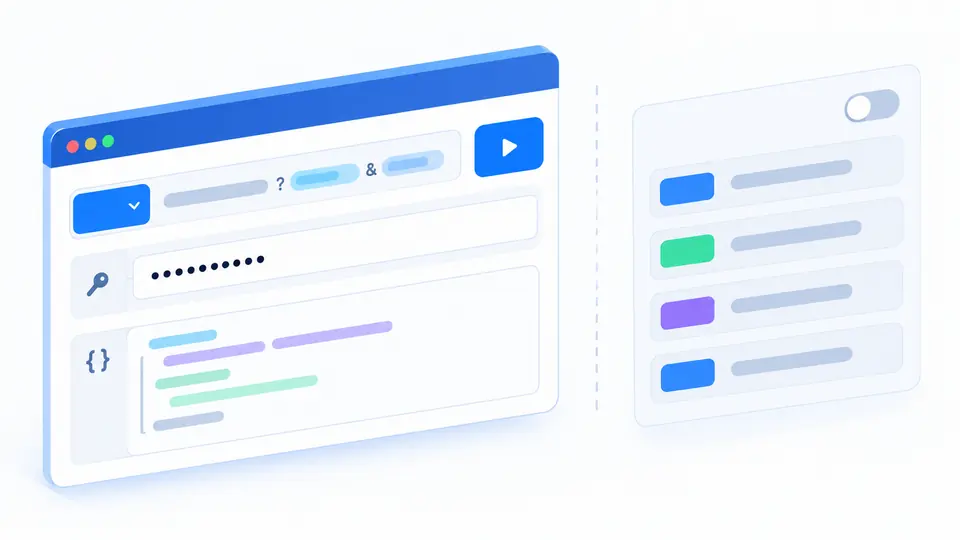
Use a CORS-enabled test API. The example fills a GET request but does not send it. A plain HTTP URL may be blocked when this page is served over HTTPS.
Choose raw or JSON body for POST, PUT, PATCH or DELETE. JSON mode validates text and adds Content-Type only when you have not set it. Ctrl/Cmd+Enter is another explicit send action.
HTTP 4xx and 5xx still have readable responses. A network or CORS failure has no visible status. Changing the draft disables old response exports; Cancel stops waiting but cannot undo server work.
Choose GET, POST, PUT, PATCH, DELETE, HEAD or OPTIONS. Add custom headers and a raw or JSON text body when the method permits it.
See status, elapsed time, exposed headers and a JSON or raw text preview. Binary data is identified by type and byte count rather than rendered as text.
Download the complete readable response up to 8 MiB. JSON is indented only for viewing; the download keeps the returned bytes.
Preview cURL and Fetch for the current draft without a network call. Sensitive header values and query values become placeholders before copying.
Enter an absolute HTTP(S) URL and press Send. This API request builder never sends on edits or when you load the sample; the target must allow this browser origin to read its response.
GET, POST, PUT, PATCH, DELETE, HEAD and OPTIONS are available. GET, HEAD and OPTIONS do not send a body in this tool; choose a supported method before entering JSON.
You can type an Authorization or X-API-Key header for a test endpoint. It is sent only when you press Send; generated request code replaces sensitive header values with placeholders.
The browser may block access to a cross-origin response that curl can read. A CORS or network error does not prove the request was not sent; inspect server logs or use a trusted local client when needed.
History is off by default. When enabled it stores method, URL without query, time and status in memory for this tab, never headers, body or response. Turning it off clears it.
Found a field that parses incorrectly?
Use the online HTTP client with a CORS-enabled test API, confirm the response you can actually read, and download it before editing the next request.