01
Keep the subdomain you intend to inspect
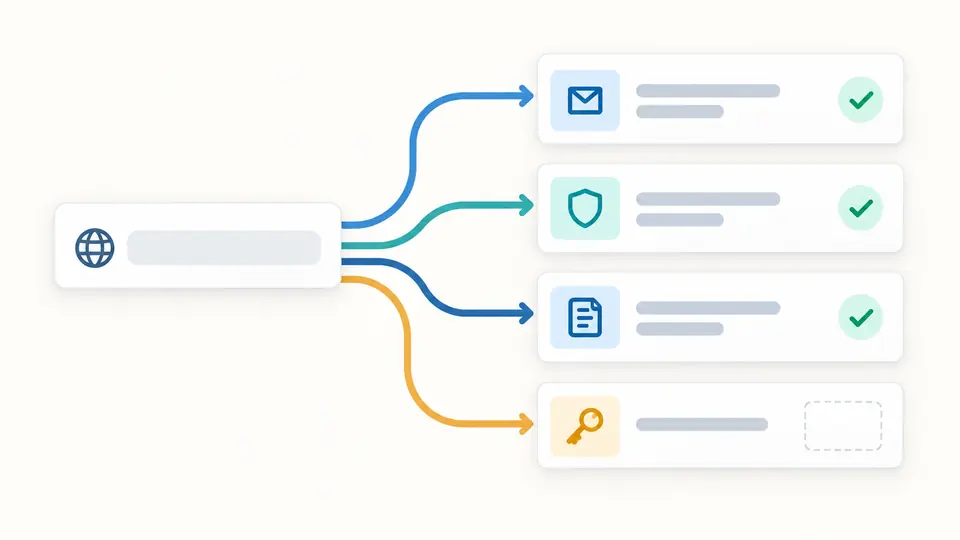
Enter a domain, not an email address or URL. The checker does not silently replace a subdomain with its root: SPF and _dmarc at those names can differ. Example fills a domain but sends no request.
Email DNS
Enter one domain; add a DKIM selector only when you know it. A lookup starts when you choose Check.
Leave the selector empty to skip DKIM. Find s= in a signed message header or in your mail provider's setup.
Enter a domain or load the example, then start a check.
Only after you check, this browser sends the domain and optional selector name to Cloudflare Public DNS over HTTPS; no mail is sent.
Enter a domain or load the example, then start a check.
After changing a mail provider, the website may load while mail DNS records still point elsewhere. This email DNS checker reads what a public resolver currently sees for the exact domain you enter, including subdomains.
The email DNS checker separates missing records from resolver errors. It keeps the MX lookup, SPF policy, DMARC TXT and optional DKIM key beside their raw answers, so you can review a migration without treating a green badge as an email authentication check.
A live answer is useful only when its scope and failure mode are visible.
This email DNS checker reports MX, SPF and the exact _dmarc name on every run. DKIM remains explicitly untested until you enter a selector; it never guesses a few common names and labels the rest absent.
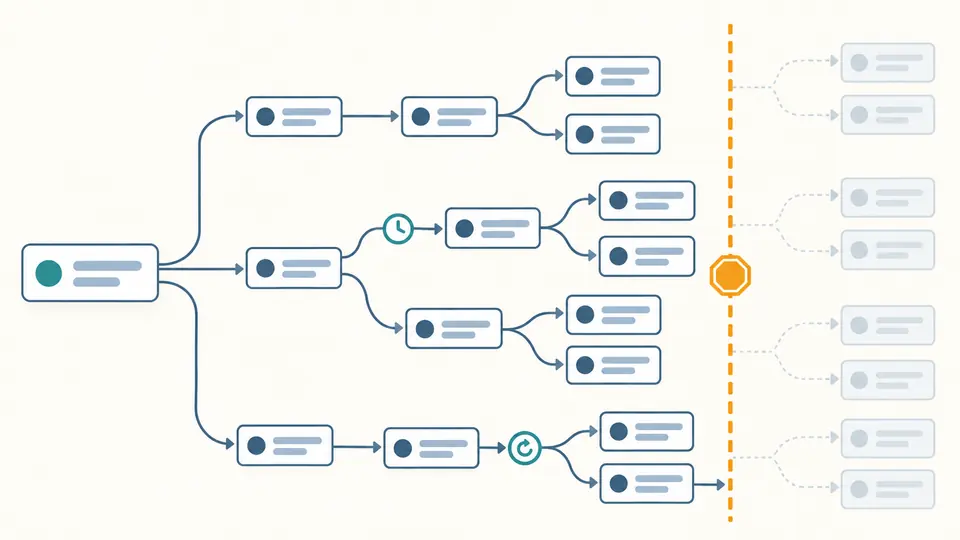
An include or redirect can hide another SPF TXT value. The checker reveals a bounded tree of extra names, marks a timeout or missing branch, and announces when its five-level, twelve-name budget cuts the exploration short.
Enter a domain, not an email address or URL. The checker does not silently replace a subdomain with its root: SPF and _dmarc at those names can differ. Example fills a domain but sends no request.
A DKIM key is under selector._domainkey.domain. Leave selector blank if you do not know s= from a signed header. Each DNS request is manual; Ctrl/Cmd+Enter also starts one.
A missing answer differs from SERVFAIL or a blocked HTTPS request. Query time and TTL explain when to retry after a change. Changing either input disables copying the old result; rerun before sharing it.
The MX lookup sorts priorities and identifies a null MX. SPF, DMARC and a selected DKIM record keep their exact DNS names and raw answers beside parsed values, useful when mail DNS records changed during a provider migration.
The SPF view lists direct DNS lookup mechanisms, then queries reachable include and redirect targets with cycle protection. Twelve extra names and five levels are a request budget, not a claim that RFC 7208's ten-lookup test passed.
Each section identifies found, missing, failed or not checked, with query time and available TTL. A resolver failure never becomes an invented empty record; copying remains disabled once input or selector changes.
It is the s= value in a DKIM-Signature header or the selector shown by your mail provider. Enter that value to query selector._domainkey.domain. A key at a different selector will not appear in this result.
DNS has no list of all DKIM selector names. Guessing common ones can miss a provider-specific key, so a blank selector is Not checked rather than an unreliable negative result.
Several unrelated TXT values are normal, but multiple values beginning v=spf1 at the same name are a policy problem. This email DNS checker flags that count and shows the matching raw records rather than merging them.
No. p=none is a valid monitoring policy. This tool displays the published value; it cannot decide when your real mail streams are ready for quarantine or reject.
Web and mail routing use different DNS records. An absent MX does not change the website, and SMTP can fall back to address records. A null MX, shown as 0 ., explicitly says the domain does not accept mail.
No message is sent and no zone is edited. The browser makes read-only HTTPS queries to Cloudflare Public DNS only after you start the scan; its results reflect that resolver's current view.
Still have a DNS question?
Start a fresh email DNS checker scan after a mail provider change, then compare each exact DNS name and its timestamp with the settings you intended to publish.
The public resolver sees queried names; this is a configuration snapshot, not a delivery test.