01
Use the whole TXT value
Paste either the tag list or one DNS TXT line. Adjacent quoted chunks are joined before the DKIM record parser reads tags; the editor does not treat the 255-byte DNS chunk limit as a broken key.
Email DNS
Paste a DKIM TXT value or switch to a BIMI draft; both results stay separate from live DNS.
Enter a record or load an example.
Records stay in this browser. No DNS, SVG or certificate request is sent.
Enter a record or load an example.
A long DKIM TXT record can hide a duplicate tag, an empty p= key or a selector copied into the wrong DNS field. This DKIM record parser separates each tag and reports the decoded key type and size before you publish anything.
The DKIM record parser also offers a BIMI record builder view for a single logo URL. It produces a Host and TXT value for review, while leaving DNS lookups, certificate checks and mailbox logo display to their own services.
The DKIM record parser makes a long TXT value inspectable before it reaches a DNS console.
A DKIM TXT record may be split into quoted DNS chunks. The DKIM record parser joins them, shows each tag, and reads RSA modulus bits or the 32-byte Ed25519 key. An empty p= is labelled revoked rather than healthy.
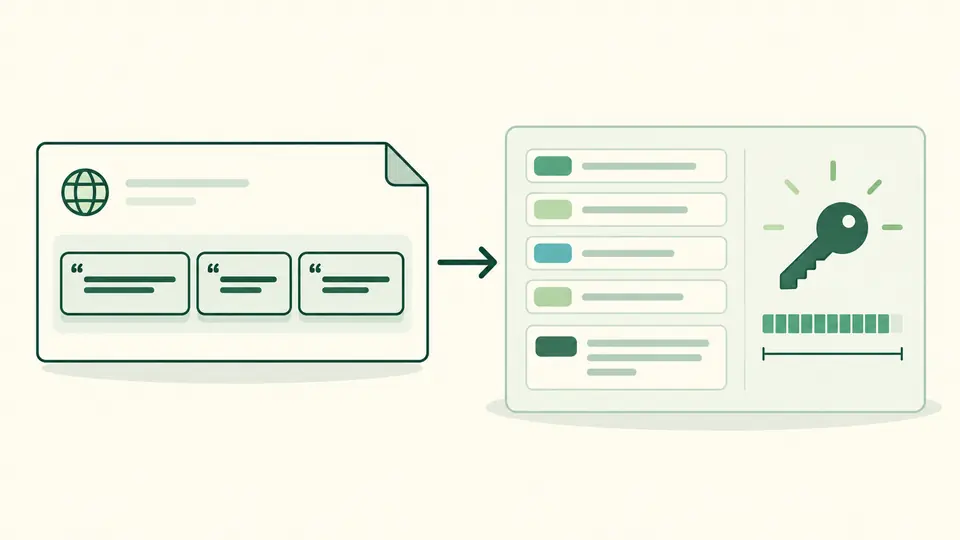
The BIMI record builder view starts with the default selector and places the computed DNS Host beside the TXT value. You can review a logo URL and optional certificate URL without a network lookup or a claim that the logo will display.

Paste either the tag list or one DNS TXT line. Adjacent quoted chunks are joined before the DKIM record parser reads tags; the editor does not treat the 255-byte DNS chunk limit as a broken key.
Domain and DKIM selector are optional. Supply both to see selector._domainkey.domain; with only one, the public key is still parsed but no Host is guessed. Automatic checks wait 350 ms, and manual mode uses Ctrl/Cmd + Enter.
Look for revoked p=, duplicate tags and the decoded RSA bit count. In BIMI mode, copy the Host and TXT value separately into your provider. Changing any input makes the old result unavailable for copy or download.
Version, key type, public key, hash, service and flag tags are shown individually. Unknown tags stay visible; duplicate names and a misplaced version are errors in the DKIM record parser.
RSA size comes from the DER modulus, not the length of the base64 text. Keys below 1024 bits fail, 1024–2047 bits warn, and Ed25519 records require 32 public-key bytes.
The BIMI record builder uses an HTTPS logo URL and an optional HTTPS certificate URL. It outputs default._bimi.example.com style ownership and a v=BIMI1 TXT value, ready for human review.
It is the name in a DKIM-Signature header that selects a public key under selector._domainkey.domain. The DKIM record parser shows the Host only when you enter both domain and selector; it cannot discover one by scanning DNS.
A duplicate tag, invalid p= key or short RSA modulus can be flagged here, but a signature can also fail for message changes, alignment or DNS state. This page has no signed message to verify, so use mail authentication reports for the actual cause.
The DKIM record parser works locally in your browser and sends no DNS request. Paste public TXT data only; never paste a private signing key into a DNS record or this field.
Build a draft, then add its Host and TXT value in your DNS provider. The BIMI record builder does not publish it for you. Check DMARC policy, logo requirements and any certificate rules of the mailbox providers you target.
v=BIMI1 identifies the version, l= points to an HTTPS SVG logo, and optional a= points to evidence such as a VMC or CMC. This draft writes an empty a= when no certificate URL is supplied.
Still have a question?
Paste a public TXT value to inspect its tags, then use the BIMI draft view if you need a separate logo assertion.
Checks and draft generation run locally in your browser.