01
Choose a local source
Open one .eml file, drop it into the input, or paste complete RFC 5322 source. A 25 MB limit applies before parsing; the example contains nested MIME parts and an attachment.
Email developer tools
Choose one local .eml file or paste its original source, then explicitly inspect the message.
Drop one .eml file here
No file selected
No message has been parsed yet.
Parsed in this browser; the message is not uploaded and remote images are never requested.
Select one EML file or paste a raw message.
A forwarded .eml file can hide its actual body behind encoded parts. This EML viewer lets you trace the subject, sender and nested MIME boundaries before you trust what the message appears to say.
Unlike a mail client, the page never retrieves remote images. You can compare the readable body with the original headers, inspect each part, and download an attachment only after choosing it.
Keep the message structure visible while reading its contents.
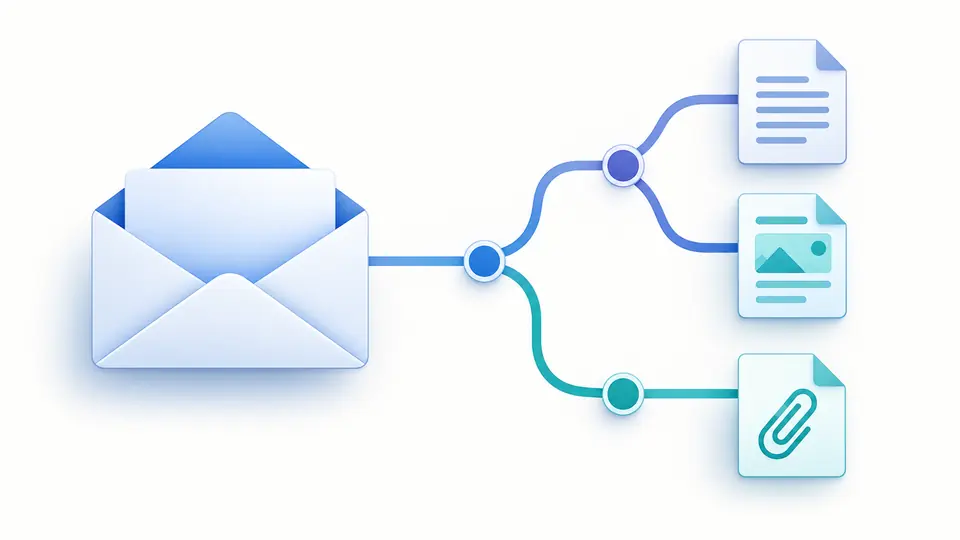
The EML viewer turns nested multipart boundaries into a tree beside the decoded body. A text alternative and a file attachment remain distinct, so an empty-looking email is easier to diagnose.
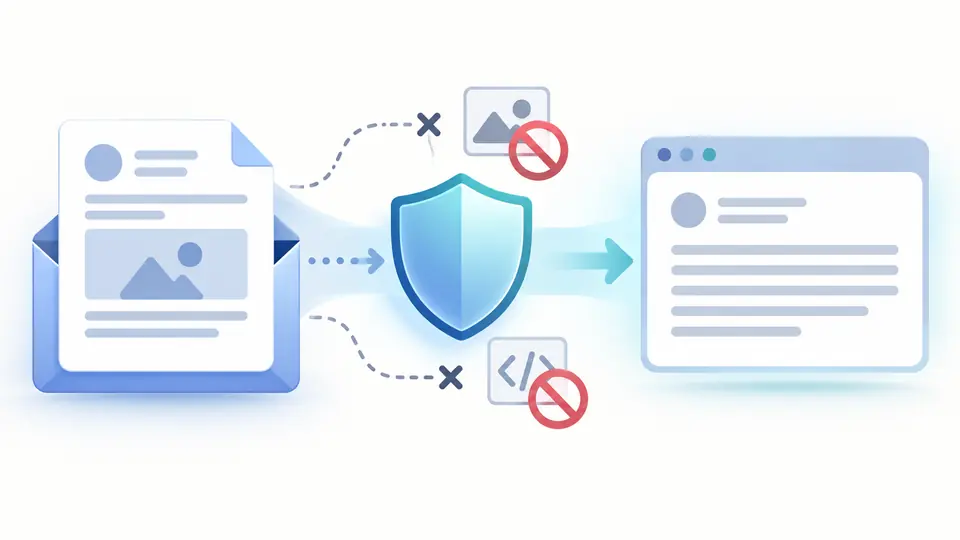
Safe HTML keeps readable formatting, but removes active content and remote resources. The source remains available for comparison when an image or linked style is absent.
Open one .eml file, drop it into the input, or paste complete RFC 5322 source. A 25 MB limit applies before parsing; the example contains nested MIME parts and an attachment.
Viewing is manual so changing a large file never starts another decode. Press Ctrl/Cmd + Enter to run, then compare the summary, decoded headers and MIME tree if a body seems absent.
The EML viewer keeps stale results visible but disables copy and attachment download until you inspect the latest input. Select an attachment to download its decoded bytes, without opening it here.
RFC 2047 encoded words become readable in Subject and other headers. Message-ID and the original Date value remain visible, even when a date cannot be normalized.
This MIME email parser follows multipart boundaries and shows content type, disposition and source size for each part. Quoted-printable and Base64 bodies are decoded for reading.
See each filename, type and decoded byte count, then extract EML attachments individually. No PDF, HTML or executable attachment is run inside the page.
No. A selected file is read and parsed in this browser session. The page neither uploads it nor fetches remote resources referenced by the email.
After viewing the message, select an attachment in the list and use Download selected attachment. The browser saves decoded bytes; this EML viewer never opens or executes the file.
RFC 5322 style single messages with MIME parts, Base64 and quoted-printable transfer encoding are supported up to 25 MB. A binary Outlook MSG file is a different format and is not accepted.
Remote images, scripts and external styles are intentionally blocked. Choose Safe HTML for passive formatting or Raw source to inspect markup; a missing text alternative may also leave Plain text empty.
Use the local file input or paste the message source and choose View email. The EML viewer shows headers, body and MIME parts without a mail account or Outlook installation.
Still have a question?
Return to the EML viewer to compare the original headers with decoded text, inspect MIME boundaries and download only the attachments you select.