01
Start with one request
The page starts empty. Select curl, Fetch or Axios input; URLs must be absolute HTTP(S), with Unicode percent-encoded. Example replacement requires preview and Apply.
API and HTTP tools
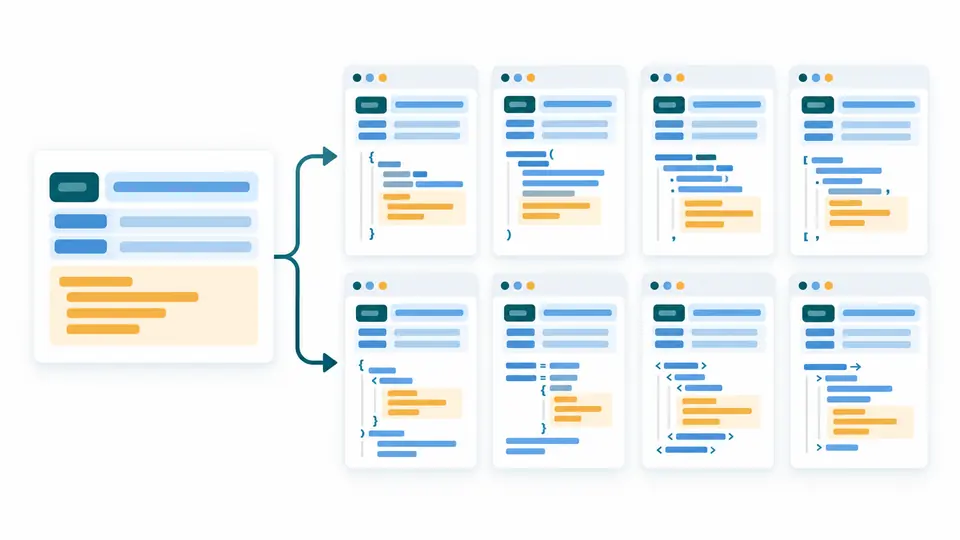
One request, several languages
Your input is processed in this browser and is not sent to a server.
Flags: -X, -H, -d, --data-raw, --data-binary, --data-urlencode, -G, -I, --url. Other flags, duplicate/empty headers and transport-managed headers are rejected.
Reverse input requires Fetch redirect: "manual" or Axios maxRedirects: 0. Axios JSON string bodies require transformRequest: []; literal JSON objects are supported.
Targets: Fetch Node 18+, Axios Node, Python requests, PHP cURL, Go standard library, Java 11+, C# 9+, Ruby standard library. Code is never executed.
Limits: 100,000 UTF-16 units; 1,000 arguments; 100 headers; JSON depth 10 and 5,000 AST nodes.
Paste one curl, Fetch or Axios request, or preview an example.
The cURL converter helps move an API example into a project without retyping its URL, headers and text body. Choose a target and compare the generated request before adding your own error handling.
Convert curl to Python for a script, curl to JavaScript for Node, or curl to axios for an existing client. The reverse direction accepts a single Fetch or Axios call with supported literal values.
The cURL converter keeps method, URL, headers and body in one model. Switch among eight code targets without manually rewriting the payload. Library defaults still require review.
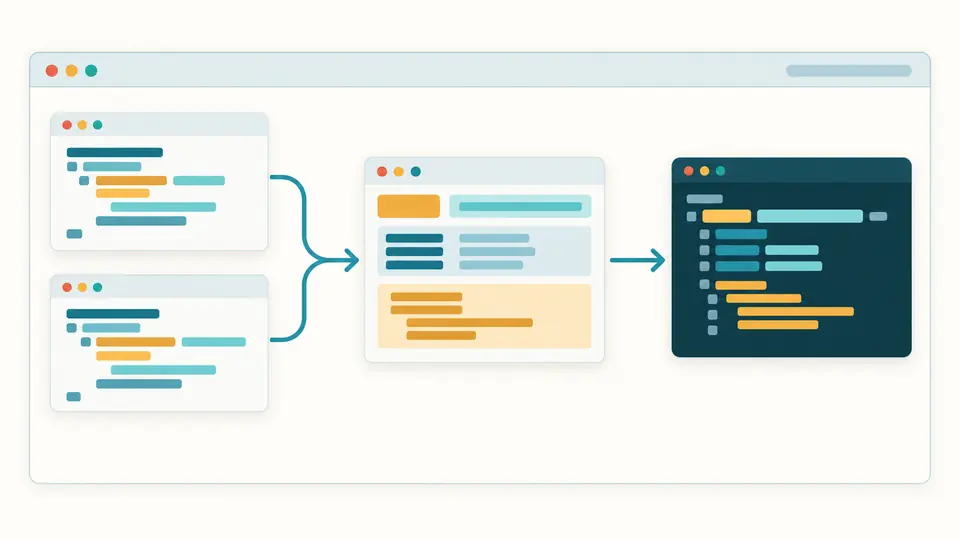
Bring a supported Fetch or Axios snippet back to a command for documentation. Variables and executable expressions are rejected instead of being evaluated.
The page starts empty. Select curl, Fetch or Axios input; URLs must be absolute HTTP(S), with Unicode percent-encoded. Example replacement requires preview and Apply.
Automatic conversion waits 350 ms. Switch it off to use Convert or Ctrl/Cmd+Enter. Changing input or options disables exports until a fresh result succeeds.
Format, Example and Clear preview input changes and provide one undo after Apply. Check embedded credentials before copying or downloading code.
Generate Fetch for Node 18+, Axios for Node, Python requests, PHP, Go, Java, C# or Ruby. Fetch used in a browser remains subject to browser policies.
Supported data flags produce a UTF-8 text body; -G moves data into the query. Standard uppercase methods include GET, HEAD, POST, PUT, PATCH, DELETE and OPTIONS.
Read supported Fetch options or Axios configuration and method calls. JSON.stringify with literal JSON is interpreted statically; no supplied code runs.
Unsupported syntax and options stop generation with a position. A rejected request cannot leave an old result available for export.
Supported request flags include -X, -H, text data options, -G, -I and --url. Unsupported flags produce an error; inspect the rules before simplifying a copied command.
In the browser Network panel, select a request and choose Copy as cURL, preferably the bash form. Extra transport flags may need review because this converter uses a strict subset.
Fetch, Axios, Python, PHP, Go, Java, C# and Ruby are available. The cURL converter can also return supported literal Fetch and Axios calls to curl.
Select curl input and Fetch output. The generated code targets Node 18+; moving it into a browser may introduce CORS and restricted-header differences.
Shell variables are rejected rather than resolved. Paste a literal request; the tool does not run commands or read environment values.
Something looks wrong?
Use the cURL converter to inspect a curl to code result, verify its payload and adapt the snippet to your application.