01
Choose the alphabet independently
Standard uses + and /; Base64URL uses - and _. Padding is a separate encoding switch in both variants. Decoding does not guess the alphabet and accepts either exact trailing padding or none.
Encoding and escaping
Convert one text value with an explicit alphabet and padding policy.
Conversion stays in this browser; input is not uploaded.
UTF-8 only. Decoding accepts complete or omitted padding and rejects nonzero pad bits. The selected alphabet is checked strictly; invalid UTF-8 bytes produce an error.
Input: 1,000,000 UTF-16 units; output: 4,000,000 units. Empty input is valid. Pasting may normalize line endings.
Enter text or load an example. Empty input converts to empty output.
Reverse uses the fresh result as input and changes direction after confirmation. It is unavailable when the result exceeds the input limit.
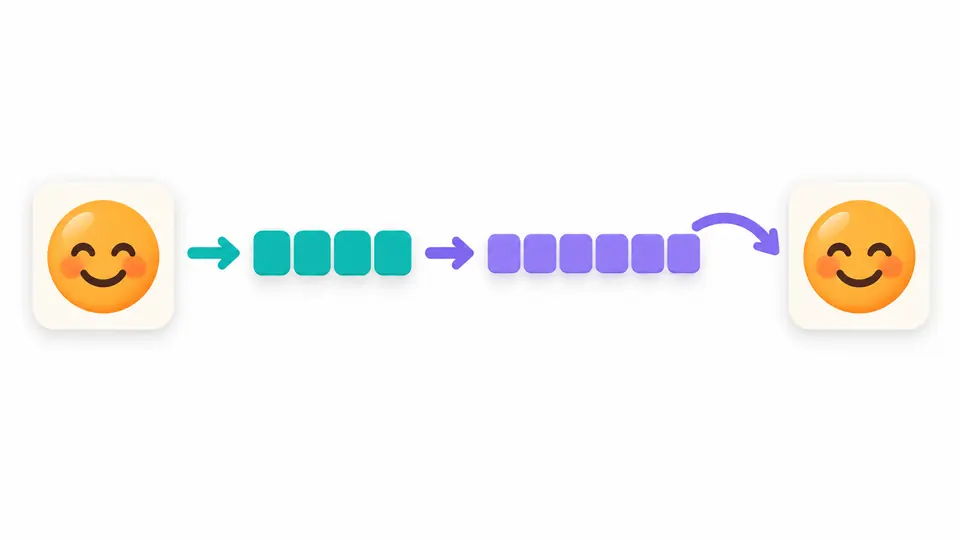
A Base64 encoder is useful when an API expects text represented as ASCII, but the source contains accents, Chinese or emoji. The text first becomes UTF-8 bytes; the alphabet then represents those bytes. You can encode Base64 online without changing the source character sequence.
When decoding a configuration value, a readable result alone is not enough. This workspace checks the alphabet, padding and unused bits before requiring valid UTF-8, so damaged input cannot quietly become replacement characters.
This Base64 encoder handles supplementary characters through UTF-8, so an emoji does not fail merely because it needs more than one byte. Reverse the current result to inspect the text it represents before using it elsewhere.
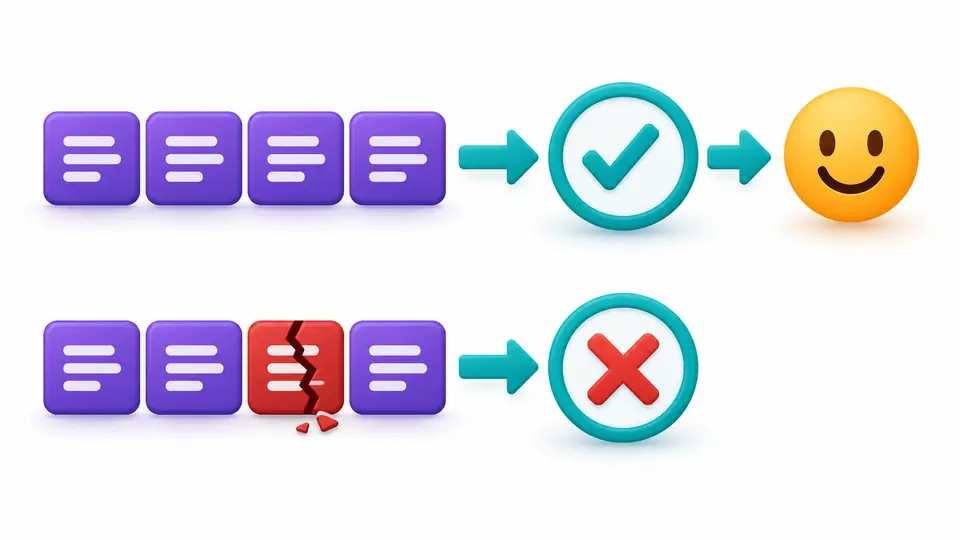
A sequence can use the correct Base64 alphabet and still contain invalid UTF-8 bytes. Decoding rejects that case instead of inserting a replacement symbol; malformed padding and noncanonical trailing bits are checked separately.
Standard uses + and /; Base64URL uses - and _. Padding is a separate encoding switch in both variants. Decoding does not guess the alphabet and accepts either exact trailing padding or none.
Automatic conversion waits 350 ms after edits. Disable it to show Convert, or press Ctrl/Cmd+Enter. Changing the input, direction or options immediately disables export until the result is refreshed.
Example, Clear and Reverse first show a preview and UTF-16 lengths. Apply confirms the replacement; Undo restores one snapshot of input, options and result. Long output is previewed up to 20,000 units, while exports remain complete.
UTF-8 encoding handles accents, combining sequences and emoji without Unicode normalization. A leading U+FEFF remains part of the value; encoding adds no new BOM.
The Base64URL encoder changes the two punctuation symbols without bundling a padding choice. A standard decoder rejects URL-safe punctuation, and the URL-safe decoder rejects standard punctuation.
Invalid alphabet characters, malformed padding and isolated surrogates report a source line and UTF-16 column. Invalid decoded UTF-8 has no invented source offset because byte decoding does not expose that location.
The Base64 decoder can ignore only space, tab, carriage return and line feed. Disable that option to require an uninterrupted encoded value; the result reports how many permitted whitespace units were removed.
Yes. This Base64 encoder converts Unicode text to UTF-8 bytes before encoding, so accents and supplementary emoji work. It keeps combining sequences unchanged and rejects isolated UTF-16 surrogates instead of substituting a replacement character.
Base64URL uses - and _ where standard Base64 uses + and /. Whether padding is required depends on the receiving protocol. Select both the correct alphabet and the destination’s padding convention before exporting.
A partially padded value such as Zg= is rejected. Supply exact trailing padding, such as Zg==, or omit it entirely as Zg. An equals sign in the middle, excess padding and a data length of one modulo four also fail.
Base64 can represent arbitrary bytes, but this page accepts only text and requires UTF-8 when decoding. It has no file or image input and does not return binary files; pasting an image’s encoded bytes may therefore produce an invalid UTF-8 error.
No. Anyone can decode Base64 without a secret key. Encoding does not provide confidentiality or verify that a value has not been modified; use the security mechanism required by your protocol.
Found an encoding edge case?
Use the Base64 encoder with a short sample, confirm the alphabet and padding convention, then reverse the result to check the UTF-8 text.