Encoding and escaping

URL encoderfor components, URIs and form values

for components, URIs and form values

URL encoder

Input

Result

Conversion stays in this browser. Input is not uploaded and URLs are not visited.

Conversion options

Uses encodeURIComponent character rules. Spaces become %20; + becomes %2B. Decoding keeps a literal +.

UTF-8 only, one decode pass. Decoding rejects malformed percent escapes and invalid UTF-8. Both directions reject isolated UTF-16 surrogates. Form decoding is strict, unlike permissive URLSearchParams parsing.

Input: 1,048,576 UTF-16 units; output: 4,194,304 units. Empty input is valid. Pasting may normalize line endings.

Enter text or load an example. Empty input converts to empty output.

Reverse uses the fresh result as input and changes direction after confirmation. It is unavailable when the result exceeds the input limit.

Use this URL encoder to prepare a query value, inspect a copied address or decode a form field. Choose the context before converting: the same ampersand, slash or plus sign can have a different role in each context.

The URL decoder reads UTF-8 percent encoding once. It leaves every result as plain text, so an address, fragment or script-shaped string can be inspected without visiting or executing it.

Why use this URL encoder?

Pick the meaning of each separator

The URL encoder distinguishes a single component, a complete URI and one form field value. Component mode escapes delimiters; URI mode preserves structure; form encoding uses + for spaces. Choosing deliberately avoids turning an ampersand in a value into a separator.

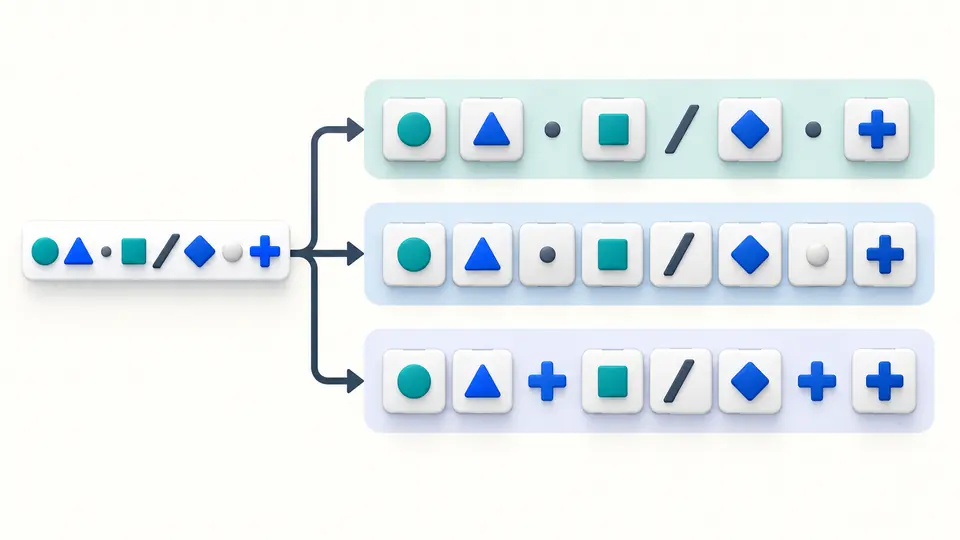
Abstract symbols follow three paths for component, URI and form-value encoding.

Find the source of a failed decode

Malformed % escapes and invalid UTF-8 produce a source line and column, with the error line highlighted. The URL encoder does not silently substitute replacement characters or export a partially decoded value.

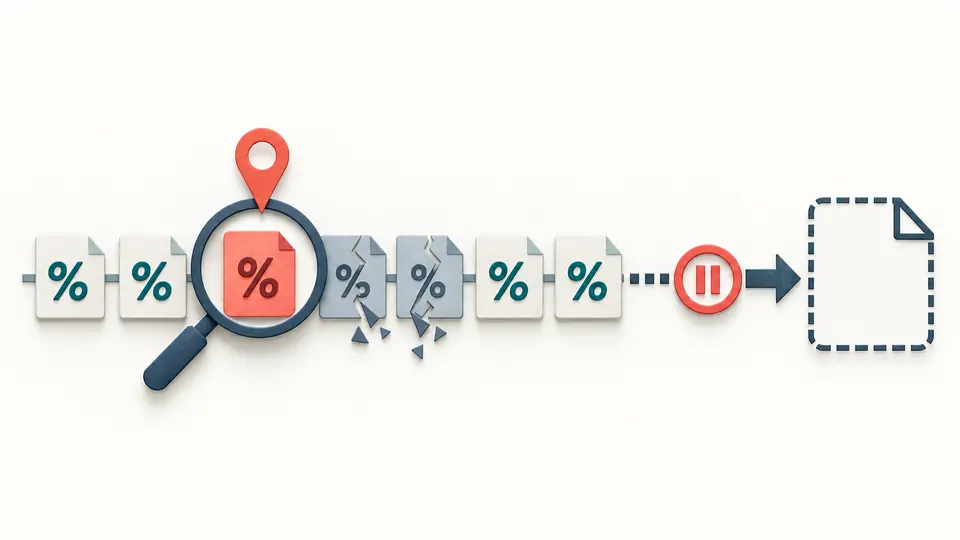
A damaged sequence of percent-encoding tiles is marked at its first tile while output is paused.

Convert with an explicit context

01

Choose direction and context

The URL encoder starts in component encoding mode with an empty editor. Paste one value, or select URI for whole-address character rules. Form means a single field value: a=1&b=2 is treated as data, not parsed into fields.

02

Control when conversion runs

Automatic conversion waits 350 ms after an edit. Turn it off to show Convert and use Ctrl/Cmd+Enter for a manual run. Editing input or options immediately disables export until a new result succeeds. Empty input is valid.

03

Review before replacing input

Example, Clear and Reverse show a preview before Apply. Reverse uses the result as input and switches direction. Undo restores input, options and output together. Copy and TXT download include the complete current result.

URL encoder features with defined behavior

Component percent encoding

Component encoding follows encodeURIComponent: ASCII letters, digits and -_.!~*'() remain unchanged. Spaces become %20, ampersands %26 and slashes %2F. Percent signs are encoded again as %25.

URI separator preservation

Full URI encoding also preserves ;/?:@&=+$,#. URI decoding leaves their escaped forms intact, including hex letter case: %2f stays %2f. It does not parse, validate or repair the address.

Form spaces and plus signs

For one form value, ASCII letters, digits and *-._ remain unchanged. A space becomes + and a plus sign becomes %2B. Decoding %2B produces a literal plus, without converting that result into a space.

UTF-8 and source positions

Non-ASCII characters become their UTF-8 bytes, including accented letters and emoji. Error positions use one-based lines and UTF-16 columns. Invalid multi-byte sequences are reported at the starting percent sign.

Conversion rules and limits

Three specific contexts
This URL encoder offers JavaScript component rules, JavaScript URI rules and strict form-value rules. There is no separate strict RFC 3986 encoder, custom character set, path-only mode or automatic context detection.
Strict errors in every context
During decoding, a lone %, %G1, truncated UTF-8, overlong UTF-8, encoded surrogates and values above U+10FFFF are rejected. Form mode does not use the forgiving replacement behavior of URLSearchParams and does not split keys and values.
One layer per decode
%2520 decodes to %20 in one pass. There is no recursive decoding or automatic detection of existing escapes. Reverse changes direction; to decode another layer, deliberately copy the result into the input and keep Decode selected.
Text, not a URL request
No URL is visited, linked, fetched or validated. There is no Punycode conversion, query parser, Unicode normalization or newline transformation by the converter. Pasting into the editor may normalize line endings before conversion.
Strict source-text policy
Both directions reject isolated UTF-16 surrogates to avoid replacement during text export. This is an additional tool policy: native JavaScript URI decoders can accept raw isolated surrogates. Valid Unicode remains supported.
Full output within fixed limits
Input is limited to 1,048,576 UTF-16 units and output to 4,194,304. The preview shows up to 20,000 units; copy and download use the full result. Oversize output fails entirely. No file import is provided.

URL encoder questions

What is the difference between %20 and +?

Both can represent a space in the appropriate context. Component and URI encoding use %20. Form encoding uses +, and only form decoding interprets an original + as a space. A literal plus is encoded as %2B in a component or form value.

Why does URL decoding fail?

A malformed %HH escape or invalid UTF-8 sequence fails strict decoding. Check the indicated source line and column. Isolated UTF-16 surrogates also fail under this tool’s source-text policy; no partially decoded result can be exported.

encodeURI or encodeURIComponent - which should I use?

Choose component mode for one query value or path segment. Choose URI mode when structural separators should remain. URI mode cannot infer whether an ampersand is a separator or part of a value, so encode individual values before assembling an address.

What does %2520 mean?

It commonly indicates an extra encoding layer: % became %25, leaving 20 after it. One decode turns %2520 into %20. Decode again only when the receiving format requires that second step.

Is anything uploaded?

Conversion runs in this browser and does not upload the input. Pasted addresses are handled as text and are not visited. You can copy the current result or save it as a TXT file.

Found a percent-encoding edge case?

Try the URL encoder with a short value

Select a context, compare the percent encoding and copy the full result after conversion succeeds.