01
Choose the unit for the change
Lines reveal inserted paragraphs. Words group identifiers and prose tokens. For continuous Chinese or Japanese text, character mode gives finer detail because word mode does not use a language dictionary.
Text and Strings
Compare two versions and keep their original patch.
Text stays in this browser; it is not uploaded.
The view uses your filters: spaces and tabs are removed, or letters lowercased, when enabled. Original inputs stay intact.
Characters are Unicode code points; words group letters, numbers, marks and underscores. CR ␍, LF ␊ and tab ⇥ are display markers only.
Enter two versions; either side may be empty.
Export always uses the exact originals, unaffected by filters or granularity. A matching view can still have a patch; identical originals cannot be exported.
A text diff helps review a changed setting or a revised paragraph without reading both versions from beginning to end. Start with whole lines, then narrow the comparison when a small edit is hard to see.
This diff checker treats code, prose and logs as ordered text. To compare two texts meaningfully, keep the old version on the left and the intended replacement on the right.
A text diff can mark an entire rewritten line or isolate a changed identifier. Word mode groups letters and numbers; character mode compares Unicode code points, useful for punctuation and small numeric edits.
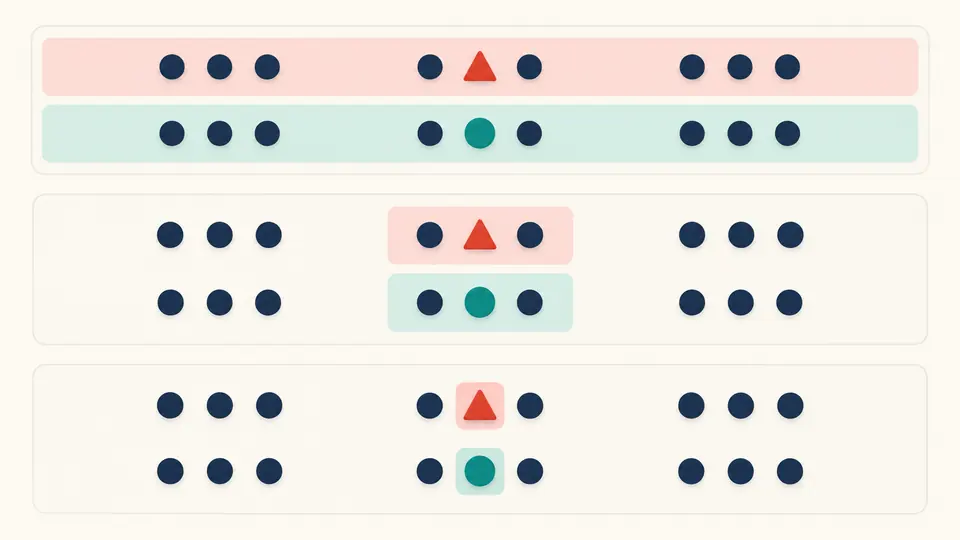
Filtering the review should not remove edits from an exported patch. Even when the screen treats spacing or case as equal, the unified diff still records the exact original-to-target change.
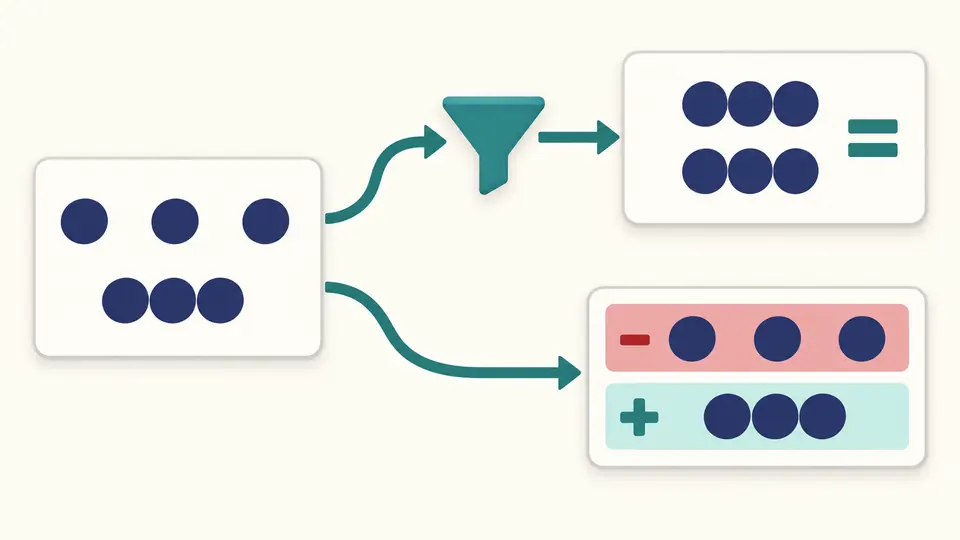
Lines reveal inserted paragraphs. Words group identifiers and prose tokens. For continuous Chinese or Japanese text, character mode gives finer detail because word mode does not use a language dictionary.
Automatic comparison waits 350 ms after editing. Turn it off for the Compare button or Ctrl/Cmd+Enter. Editing either input or a comparison option disables export until a fresh result is ready.
Only 50 blocks appear initially; reveal more without changing the full export. Swap, Example and Clear offer a preview before application and one undo. A filtered match can still have an exact patch.
Removed content belongs to the left version; added content belongs to the right. Moving a paragraph can appear as deletion and insertion rather than a special move operation.
Read old and new blocks side by side or follow them in a unified stream. Changing the layout does not turn the screen into the patch file: the download is always a separate exact line diff.
CR, LF and tabs receive display markers so invisible differences can be located. A final LF remains significant, and the patch retains the actual characters instead of their markers.
Text diff compares the written sequence. Reordering JSON keys still changes that sequence; a structural JSON comparison instead examines parsed values. This page never parses or executes the pasted code.
ASCII spaces and tabs can be ignored, as can case through lowercase comparison. Blank lines and line endings are retained. Turn both filters off when checking the exact input text.
It records line changes with file headers and context, suitable for reviewing or processing with patch tools. Here export always uses both originals, regardless of the selected display filters; identical originals have no patch to export.
Line mode compares a line as one unit. Select word or character mode to inspect a smaller change. Counts refer to the selected units and should not be interpreted as a number of human editing actions.
Each input has a 200,000 UTF-16-unit ceiling plus token and computation limits. Highly different short texts can also hit the computation limit. Split the inputs into related sections and compare again.
Found an unexpected difference?
Use text diff to inspect the next pair of versions, then export the complete original changes.