01
Set the analysis language
English is the initial analysis locale in every interface language. Choose the language of the text, then check the effective locale beneath the frequency controls.
Text and Strings
Compare text length, word boundaries and frequency in one report.
Text stays in this browser; it is not uploaded.
UTF-16 units, code points, graphemes and UTF-8 bytes include spaces and punctuation. Graphemes are complete text clusters; the totals measure different units.
0.0000
Samples: 0 · distinct keys: 0
H = −Σ p log2(p), in bits per filtered character sample. The denominator is the filtered sample total, not all graphemes. The full distribution is used. Equal frequencies give equal entropy regardless of order; this is not password strength or proof of randomness.
Character frequency keeps graphemes containing a Unicode letter, mark, number or symbol. Pure punctuation, whitespace and controls are excluded; percentages use the filtered sample total. Word percentages use all counted words.
Effective segmentation locale: Unavailable
No counted tokens.
Enter text; empty input has zero counts.
A word counter helps when a draft must fit a word limit, but the receiving field measures characters or bytes. Compare all seven totals before choosing the number that matches your requirement.
The character counter distinguishes visible clusters from storage units. Frequency tables add another view: repeated words and symbols remain measurable even when their positions change.
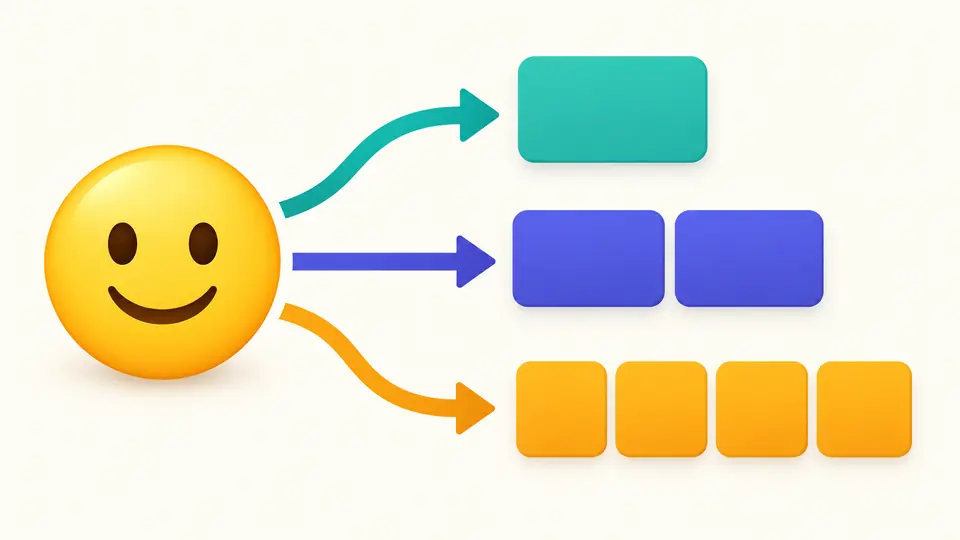
This word counter gives a smiley one grapheme, two UTF-16 units and four UTF-8 bytes. The difference explains why a visible symbol can consume more than one position in a technical limit.
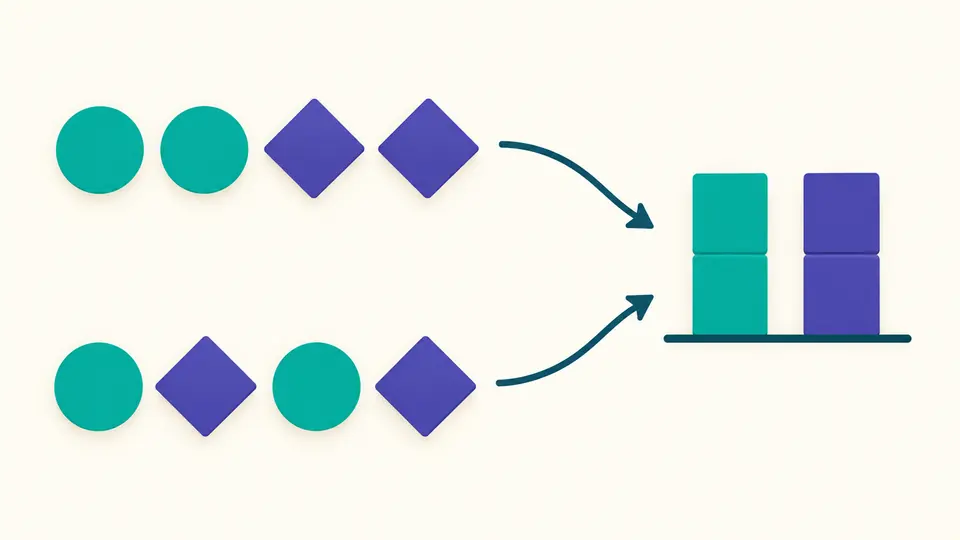
Compare distributions rather than judging a text by length alone. Rearranging the same symbols leaves their frequencies and entropy unchanged; a shuffled string is not automatically more random.
English is the initial analysis locale in every interface language. Choose the language of the text, then check the effective locale beneath the frequency controls.
Automatic counting waits 350 ms after edits. Turn it off to reveal Count, or use Ctrl/Cmd+Enter. Changing text or options disables export until statistics are refreshed.
Example and Clear first show a replacement preview and lengths. Apply confirms it; Undo restores one preceding snapshot. Tables start with 50 rows and reveal 50 more; JSON includes every row.
Review UTF-16 units, code points, graphemes, byte count, words, lines and paragraphs without converting one total into an estimate of another.
Only word-like segments enter the word table. Punctuation alone is not a word, and the selected language informs browser segmentation.
CRLF counts as one separator; CR, LF, U+2028 and U+2029 also separate lines. A trailing separator creates a final empty line.
Character rows include U+ code point sequences. These help distinguish combining marks and symbols that look similar on screen.
The browser segments text using the chosen language and keeps only word-like segments. Numbers may count as words; punctuation alone does not. The word counter does not use spaces as its only boundary.
Yes. UTF-16, code point, grapheme and byte totals include whitespace and punctuation. The filtered character-frequency sample is a separate measure and should not be read as a spaces-only subtraction.
A simple smiley is one grapheme, one code point, two UTF-16 units and four UTF-8 bytes. A joined family emoji may contain several code points while remaining one grapheme.
Tools can split hyphenated words differently or use code units instead of graphemes. Browser dictionaries and destination rules also differ. Compare the rule as well as the displayed number.
Counting runs in browser memory. This tool does not upload the input or save drafts. Copying or downloading explicitly creates a report containing statistics and frequency keys.
Found a counting boundary worth checking?
Use the word counter to compare a short sample, choose its language and keep a report that records the counting conventions.