Text and Strings

Case converterchoose a style for prose or names

Convert text with explicit word boundaries and a separate result.

Case converter

Input text

Converted result · lowercase

Output style

Your text is processed in this browser and is not uploaded.

Word and letter rules

Text styles retain punctuation and spacing. Title and sentence modes use mechanical capitalization rules.

Result is out of date; export is disabled.

A case converter is useful when a field list mixes userName, User ID and account_status. Paste the list once, choose a naming style and keep each source line as a separate result.

For prose, uppercase to lowercase changes the letters while leaving punctuation and spacing in place. Naming styles instead rebuild words with separators; switching between these two tasks can therefore change more than capitalization.

Why use this case converter?

Keep prose and identifiers distinct

Title Case retains the spaces in a heading, while snake_case joins its words with underscores. Compare the separate output before copying so the destination receives the kind of text it expects.

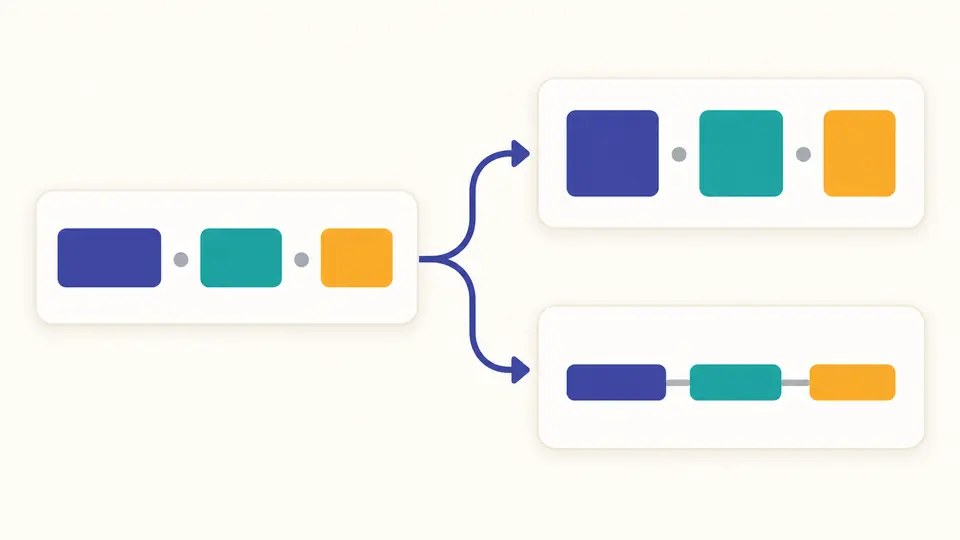
One set of word blocks branches into differently capitalized and separated arrangements.

Make acronym boundaries explicit

With case splitting enabled, XMLHttp becomes XML and Http. Number splitting is separate: version2Value keeps version2 together by default, or becomes version, 2 and Value when enabled.

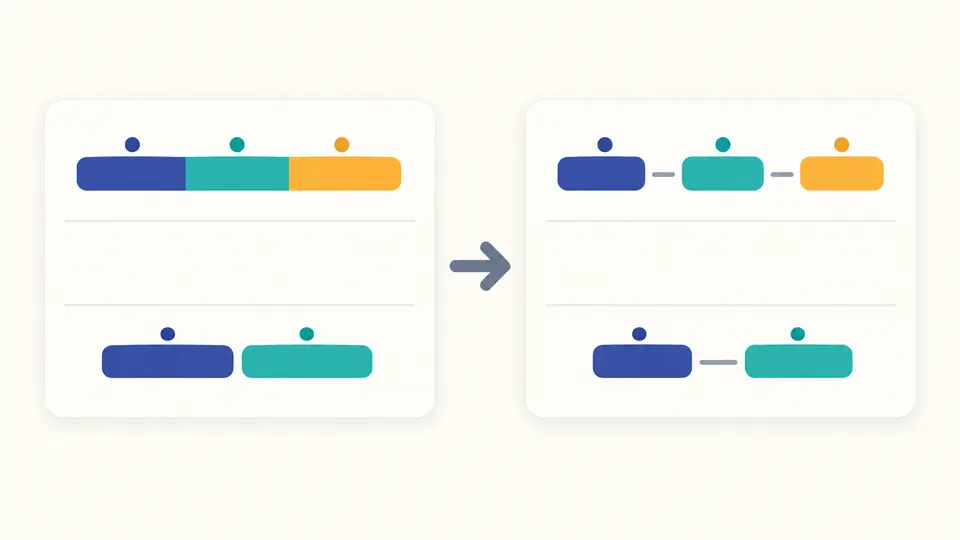
Colored word groups remain together across separate lines while boundary positions change.

Choose the rules before copying

01

Search by the style you know

Find a format using its displayed name or technical spelling, such as PascalCase. Each run prepares all eleven results. Searching filters choices; selecting a format displays its ready result without running the conversion again.

02

Decide when to recalculate

Automatic conversion waits 350 ms after an edit. Disable it to reveal Convert and run with Ctrl/Cmd+Enter. Input or option changes disable export until a fresh result is ready.

03

Preview before replacing your source

Example, Clear and Use result as input show a proposed replacement and its before/after length and changed-line count. Apply confirms it; Undo restores the preceding input and result. Copy and TXT export take only the selected style.

Eleven styles, one source

Prose keeps its separators

Lowercase, uppercase, title and sentence styles retain punctuation, repeated spaces and line endings. Title capitalizes each word; sentence capitalizes after supported sentence marks and at line starts.

Seven naming conventions

Choose camelCase or PascalCase for joined words; snake_case, kebab-case, dot.case and path/case use their respective separators. CONSTANT_CASE joins uppercase words with underscores.

Independent word boundary controls

Case splitting recognizes lower-to-upper transitions and the final capital before lowercase in an acronym run. Number splitting adds letter–digit boundaries; turning it off leaves version2 together.

Explicit language rules

Unicode default does not depend on your device language. English, Turkish and German can be chosen explicitly. Turkish uppercasing maps i to İ; German uppercasing can expand ß to SS.

What the conversion cannot infer

Titles are mechanical
Every word gets an initial capital, including short words. There are no APA, AP or Chicago rules and no dictionary to repair names, brands or German nouns. iPhone may become Iphone.
Acronym preservation has a narrow scope
Preserve applies to camelCase after the first word and to PascalCase. A token needs at least two cased letters, all uppercase; numbers may accompany them. Other formats follow their target case.
Unicode is retained, not transliterated
Naming tokens keep letters, combining marks and numbers. Punctuation and emoji become boundaries. Chinese is not dictionary-segmented, accents are not removed and Unicode normalization is not applied.
A name is not a validated identifier
Leading digits remain, and language keywords are not checked. path/case creates slash-separated text, not directories; kebab-case is not an ASCII URL slug generator.
Length and reversibility have limits
Inputs are limited to 200,000 UTF-16 code units without silent truncation. Case conversion can change length and lose original capitalization. Sentence boundaries also treat periods in abbreviations as sentence marks.

Case converter questions

What output styles can I choose?

There are eleven: lowercase, uppercase, title, sentence, camel, Pascal, snake, kebab, constant, dot and path. Use the format search to locate the style, then review its separate output.

Can I process a list with several lines?

Yes. Each naming conversion works one line at a time and preserves line endings and empty lines. Prose formats also keep line boundaries; sentence mode starts a new sentence on each line.

How much text can I convert?

The input limit is 200,000 UTF-16 code units. Some symbols take two units, so this is not a count of visible characters. Oversized input produces an error rather than a partial result.

How does camelCase work?

Words are joined, the first word is lowercase and later words begin with a capital: user account becomes userAccount. Preserve acronyms can produce userAPI, but an initial API still becomes api.

How does PascalCase differ?

PascalCase also capitalizes the first word: user account becomes UserAccount. With acronym preservation enabled, user API becomes UserAPI. Check your project conventions before using the generated name.

Found a word boundary that looks wrong?

Return to the case converter

Use the case converter to check a heading or naming list, adjust its boundaries and export the selected result.