01
Choose the byte representation
UTF-8 hashes the entered characters. Hex and Base64 decode into bytes first: the text 6162 and Hex 6162 are different inputs.
- Whitespace is data in UTF-8; it is rejected in Hex and Base64.
Hash & Crypto Helpers
Choose input encoding and one or more algorithms; verify a reference digest with its own algorithm and encoding.
Text and salt stay in your browser.
Hex and Base64 reject whitespace. Salt concatenation is not HMAC. MD5 and SHA-1 are legacy algorithms.
Maximum: 1,000,000 input UTF-16 units; 1,000,000 data + salt bytes; 4,096 salt UTF-16 units.
Enter an expected digest and compare.
Enter data or run manually to hash an empty string.
Report excludes original input and salt content.
Hash generator helps when a backend digest differs from a test fixture: compare several algorithms against one exact byte sequence instead of changing inputs between tools.
Use this MD5 hash generator for legacy compatibility, the SHA-256 hash generator for a specified SHA-2 digest, or the SHA-512 generator when your integration requires it. A digest does not authenticate its source.
Separate algorithm choice from the bytes being hashed.
Select the exact variants your system expects. Each result belongs to the same decoded input and salt settings, so a change in length reflects the algorithm rather than a different pasted sample.
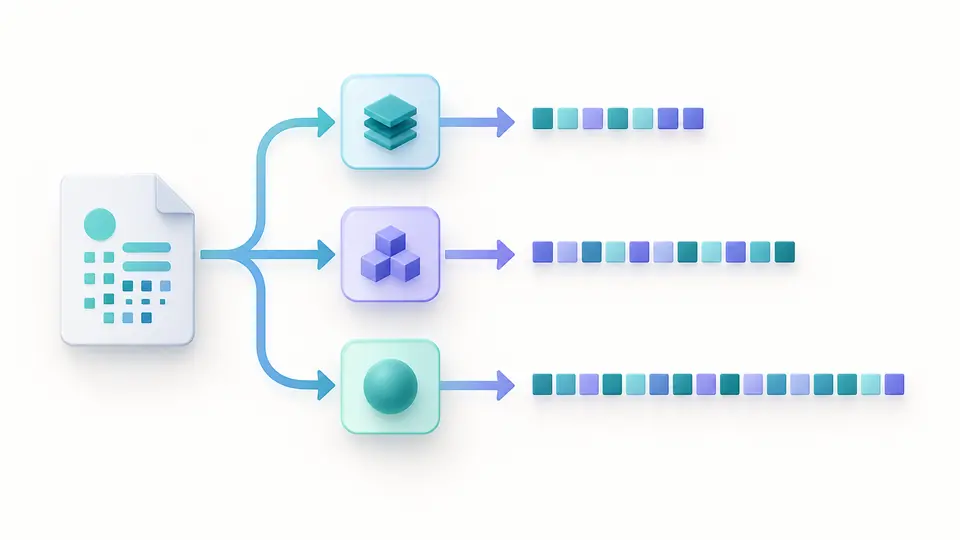
Prefix means UTF-8 salt bytes followed by input bytes; suffix reverses that order. The same visible salt in a different position normally changes every digest.
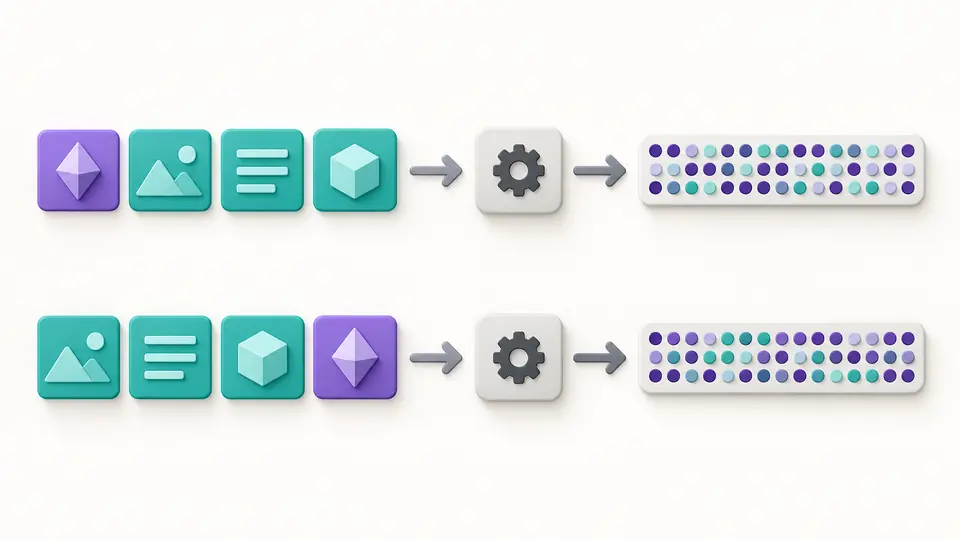
UTF-8 hashes the entered characters. Hex and Base64 decode into bytes first: the text 6162 and Hex 6162 are different inputs.
SHA-256 and automatic calculation are selected initially. Automatic mode waits 350 ms after changes; turn it off to run manually.
Select the expected digest's algorithm and its Hex or Base64 encoding. Compare only against a current result; changing input or options makes old results stale.
Choose MD5, SHA-1, SHA-224/256/384/512, SHA3-224/256/384/512, BLAKE2b-512, BLAKE2s-256 or BLAKE3-256. Similar bit lengths do not make algorithms interchangeable.
Strict decoding keeps malformed representations from becoming unexpected data. Hex needs complete byte pairs; standard Base64 accepts omitted padding only when its unused bits are canonical.
The expected value has its own encoding selector. Hex letter case does not change bytes, while Base64 letter case does; a matching digest is evidence only relative to the chosen reference.
Copy individual digests or download a report containing algorithms, encodings, byte counts and salt position. Original text and salt content are excluded from the report.
No. Hash generator computes input and salt locally in your browser. The downloadable report contains digests and settings, not the original text or salt.
There are 13 variants, including the four supported SHA-2 sizes, four SHA-3 sizes, MD5, SHA-1 and three fixed-length BLAKE variants. BLAKE3 output is fixed at 256 bits.
Match the algorithm named by your protocol or reference value. SHA-256 is the default. MD5 and SHA-1 are retained for legacy comparisons and should not be used for security decisions.
An HMAC key participates in a defined message-authentication construction. This page has only byte-prefix or byte-suffix salt concatenation; it does not produce HMAC or prove who created a message.
Encryption is reversible with a key; hashing produces a digest without a decryption operation. Predictable inputs can still be guessed and checked, so a hash does not make a short secret confidential.
Still have a question?
Use Hash generator with a known test string, then change one byte and compare the resulting digests.
Text and salt are processed locally.