01
Choose purpose before generation
RSA signing and RSA encryption use different Web Crypto usages; EC signing and agreement also differ. The purpose is chosen before a new pair is made.
- Changing the purpose makes the old result stale.
Hash & Crypto Helpers
Generate a test pair or inspect one existing key. Choose RSA or EC, then export the public and private halves separately.
Choose the algorithm and purpose below, then generate explicitly. No key is created on page load.RSA · 2048 · Signing · PEM
No key yet.
Keys stay in this tab; nothing is uploaded or saved. Use disposable test keys.
No key yet.
When an API demo needs a fresh signing key, a key pair generator is quicker than switching between OpenSSL flags and format converters. You can see exactly which half is shareable.
This key pair generator keeps a generated pair in this tab while you compare PEM and JWK. Its viewer accepts one existing RSA or EC key and extracts only the public half from a private input.
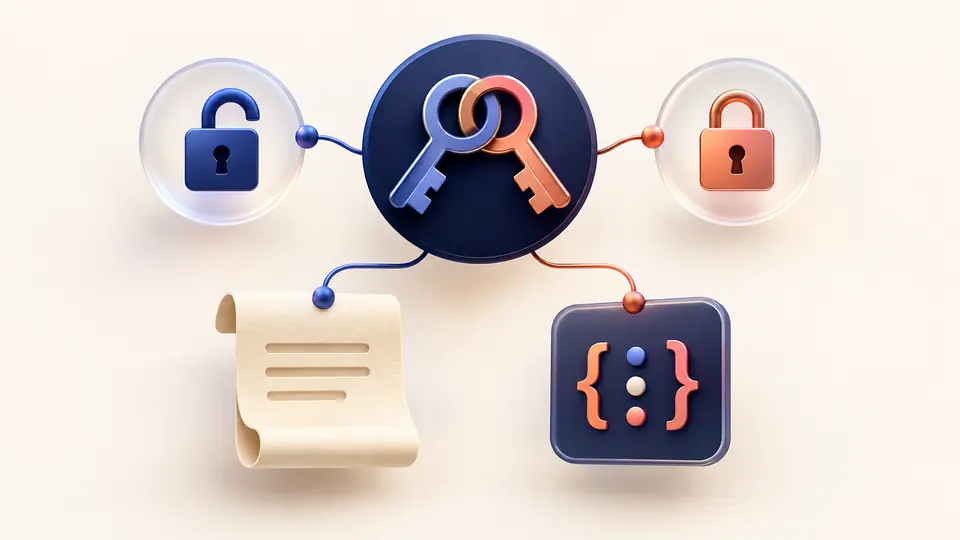
The same material stays together, even when its container changes.
This key pair generator re-encodes the same matching keys when you switch PEM and JWK; it does not silently create a new private key.
Paste one private PEM or JWK to obtain its public half. The derived output is separate, and generated private material stays covered until you reveal it.

RSA signing and RSA encryption use different Web Crypto usages; EC signing and agreement also differ. The purpose is chosen before a new pair is made.
After generation, PEM and JWK are views of the same in-memory key pair. PEM public output is SPKI; private output is unencrypted PKCS8.
Public and private downloads are separate actions. Inspect accepts one pasted key; Ctrl/Cmd+Enter runs the current action.
Choose RSA 2048, 3072 or 4096 bits, or EC P-256, P-384 or P-521; the RSA public exponent stays at 65537.
Get distinct SPKI public and PKCS8 private PEM files, or public and private JWK JSON for a test integration.
Inspect one RSA or EC public or private PEM/JWK; a private input can yield its matching public representation.
Private output is covered by default; changed settings disable exports of the older result.
The browser runs Web Crypto locally, but extensions, clipboard history and downloaded files still matter. Use this page for disposable development keys; create production keys where they will be used.
PEM is a text wrapper around the SPKI public or unencrypted PKCS8 private key. JWK stores key fields as JSON. Both exports describe the same generated pair; choose the format your test system accepts.
In Inspect mode, paste one RSA private PEM or JWK and run inspection. The public output is derived locally; a public input cannot be reversed into a private key.
Compatible JWT libraries can use these RSA or EC keys, but this page does not sign or verify tokens. Keep the private half with the signer and share only the public half.
This page exports SPKI and PKCS8 PEM or JWK, not the OpenSSH public-key line or private-key file expected by SSH tools. Use an SSH key generator when you need authorized_keys or an SSH identity.
Still have a key-format question?
Make a disposable test pair, or inspect one existing key before sharing its public half. The key pair generator leaves export decisions in your hands.
Generated secrets stay in this tab until you leave.