01
Use the digest for the exact release
Select the algorithm before copying a reference into its file row. SHA-256 needs 64 hex characters; a checksum list line with a file name is not an accepted expected value.
Files, Binary & Compression
Add files, choose the algorithm named by the publisher, and enter an optional expected digest for each file.
Drop files here, or choose several files.
File contents are read locally in your browser; they are not uploaded.
Up to 20 files, 2 GiB each. Read in 1 MiB chunks. MD5 and SHA-1 are for legacy compatibility.
Add a file to begin. Empty files are valid.
The list contains file names and computed hashes, including mismatches. It does not contain comparison verdicts or file contents.
File checksum helps you check downloaded installers, archives and disk images against separately published digests. Select the exact release and algorithm: a checksum for a different operating system or build will not match.
This file hash calculator reads the original bytes without converting line endings or unpacking archives. Use SHA256 file hash checks for references labeled SHA-256 and MD5 file hash checks only when an older release supplies MD5.
File checksum feeds consecutive 1 MiB pieces into one running hash state. A 2 GiB image does not need a matching 2 GiB memory buffer, and the worker can be stopped without locking the page.
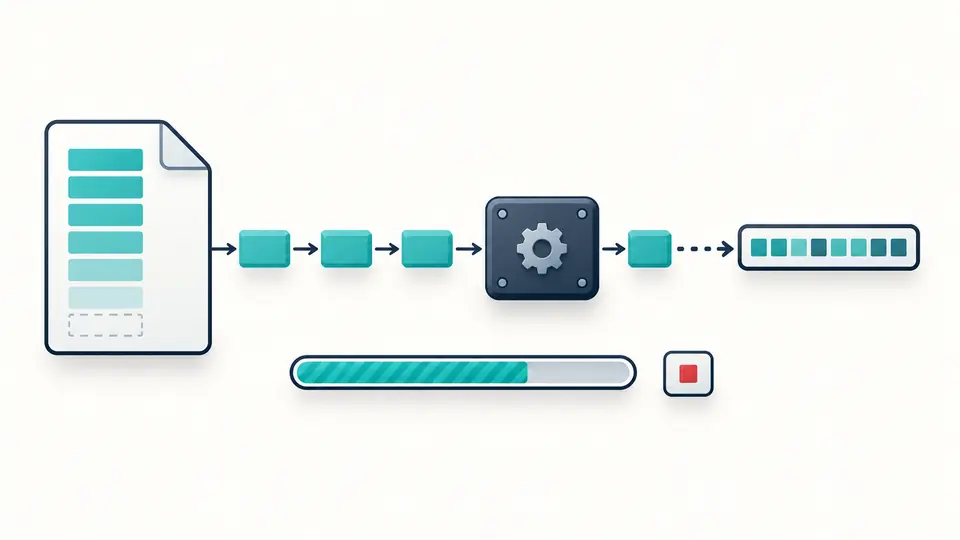
An installer and its companion archive usually have different published values. Each input row keeps its own expected digest, so matching one file never marks every file as verified.
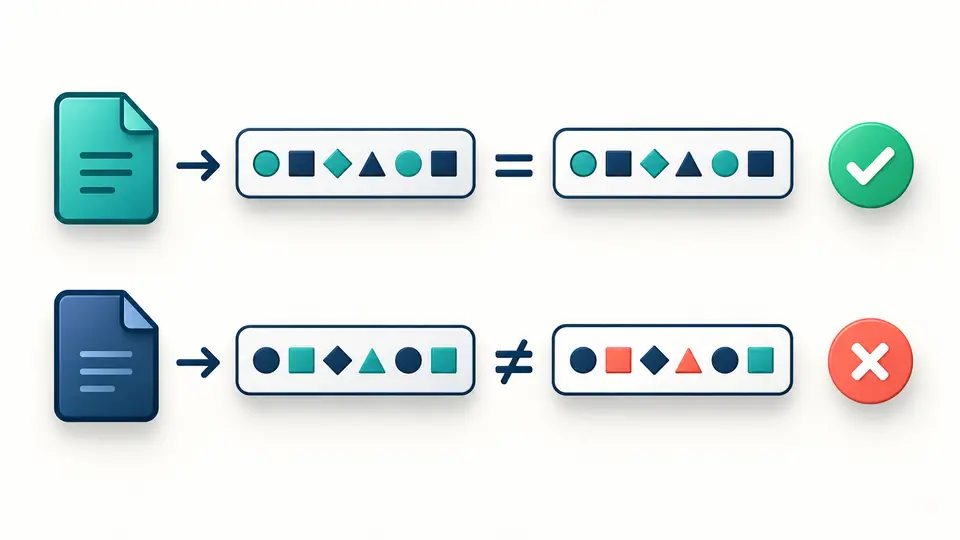
Select the algorithm before copying a reference into its file row. SHA-256 needs 64 hex characters; a checksum list line with a file name is not an accepted expected value.
Adding files appends them. Ctrl/Cmd+Enter runs the selected algorithm, and Cancel discards the unfinished batch. Changing even an expected value makes previous results stale; run again before exporting.
The downloaded GNU list uses relative ./file names and binary-mode markers. Place it beside the original files and use the matching checksum program. Example and Clear first show a preview; Undo restores their previous inputs and results.
Choose MD5, SHA-1, SHA-256 or SHA-512 for one entire batch. Their hex lengths are 32, 40, 64 and 128 characters. The tool never guesses the algorithm from a pasted value or silently substitutes one of equal length.
Leave an expected value blank to calculate only. Otherwise the whole hex digest is compared after removing surrounding whitespace and ignoring letter case. A well-formed but different value produces a mismatch, while malformed input is an error.
Files run sequentially in a worker with byte-based progress. Empty files have valid digests, and an all-empty batch completes without dividing by zero. Read failures stop the batch; incomplete results cannot masquerade as a finished list.
Export includes the selected algorithm’s computed digest and each relative file name, even if a supplied reference did not match. Backslashes and line breaks are escaped, and duplicate names are rejected before reading to prevent ambiguous entries.
The selector offers MD5, SHA-1, SHA-256 and SHA-512, with SHA-256 selected initially. One algorithm applies to all files in a batch. Choose the exact algorithm specified alongside the reference; similar-looking strings are not interchangeable.
No. Selection gives the browser access to those files for this calculation. The generated checksum list includes their names and hashes, so review the file names before sharing that list.
A comparison that treats letter case or surrounding spaces as data can disagree with one comparing hex bytes. This page trims only the outside whitespace and ignores hex letter case. It rejects internal spaces, prefixes and pasted checksum-list lines.
Check the release, platform, file name and chosen algorithm first. Recopy the full published value and, if necessary, download the file again. An HTML error page saved with an archive extension is still a different set of bytes; the tool does not inspect its format.
No. Matching a digest supplied by the same untrusted source proves no independent trust. This tool checks byte consistency against your reference and does not authenticate a publisher, validate a signature or detect malware.
Still have a question?
Use File checksum with the built-in example to see one match and one mismatch before checking your own download.