01
Start with the stage list
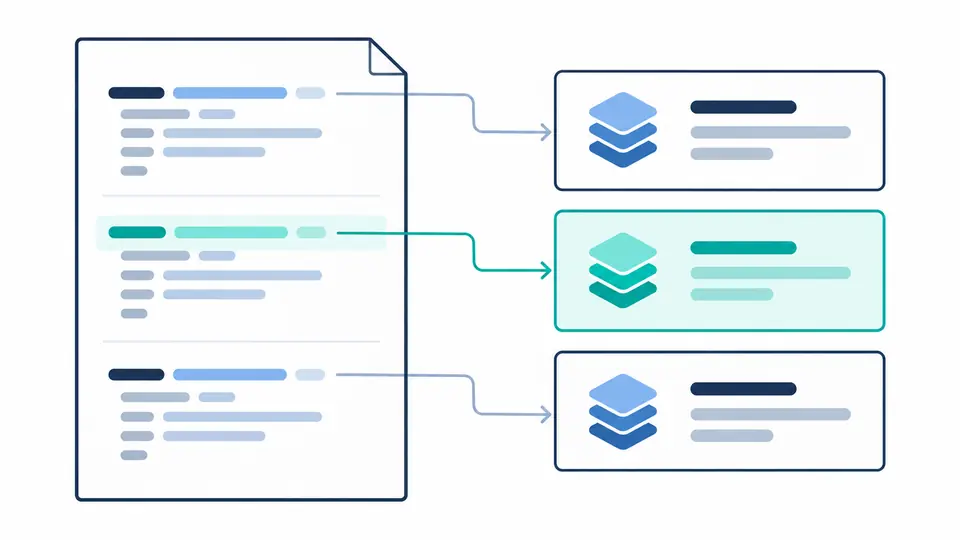
The sample contains build and runtime stages. Open Stages & instructions and click a stage number to move the editor to its FROM declaration. Stage indices start at zero.
Docker / Containers
Inspect a multi-stage file, follow a diagnostic to its source, and review formatting before applying it.
Runs in this browser. Source stays in memory; no build or registry requests.
Result is out of date. Check again before exporting.
Use this Dockerfile editor when a container recipe becomes difficult to review: find the boundary between the build and runtime stages without losing the original lines.
A Dockerfile validator and Dockerfile formatter serve different purposes. This Dockerfile linter reports a supported set of static issues; its multi-stage Dockerfile outline helps you inspect the file, not prove that an image will build.
The Dockerfile editor lists each FROM in source order, including unnamed stages. Jump from a stage card to its declaration and inspect the instructions that follow, before deciding where a copied artifact belongs.
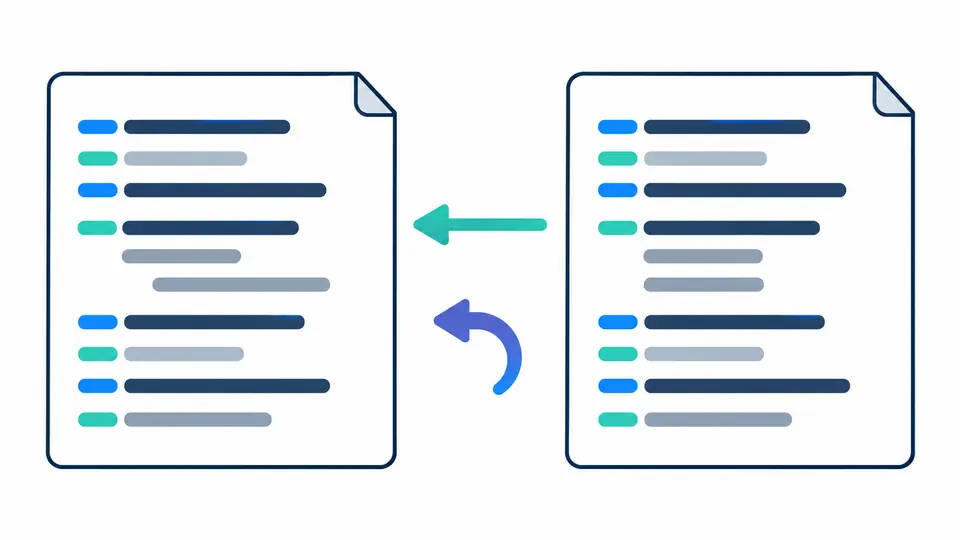
The formatter produces a separate result. Compare continuation indentation, inspect the number of changed lines, and apply only when satisfied. One undo restores the preceding input and result together.
The sample contains build and runtime stages. Open Stages & instructions and click a stage number to move the editor to its FROM declaration. Stage indices start at zero.
Automatic checks wait 350 ms after edits. Turn them off to inspect an unfinished line without rerunning; Ctrl/Cmd + Enter performs the next manual check. Editing also disables stale exports.
Choose two spaces, four spaces or a tab for continuations. Preview formatting shows the changed-line count. Applying changes keeps an undo snapshot; a subsequent edit invalidates the preview.
Diagnostics distinguish errors from warnings and link back to the source. Localized categories explain the concern; expandable details retain the engine’s original English message and diagnostic code.
Expand an instruction to see its original text and a concise explanation. FROM starts stages; ARG scope differs from ENV; EXPOSE documents a port without publishing it. Shell commands are displayed, never interpreted.
Formatting preserves comments, instruction case and order. The parser recognizes continuation lines and heredocs; an unterminated heredoc is an error. A JSON-looking argument that is not a string array produces an intent warning.
No. Static diagnostics cannot reproduce the build context, image state, network or runtime behavior. Run the real build and appropriate container tests in your own environment after reviewing the file.
The intended changes are whitespace formatting, not command rewrites. Review the separate output and changed-line count before applying it, especially around continued commands. Undo restores the prior state.
Yes. Each FROM starts an outline entry with its image, optional name and source position. The formatter preserves stage order and COPY --from references; it does not optimize or combine stages.
Hadolint provides a different lint rule set, including shell-oriented checks. This page uses a JavaScript Dockerfile parser and validator; a clean result here does not mean Hadolint or BuildKit will accept every construct.
This interactive page does not run in CI for you. Use a pinned formatter or linter in your pipeline and review its configuration independently; this page does not export a pipeline configuration.
Still have a question?
Return to the Dockerfile editor, inspect one diagnostic or stage boundary, and export the current preview when it matches your intent.
Static checks are a review aid; verify the actual build separately.