01
Set a real test context
The prefilled push and main values are only an example. Change CI_PIPELINE_SOURCE and branch values to the case you actually need to inspect.
CI/CD tools
Paste .gitlab-ci.yml, set an explicit pipeline context, then run a local analysis of jobs, references, and supplied include files.
Analysis stays in this browser. Nothing is sent to GitLab.
Not analyzed yet. Run analysis to inspect this YAML.
A GitLab CI editor is useful when a pipeline looks valid as YAML but a job is missing a stage, a rule skips it, or a referenced file is not in the snippet you have open. Inspect the local evidence before committing another trial change.
This GitLab CI YAML validator keeps the formatted source separate from your input. It can list jobs and variables, but the real CI Lint remains the authority for your GitLab project and version.
See the branch decision and unresolved files without pretending to run a pipeline.
The GitLab CI editor marks each job included, skipped, or undetermined for the context you enter. A rules:changes check with no diff remains undetermined, so an absent file list never becomes a false negative.

Add the exact path and contents of an include:local file to inspect that configuration. The GitLab CI editor flags a missing file or a remote include instead of silently treating it as empty.
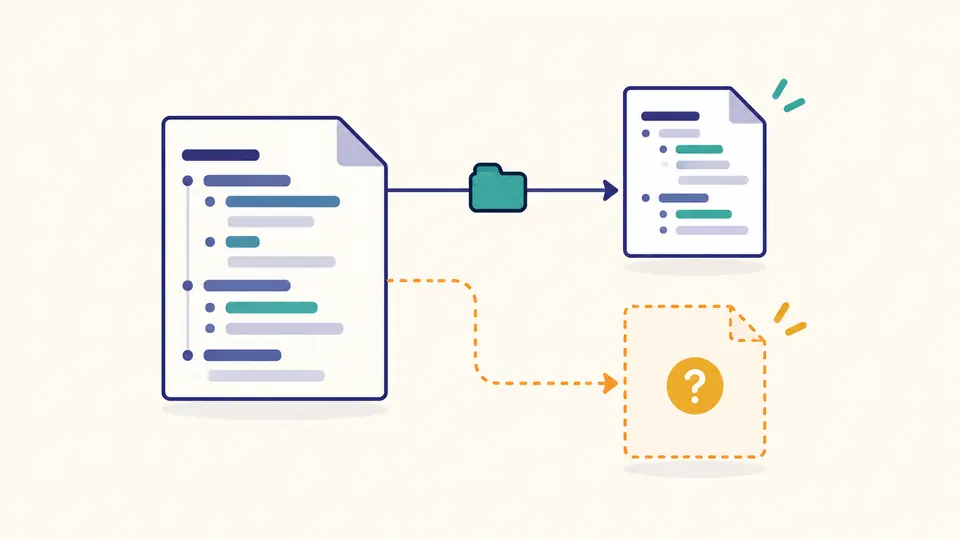
The prefilled push and main values are only an example. Change CI_PIPELINE_SOURCE and branch values to the case you actually need to inspect.
For include:local, enter the same path and paste that file. The browser never reads a repository automatically; a missing include is reported as unresolved.
A parsed YAML document, a structural diagnostic, and a rules preview answer different questions. Use Ctrl/Cmd+Enter to rerun after changing any option.
The gitlab-ci.yml formatter writes a separate output with two-space indentation, retaining YAML comments where the parser can represent them.
The GitLab CI YAML validator checks stage names, job actions, rule list shape, and local needs references. It does not claim full server schema coverage.
The GitLab CI rules tester uses explicit variable values and first-match order for supported if expressions; unsupported conditions stay undetermined. Supported if syntax: variable presence, ==, !=, &&, ||, and parentheses. Regex stays undetermined.
The GitLab CI variables viewer lists definitions and $NAME references. A name absent locally may still be supplied by project, group, or instance settings.
Run this GitLab CI editor on a draft to catch its supported syntax and structure issues, then use your project CI Lint for authoritative validation before pushing.
The local preview evaluates supported if conditions and first-match order. GitLab CI Lint simulation can also use server branch, needs, and repository context that this page cannot see.
Paste the exact include:local path and file contents in the options. Missing or remote includes remain unresolved; check repository path and ref in GitLab.
Job-level values are not automatically available while GitLab decides all rules. Use a variable available at pipeline creation, and test the final condition in CI Lint.
Open Variables after analysis to see $NAME references and local definitions. An absent local definition may still be supplied by GitLab settings.
Found a workflow this tool gets wrong?
Return to the GitLab CI editor, inspect the reported uncertainty, and verify the final file against your GitLab project before merging.