01
Apply only after previewing
Presets change the five draft fields below the editors. Preview shows the proposed replacement and character count; Apply writes it to the input. Undo restores the previous input, options and result together.
Cron & Scheduling
Build and check one Core expression; see H ranges and the matching Pipeline fragment.
Your input is processed in this browser and is not sent to a server.
These fields are a draft. Only Apply replaces the expression above; pasted input stays authoritative.
H/15 * * * *
Minute 0–59; hour 0–23; date 1–31; month 1–12; weekday 0–7. Use numeric lists, ranges, */step, range/step or H. A bare number/step is not supported.
Input or options changed. Refresh the results before exporting.
A Jenkins cron generator needs to understand more than five familiar fields. H keeps a job’s timing stable while spreading work across a window; it does not stand for every minute. Inspect the selected values and candidate starts before changing a build trigger.
Use the field draft to create a Jenkins cron expression, or paste an existing schedule to inspect its Jenkins H hash behavior. The output separates field conditions from Jenkins Pipeline triggers, so a polling schedule is not mistaken for an unconditional build.
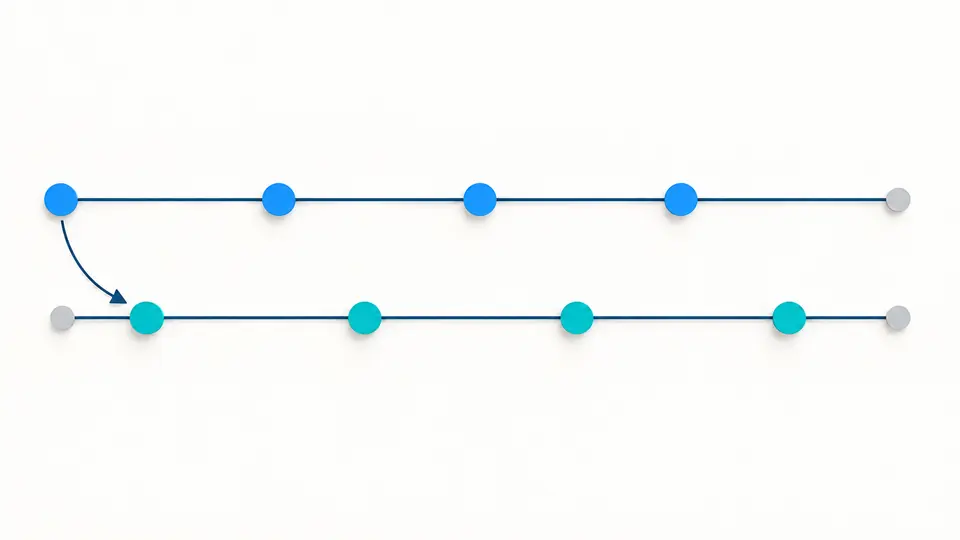
This Jenkins cron generator keeps the difference between */15 and H/15 visible. The first selects 0, 15, 30 and 45; the second starts somewhere from 0 through 14 and repeats by 15. Candidate starts are possibilities, not your job’s resolved minutes.
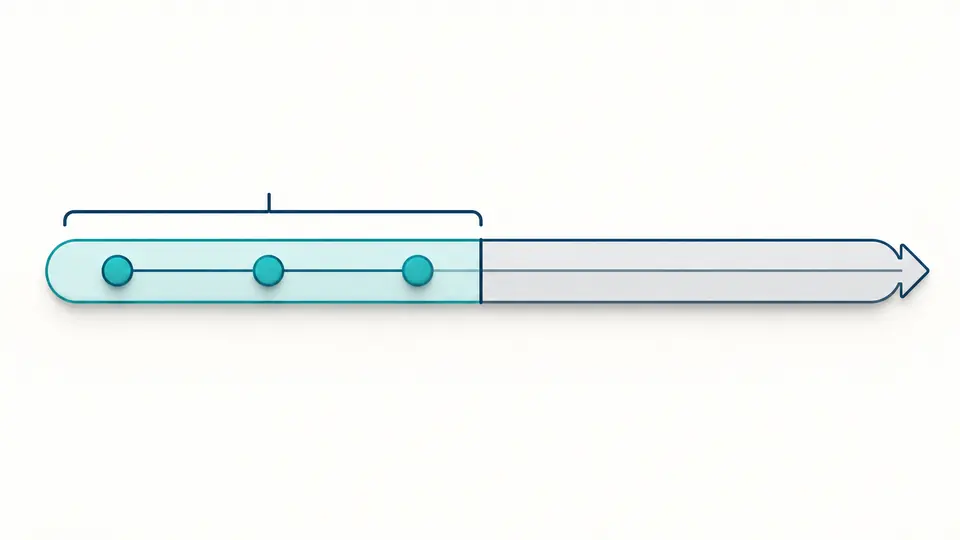
H(0-29)/10 limits matching minutes to the first half of each hour. A start from 0 through 9 gives three points inside that range. The report retains the upper bound, making it clear why those points do not continue through the second half.
Presets change the five draft fields below the editors. Preview shows the proposed replacement and character count; Apply writes it to the input. Undo restores the previous input, options and result together.
The optional full name belongs in the report, including folder components when relevant. It does not unlock hash calculation. Even with a name, candidate starts remain unresolved and no next-run calendar is produced.
Select cron for a periodic build or pollSCM for a source-change check. Automatic analysis waits 350 ms; turn it off for manual review with Ctrl/Cmd + Enter. Changed input disables exports until a new result is ready.
Inspect minute, hour, date, month and weekday in Jenkins order. Lists, inclusive ranges and range or wildcard steps expand to concrete values. Sunday 7 is folded into 0 in the numeric report; the source expression remains intact.
Each H item retains its own bounds and step. For H(10-20)/4, starts span 10–13; the number of selected values can differ with the start. The tool avoids claiming a fixed count across overlapping or hashed list items.
Check all seven aliases, including @annually. Under Core defaults, @monthly expands to H H H * *, while @midnight expands to H H(0-2) * * *. The report shows the expansion alongside the original alias.
Copy a validated expression or its cron/pollSCM triggers block. Download the full text report when reviewing with a teammate: it includes field explanations, the chosen trigger and any job-name note. Free-form names never enter executable code.
In the minute field, it selects a stable starting minute from 0–4, then takes every fifth minute within the hour. H/5 3,21 * * 1-5 applies that pattern during hours 3 and 21 on weekdays. It does not mean one build within five minutes, and H/1 is a separate single-value case.
Use Build periodically in the job configuration, or place the generated triggers block in a Declarative Pipeline. The cron option schedules builds regardless of source changes. This page prepares the schedule text; Jenkins must load the configuration and have executors available.
Jenkins Core supports a TZ= line in a complete trigger specification, subject to the Java runtime’s available zone IDs. Without it, the controller’s timezone applies. This single-expression tool does not import timezone headers or calculate timestamps using the browser’s timezone.
Poll SCM checks for source changes and builds when the configured SCM detects a change; a periodic build is triggered regardless. They can share expression syntax while doing different work. Choose pollSCM when generating the polling fragment, then confirm repository-specific polling behavior in Jenkins.
Core cron has no L date selector. A daily schedule with a date check in the job, or a suitable timer plugin, is a separate solution. @monthly does not mean month-end: its default uses a hashed day from 1–28. This tool rejects L rather than generating a misleading substitute.
Unexpected schedule?
Use the Jenkins cron generator to compare the field windows, then copy the trigger fragment into your own configuration. Check the controller’s schedule preview before relying on a particular clock time.
A valid expression is not a guarantee that a build starts or succeeds.