CI/CD tools

GitHub Actions expression testersee the value before a CI run

Enter one expression and edit a mock context to see exactly what it returns.

GitHub Actions expression tester

Expression

Mock context JSON

Result

Returned value
No result yet

Type: No result yet

If condition: No result yet

Expressions and mock context stay in this browser. Nothing is sent to GitHub or our server.

Options

Only status functions use this simulated value.

Result is out of date.

A branch guard can look right and still skip a job after a push. Use the GitHub Actions expression tester when you need to inspect one if condition with the same event and context fields your run will use.

A GitHub Actions if condition tester is useful before a commit: change github.ref, an input, or matrix.os and see the result without starting a runner. This GitHub Actions expression evaluator does not infer a real event from your repository.

Why use this GitHub Actions expression tester?

The mock values are visible beside the expression and the raw return value stays separate from its condition truth.

Change the context, change the answer

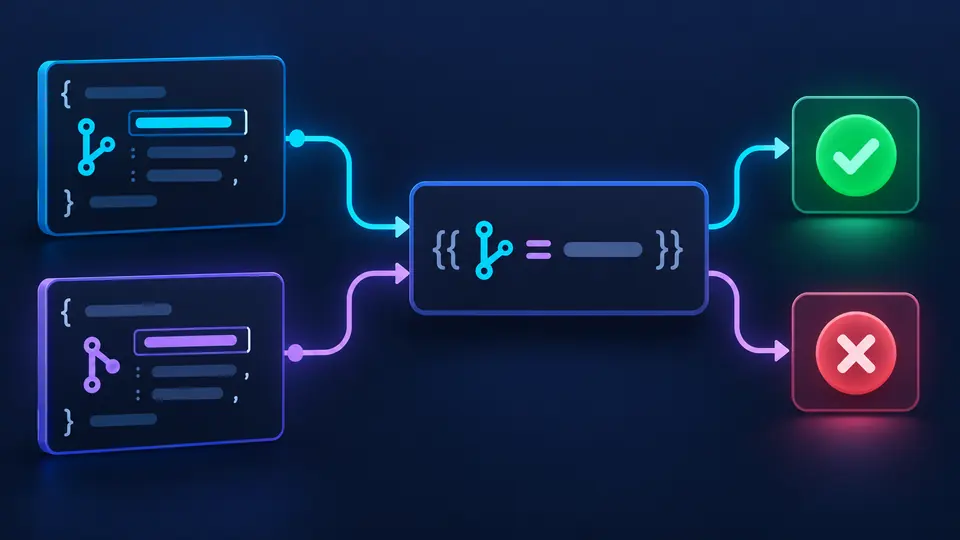
The same branch condition returns true for refs/heads/main and false for a feature ref. In this GitHub Actions expression tester, you can edit github.ref directly instead of making another test commit.

An expression flowing from an editable context object to two different Boolean result states.

Separate the value from its truth

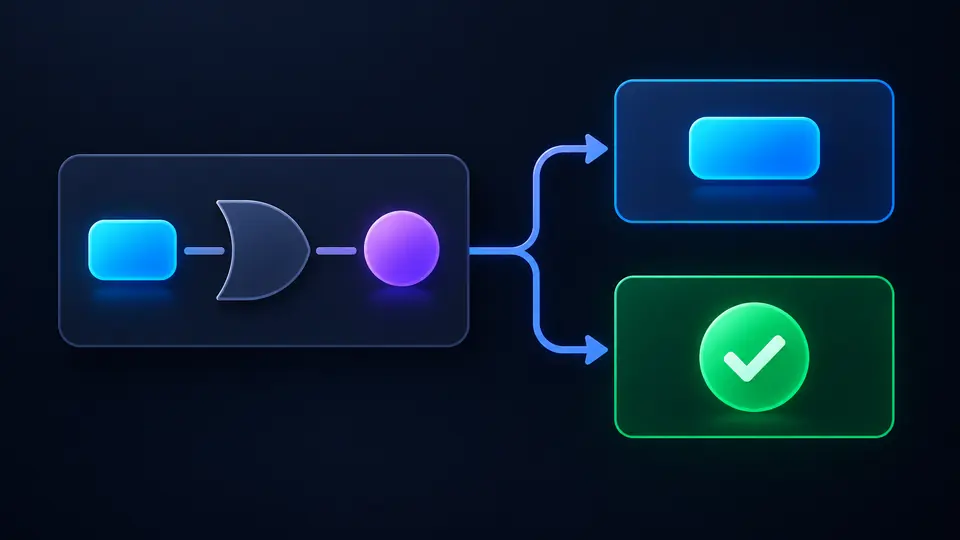
A logical OR may return a non-Boolean operand, while an if condition treats that value as true. The GitHub Actions expression tester shows both outputs instead of collapsing them into one checkmark.

A logical expression splits into a raw blue value and a separate green true condition.

Check the value that a condition will actually see

01

Choose one expression

Paste a bare expression, a complete `${{ … }}` wrapper, or one `if:` line. Text outside a wrapper is rejected instead of being silently reduced to part of a condition.

  • The examples include a deliberate syntax error so you can see the diagnostic path.
02

Model the run context

Edit the JSON object containing github, env, inputs, and matrix. The success, failure, and cancellation selector supplies a mock state for status functions only.

  • The default env.DEPLOY is a string; use fromJSON when you need a Boolean or number.
03

Read both kinds of result

The raw value might be a string such as "deploy" while its if truth is true. After changing an input, wait for auto evaluation or switch it off and press Ctrl/Cmd+Enter.

  • Copy and download are unavailable while the displayed result is stale.

Inspect values, contexts, and function results

Official expression engine

The parser handles contains, startsWith, endsWith, format, join, toJSON, fromJSON, case, operators, and object filters with GitHub Actions rules.

Editable mock context

Set github.event_name or github.ref, then test a GitHub Actions mock context without a push. Missing top-level context names are reported rather than filled with invented runner data.

Return value and condition truth

View the type and JSON value alongside the truthiness used by an if condition. Logical && and || can return an operand instead of a Boolean.

Where local evaluation stops

One expression, not a workflow
The page evaluates one expression. It does not decide whether an entire job runs, expand a matrix, or simulate on: branch and path filters.
Status is simulated
success(), failure(), cancelled(), and always() use the status you select. They cannot inspect earlier steps or dependent jobs in a real run.
No repository file hashes
hashFiles() requires real files in GITHUB_WORKSPACE. The tool reports that it cannot evaluate that function instead of returning a fake digest.
Context is supplied by you
The browser does not read secrets, GitHub API data, or live event payloads. Keep sensitive values out of the mock JSON if they are not needed.

GitHub Actions expression tester FAQ

How can I test a GitHub Actions if condition without pushing?

Enter the condition and a representative mock context here. The GitHub Actions expression tester shows the returned value and its truthiness without creating a workflow run.

Why does my GitHub Actions if condition always run true?

A nonempty literal can be truthy if the intended comparison is left outside `${{ }}`. Put the whole comparison into one expression; this tool rejects mixed wrapper text.

Why is my GitHub Actions job skipped?

A false expression can be one cause, but an implicit success check, job dependencies, or event filters can also skip work. This page evaluates the expression only, not the full run graph.

How does contains() use a context variable in an if condition?

Supply that variable in the JSON context and pass it to contains(). Array membership and string substring checks both use GitHub’s case-insensitive comparison rules.

What is the difference between success(), failure(), always() and cancelled()?

They reflect previous run status in GitHub. Here they read only your selected mock status; always() returns true, even for the cancelled option.

Found a workflow this tool gets wrong?

Try the GitHub Actions expression tester now

Return to the GitHub Actions expression tester with a real condition and a sanitized context, then inspect the raw result before committing.

All parsing happens locally in your browser.