01
Choose the producer first
Old data → new Schema is the default. Switch to new data → old Schema when an old consumer must read newly produced records.
Schema evolution
Paste two JSON Schema documents or load the paired example. Choose which producer sends data to which consumer.
Both schemas are compared in this browser. No input or reference URL is uploaded.
Ready for a manual check.
A JSON Schema diff helps when a stored record still follows yesterday’s contract but a new reader is about to deploy. Compare the accepted values, not just the text of two files.
Use JSON Schema diff to inspect changes before rolling a producer forward. A new optional property and a new required property are not the same migration.
Read the direction before treating a change as safe.
Switch from old producer to new consumer to the reverse path. The same added required field can threaten old records while the opposite direction has no detected risk for that rule.
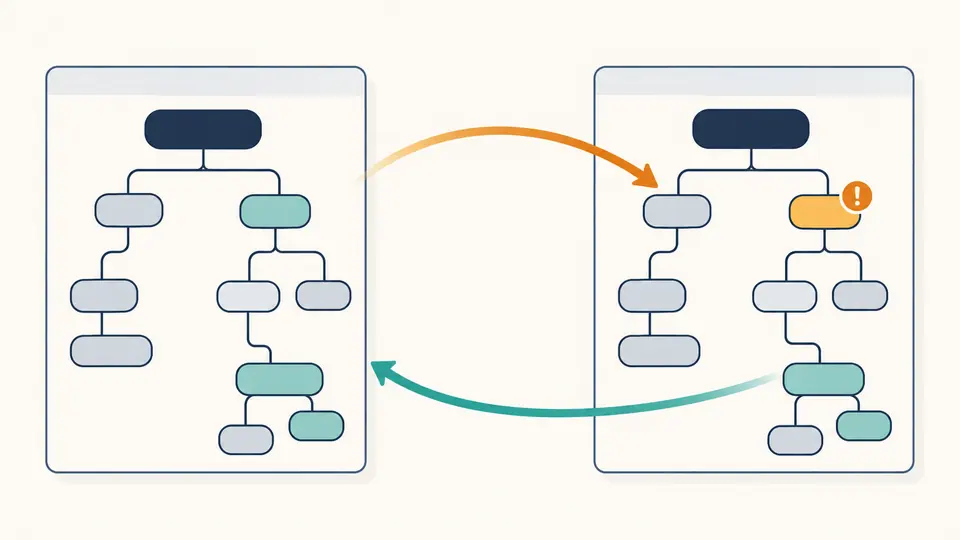
JSON Schema diff lists $ref and composition paths for manual review instead of turning an unsupported inference into a green compatibility claim.
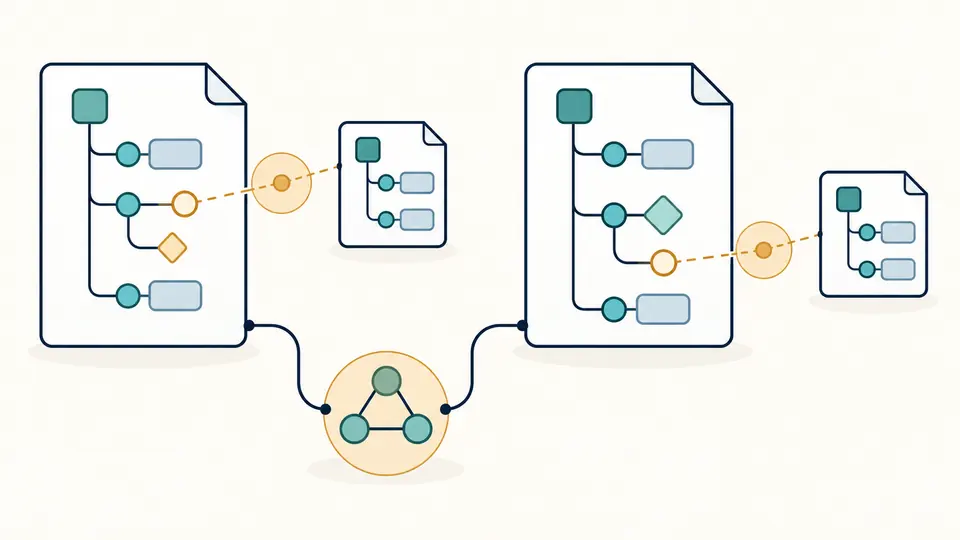
Old data → new Schema is the default. Switch to new data → old Schema when an old consumer must read newly produced records.
The report uses JSON Pointer locations. A required name appears under /required, while a changed field type points into /properties.
Editing either Schema or changing direction invalidates the report. Run again with Ctrl/Cmd+Enter before copying or downloading.
Compare JSON schemas by the accepted value set: adding required names or narrowing a type flags potential breaking schema changes in the selected direction.
The JSON Schema compatibility checker tracks enum membership and common minimum, maximum, length and count bounds. Reordering enum values alone is ignored.
A schema version comparison shows old and new values, a JSON Pointer and a risk level. Copy readable text or download the full JSON report.
It compares Schema keywords and risk direction; JSON data diff compares instance values and has no contract semantics.
It flags supported narrowing and widening patterns, then marks $ref, compositions and unfamiliar rules for review; it is not a proof.
No. The path is listed for manual review; no local or remote reference is resolved or fetched.
Yes. The report lists added and removed required names at their JSON Pointer paths for both data directions.
Yes. Set membership is compared without treating enum order as a change.
Have a schema case we should examine?
Use JSON Schema diff to inspect the next contract revision while both versions are in hand. Choose the consumer direction and keep the downloadable report with the release review.