JSON Schema validatorMatch rules to the data you actually have
Use the supplied example or your own schema. Check Schema runs without an instance; Validate checks both documents.
JSON Schema validator
JSON Schema
JSON instance
Inputs and references are processed in this browser; no validation data is uploaded and no remote reference is fetched.
Ready for a manual check.
A JSON Schema validator catches a string where your API expects an integer, a missing required key or an unexpected property. Syntactically correct JSON can still violate all three rules. Keep the contract beside the captured response while investigating the mismatch.
Validate JSON against schema constraints without silently repairing the evidence. A null value is different from a missing key, and a default annotation does not make an absent field appear.
Why use the JSON Schema validator?
Trace the failed constraint
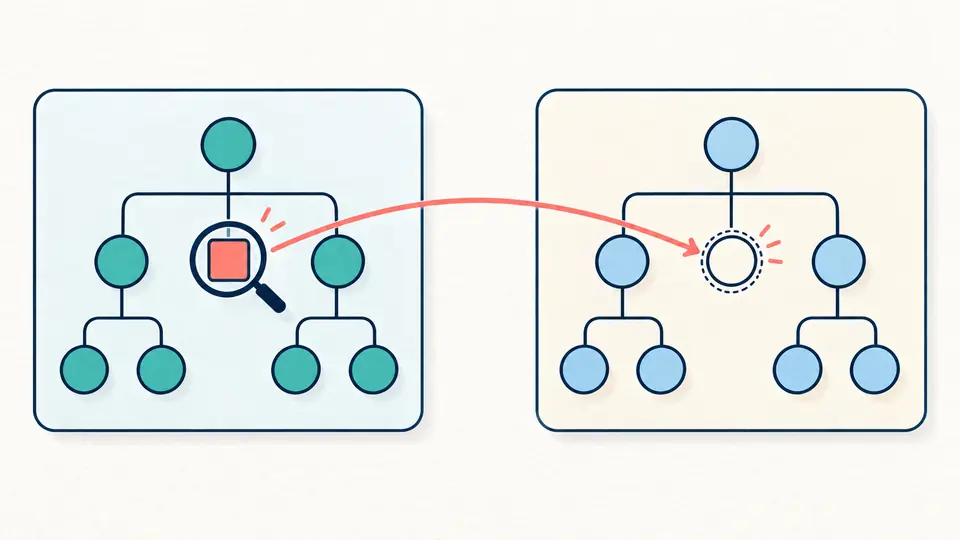
The JSON Schema validator reports the instance location beside the schema location. A type error at /users/0/age leads to the rule for that value; a required error can point to its parent and name the missing property in its parameters.
Keep references in separate files
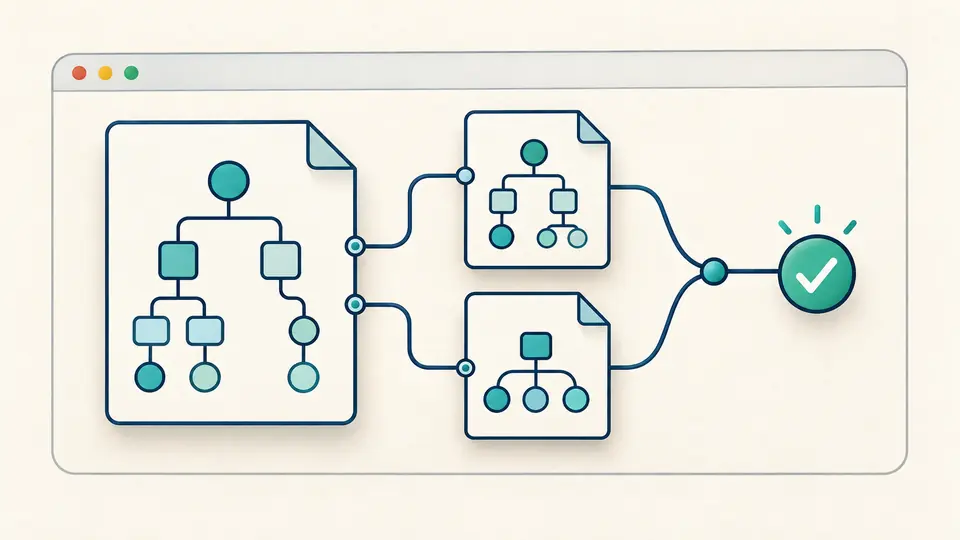
Import dependent schemas instead of copying every definition into the root. Each reference file registers its absolute $id. Relative references resolve against the schema base URI, while the filename remains only a display label.
Prepare the validation context
01
Align the dialect first
The selector defaults to 2020-12. Match an explicit $schema declaration before running; a conflicting declaration fails. Draft-07 tuple arrays use items, while 2020-12 uses prefixItems, so a selector change is not a schema migration.
02
Check the schema before the payload
Check Schema parses, checks and compiles the root and every imported dependency without reading the instance. Add reference files with unique absolute $id values without fragments. A missing reference stops compilation instead of weakening the contract.
03
Refresh a report deliberately
Validation is manual; Ctrl/Cmd+Enter runs the instance check. Editing either document, changing a setting or importing a dependency cancels the previous task and disables export. Replacing examples, clearing or removing files requires preview and Apply; Undo restores the prior state.
Checks with explicit semantics
Three dialects, one visible choice
This JSON Schema validator supports draft-07, 2019-09 and 2020-12 through Ajv. Conditional rules and composition are evaluated under the selected dialect. Unknown keywords fail compilation, so an unrecognized constraint cannot quietly turn into a successful check.
Optional format assertions
JSON Schema validation leaves format disabled initially. Enable it for the built-in ajv-formats checks such as email, date-time, URI and UUID. An unknown format then fails compilation. The switch never changes the independent behavior of pattern.
Schema errors and instance errors
Malformed JSON, invalid schema keywords, unresolved references and data violations are different failure stages. The online JSON Schema validator keeps those stages distinct. Only a completed schema or instance report can be copied; engine explanations remain in their original English.
Focused reports, inspectable details
The engine stops early where possible, though a composition rule can produce several branch errors. Inspect instancePath, schemaPath, keyword and parameters together. Lists show 50 entries at a time; the JSON download includes the complete accepted report.
Boundaries to check before relying on a result
Local identifiers do not trigger downloads
Only internal references and the schemas you import can resolve. No HTTP reference is fetched. Reference files require a root absolute $id without #, and duplicate IDs fail; matching filenames cannot substitute for an identifier.
Validation does not repair data
No type coercion, default insertion or property deletion is enabled. A string containing 42 remains a string. JSON5, comments, trailing commas and duplicate object keys are rejected in the root schema, dependencies and instance alike.
A supported profile, not every extension
Only the three listed drafts are accepted. Custom metaschemas, $vocabulary, $async, $data and unknown keywords are unsupported. Supply a compatible schema fragment rather than an entire OpenAPI document; this page does not audit an API specification. Ajv strictSchema compilation can also reject ignored rules, such as then without if. Exact __proto__ keys in properties, patternProperties or dependencies maps are unsupported because the engine can skip them; this restriction does not apply to literal instance keys.
Numbers use a bounded JavaScript model
Nonfinite values, unsafe mathematical integers and decimal tokens that change after a Number round trip are rejected; 1.0 and 1e0 remain acceptable. Ordinary decimals still use IEEE 754. In particular, multipleOf can expose floating-point boundaries; arbitrary precision is not promised.
Document and execution budgets
Each document allows 500,000 characters, 50,000 nodes and depth 40. The combined input budget is 1,000,000 characters with at most 10 reference files. A worker is terminated after 5 seconds; timeout means unfinished, not valid or invalid.
Reports are not an exhaustive audit
allErrors is off. Fix the reported failure and run again; a passing sample does not prove every future payload is acceptable. Reports allow at most 1,000 errors and 500,000 characters. Exceeding either budget fails the whole report rather than truncating a verdict.
Questions about JSON Schema validator
Why does an empty object pass validation?
An object may have no required properties. Defining properties only describes values when those keys exist. Add required for mandatory keys and type: object when non-object values must also fail; this validator will not add either rule for you.
Why is only the first array item checked?
Check the draft and the shape of items. In draft-07, an array of schemas describes tuple positions rather than a repeated rule. For homogeneous elements use a single items schema; 2020-12 uses prefixItems for tuple positions.
Why does format allow an invalid date?
Format is an annotation by default here. Enable format checking to apply the supported date and other built-in checks. It still must be used with the intended value type; a format name is not a substitute for type: string.
How do default values work in a schema?
The default keyword describes a proposed value; it does not insert data in this tool. Missing required fields still fail, even when a default is present. Populate the value in your application explicitly if that is your contract.
Why can additionalProperties fail inside anyOf?
additionalProperties only sees properties and patternProperties evaluated in its own schema context, not arbitrary declarations inside anyOf. Review where you close the object; in newer drafts, unevaluatedProperties may express the intended combined constraint.
Use the JSON Schema validator with both accepted and rejected examples. Keep the selected draft and format setting alongside the exported report when reviewing a contract.