01
Put the deployed version first
Old SDL is the baseline and New SDL is the proposed contract. Swapping them reruns classification in the opposite direction: removing a field is different from adding it.
GraphQL documents
Paste the old and new complete SDL schemas. The direction matters: removal and addition have different compatibility risks.
Enter both complete Schema SDL documents or load the example.
Both SDL inputs are parsed in this browser. No API request, upload, URL input or saved history.
GraphQL.js marks breaking and dangerous changes. Other structural and deprecation changes are listed separately; they are not certified safe.
Each SDL is limited to 100,000 characters, 20,000 tokens and 100 nesting levels. Comparison stops after 8 seconds.
Enter both complete Schema SDL documents or load the example.
A GraphQL schema diff matters when a pull request changes the API contract but the text diff is crowded with reordered definitions and whitespace. Compare the released SDL with the proposed SDL before clients depend on it.
The report separates a structural GraphQL schema comparison from static risk rules. A field can be added or marked deprecated without appearing in GraphQL.js breaking checks; its path still belongs in the review.
Review semantic changes without treating every edit as a compatibility failure.
The GraphQL schema diff resolves both SDL documents into schemas. It lists removed fields, changed argument signatures and added types by path. Reordered definitions and formatting alone do not produce a false change.
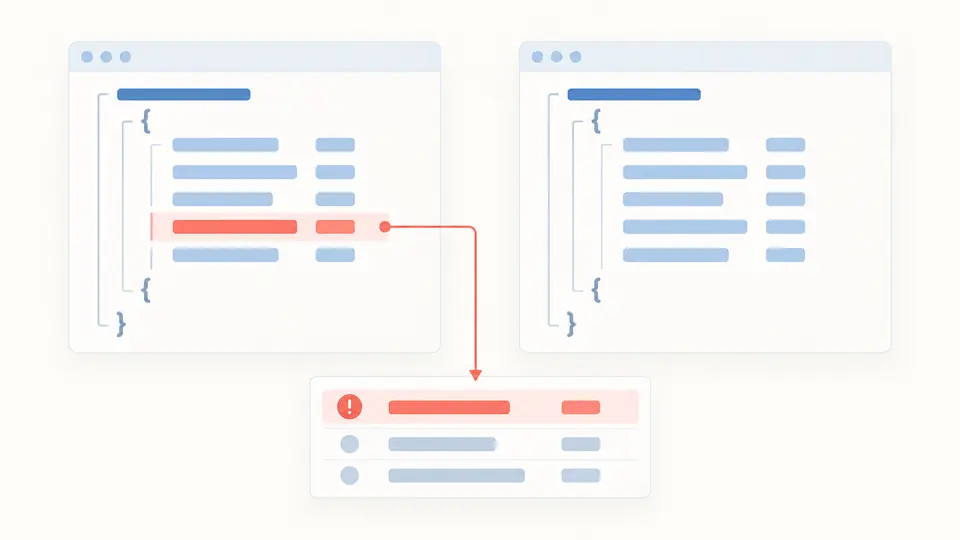
GraphQL.js marks breaking and potentially dangerous changes. The same report also records new fields and @deprecated reasons under separate headings, so an unclassified change is never silently called safe.
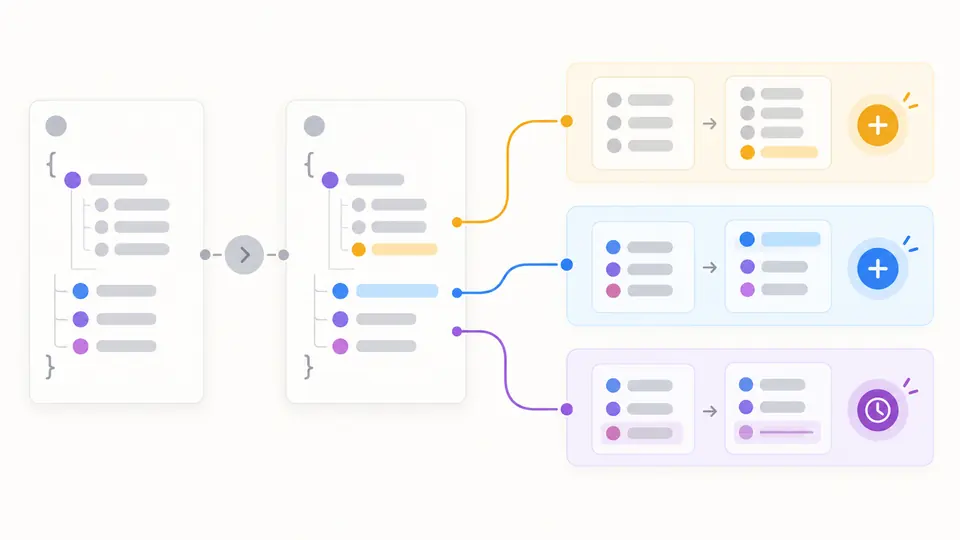
Old SDL is the baseline and New SDL is the proposed contract. Swapping them reruns classification in the opposite direction: removing a field is different from adding it.
Automatic comparison waits 350 ms after an edit. Turn the switch off when pasting a large document; Compare or Ctrl/Cmd+Enter then runs only the current pair of schemas.
Any edit immediately makes the prior report stale and disables Copy and Download. Fix a line and column error in the marked SDL, then compare again; export includes the full list even if only 100 rows are visible.
Field, type, argument, enum, input and directive definitions are compared as schema structure; reordered SDL is ignored.
GraphQL.js supplies the breaking and dangerous rules for the GraphQL schema diff. The rule code stays visible beside a finding so a reviewer can trace its classification.
New or changed @deprecated reasons get their own entries. A previously deprecated field removed from the new schema is still a breaking removal, and the downloadable report preserves every row.
Making a required mutation argument nullable usually expands accepted inputs, so GraphQL.js does not mark that direction as breaking. The reverse direction can reject calls that omit the argument; compare the two SDL versions in the correct order.
GraphQL.js marks a newly added enum value as potentially dangerous: an existing client may assume that it has seen every value. The GraphQL schema diff keeps that warning apart from definite schema-breaking removals.
A rename has no machine-readable migration intent in two SDL snapshots. The GraphQL schema diff reports the old type as removed and the new one as added; keeping an alias or transition field is a separate API design decision.
A mutation is a field on the Mutation root and can carry @deprecated metadata. Marking it deprecated leaves old operations valid; deleting that field later is still reported as breaking by the default rules.
Changing a returned field from non-null to nullable can change generated client assumptions, so GraphQL.js flags it as breaking. The opposite direction is listed as another structural change, not a guarantee that every resolver is safe.
A document produced an unexpected result?
Keep the old and proposed SDL together, check every risk class, then export the current report for review.