Read the version first
The root openapi or swagger field selects the validation rules. A file with only components can be valid in 3.1 even when it has no request endpoints.
- The example includes a recursive model and a reusable path parameter.
API tools
Edit a JSON or YAML specification, follow its request endpoints, and review validation findings before exporting.
No matching request endpoints.
Showing 0 of 0
Your specification stays in this browser. No API requests or remote references are sent.
Checks document schemas and common path rules. Endpoint exports cover paths, excluding webhooks and callbacks. Examples and live responses are not tested.
500,000 input characters · depth 60 · 50,000 nodes · 100 diagnostics · 5-second validation budget.
Paste a specification or load the example.
Copy and download use the selected view. Endpoint export always includes the complete list, regardless of search.
An OpenAPI editor helps when a generated API contract is difficult to review: the file parses, but a response may still lack its description or a route may use an undeclared parameter. Inspect the document and its operations together.
Start with the declared specification version. Formatting changes serialization; validation checks structure. Neither proves that a deployed service returns the documented responses.
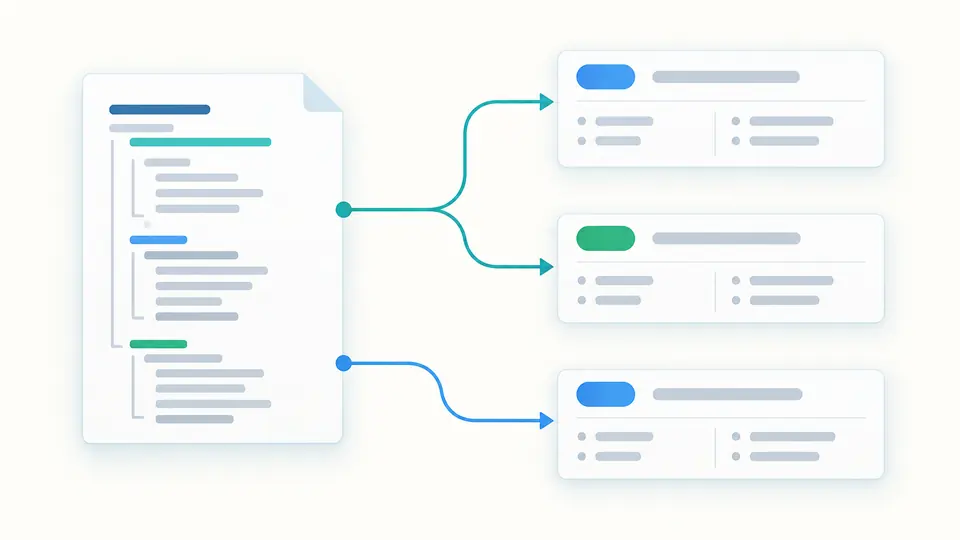
Connect a document-level finding to the operation it affects.
The OpenAPI editor gathers operations under their request paths. Expand an endpoint to inspect inherited parameters alongside the request body, response codes, servers and security declarations. Search narrows the view while the exported list stays complete.
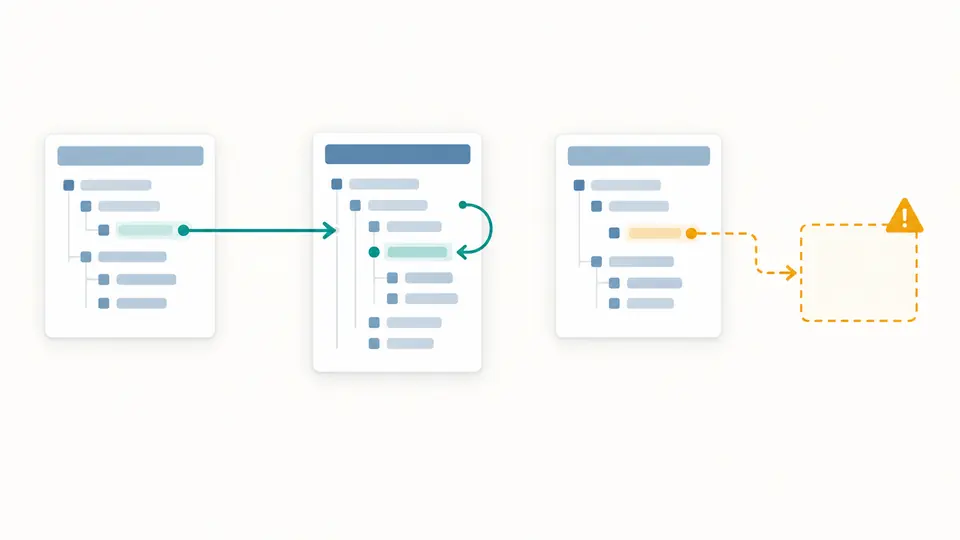
Local JSON Pointer references are checked within the document. Recursive model links remain links; a missing target produces an error. External references remain visible with an incomplete-check warning, so an unavailable dependency cannot silently become a green result.
The root openapi or swagger field selects the validation rules. A file with only components can be valid in 3.1 even when it has no request endpoints.
Expand a method beneath its path. A parameter declared on the operation overrides the path-level parameter with the same name and location; it does not create a second input.
Formatted spec preserves the contract as JSON or YAML. Endpoints exports the full operation inventory. Markdown creates a review document with parameters, bodies and response definitions.
The OpenAPI validator applies a real document schema for Swagger 2.0, OpenAPI 3.0 or 3.1. It also checks standard 2020-12 schema keyword shapes in 3.1, catching invalid type names as well as malformed operation fields.
Repeated operation IDs, duplicate parameters and path placeholders without required declarations are reported. The inventory counts HTTP operations rather than metadata such as servers, parameters or vendor extensions.
Use the OpenAPI formatter to convert either accepted input format to consistently indented JSON or YAML. Two or four spaces are available. Formatting does not migrate Swagger 2.0 to OpenAPI 3 or remove reference strings.
OpenAPI to Markdown export includes API metadata, server declarations and operation details. Specification descriptions are escaped and code blocks are fenced safely; the preview never executes embedded HTML.
Paste a complete Swagger 2.0, OpenAPI 3.0.x or 3.1.x document as JSON or YAML. Choose the output format independently. The version field remains unchanged, so conversion is not a migration.
Paste the full document and review both the status and individual findings. The Swagger editor workflow here combines schema checks with local references and common path rules. Fix syntax errors first; structural checks need a parsed document.
No. An external reference is preserved in the specification and marked as unchecked. A local pointer beginning with # is inspected within the supplied document; missing targets are errors.
Parser and mapped structural findings include source locations when available. Click a finding to reveal the relevant line. The diagnostic also retains its JSON Pointer and the original engine explanation.
Yes. Select Formatted spec to save JSON or YAML, Endpoints for the complete JSON inventory, or Markdown for readable documentation. Errors or stale results block export; incomplete checks remain clearly indicated.
A document produced an unexpected result?
Use the OpenAPI editor to inspect the version, fix the reported findings and export the view your teammate needs.
Formatting keeps the original specification version.