01
Choose the Python operation
finditer lists non-overlapping matches. search stops at the first hit; fullmatch requires the entire text. There is no JavaScript g flag, and changing the operation makes an old report stale.
Regex & pattern matching
Run a Python pattern against text, inspect captures, or preview a re.subn replacement. Execution starts only when you test.
Ready for input or a manual test.
Pattern and test text stay in this browser. Python runtime files load only on the first run.
i — Ignore casem — ^ and $ match line boundariess — Dot matches newlinex — Verbose pattern with whitespace/commentsa — ASCII character classesPython runtime: loads on first test
Limits: pattern 2,000; text 100,000; replacement 10,000 UTF-16 units; 10,000 matches; 1,000,000 output and 4,000,000 report units. A run exceeding 2 seconds is terminated.
Ready for input or a manual test.
A pattern can pass in a JavaScript tester and fail in Python code. This Python regex tester runs CPython re itself, so named groups, flags and replacement backreferences follow the runtime you use.
Use this Python regular expression tester to compare finditer, search and fullmatch. A Python re tester is especially useful when a Python regex substitution must preserve captured fields rather than JS-style $1 tokens.
The Python regex tester shows group zero beside numbered and named groups. A group that did not participate stays null with span (-1, -1), while an empty capture remains an empty string. The distinction matters before extracting fields.
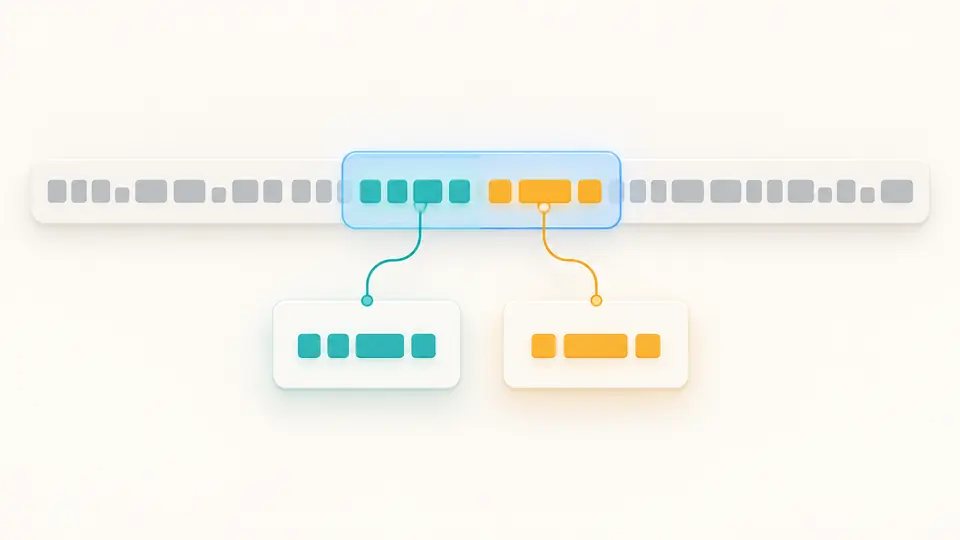
Try a template such as \g<last>, \g<first>. CPython expands the named groups and shows the new string separately; the source text remains available to inspect. A zero replacement count means every match may be replaced.
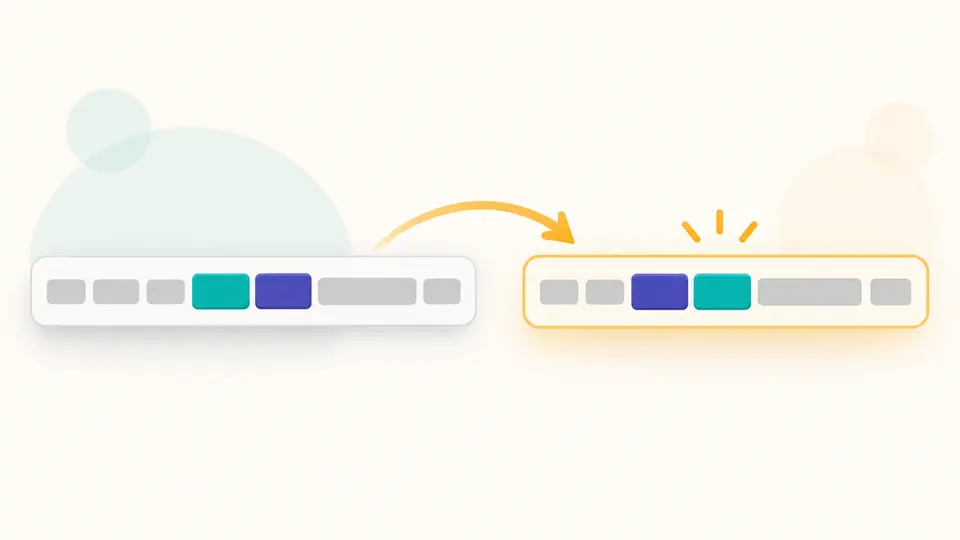
finditer lists non-overlapping matches. search stops at the first hit; fullmatch requires the entire text. There is no JavaScript g flag, and changing the operation makes an old report stale.
The i, m, s, x and a flags map to CPython re. m changes ^ and $ at line boundaries; s lets a dot cross a newline. Loading the Python runtime begins on your first explicit run.
Group spans use zero-based Python Unicode code points, not browser UTF-16 offsets. On A😀B, B starts at Python index 2. Ctrl/Cmd + Enter reruns; editing disables export until a fresh result arrives.
This Python regex tester loads CPython through Pyodide in a Worker and displays its actual Python version. It does not relabel JavaScript RegExp as Python.
Each match includes group zero, numbered groups, names, values and end-exclusive spans. The browser highlight converts code-point offsets so an emoji does not shift the selected text.
The Python regex substitution mode uses re.subn. Templates accept \1 and \g<name>; an empty template deletes matches, while $1 remains literal text.
Copy or download JSON only after a finished run. The report records operation, flags, pattern, input, runtime and every returned match; replacement mode can also export text.
Check the selected engine. regex101 can default to PCRE2; this page runs CPython re. For example Python names a group with (?P<name>...), while some other engines accept (?<name>...).
Yes. Choose Replacement, enter the template and run. \g<name> and \1 use Python rules; $1 is not expanded. The output is a preview and the original text stays unchanged.
Yes. The result highlights each match and lists group values and spans. Zero-width matches receive a visible marker. Python runs locally in a Worker after its runtime assets load.
The lazy quantifier tries the shortest viable span; greedy .* tries the longest. Neither guarantees a safe runtime. Test both on representative text, and stop a long run if needed.
Both group pattern parts. Only (...) creates a numbered capture and can appear in the group list or a replacement backreference; (?:...) groups without taking a number.
Still have a question?
Compare a passing and failing sample, then inspect captures and the actual Python version before copying the report.