Linux & Shell

umask calculator

Enter a mask and the modes requested by the creating program. Compare file and directory permissions with bit-by-bit steps.

umask calculator

Mask and creation requests

Calculated permissions

Mask — bits to clear
0022 · ----w--w-
Allowed permissions (umask -S)
u=rwx,g=rx,o=rx

File

0644 · rw-r--r--

Actually removed: 0022 · ----w--w-

Show bit calculation
Requested bits
0666 · 110 110 110
Mask — bits to clear
0022 · 000 010 010
Allowed bits (~mask & 0777)
0755 · 111 101 101
Resulting bits
0644 · 110 100 100

A result bit is set only if requested and not masked.

0666 & (~0022 & 0777) = 0644
Directory

0755 · rwxr-xr-x

Actually removed: 0022 · ----w--w-

Show bit calculation
Requested bits
0777 · 111 111 111
Mask — bits to clear
0022 · 000 010 010
Allowed bits (~mask & 0777)
0755 · 111 101 101
Resulting bits
0755 · 111 101 101

A result bit is set only if requested and not masked.

0777 & (~0022 & 0777) = 0755

Calculated in your browser; inputs are not uploaded or saved.

Examples and input rules

Mask symbols describe allowed bits: u=rwx,g=rx,o=rx equals 022. All three classes are required.

Only the supplied requests are calculated. Default ACLs and later permission changes are not simulated.

Permissions calculated.

The umask calculator helps explain why a new file has different permissions from a new directory, even though the creating process uses the same mask. Start with the usual requests, then change them to match your application.

A mask removes permissions; it cannot supply a missing bit. The requested mode is an input to this calculation, not a universal limit imposed on every program.

Why use this umask calculator

One mask, two starting points

The umask calculator keeps file and directory requests separate. With 111, a file requesting 666 stays at 666, while a directory requesting 777 loses its execute bits. The difference is visible without pretending that octal subtraction is the algorithm.

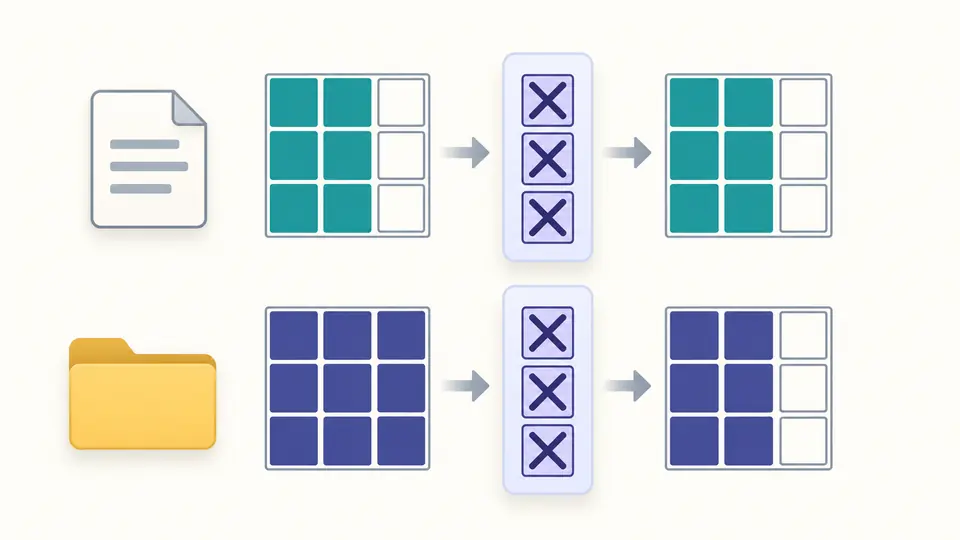
A document and a folder pass through the same filter, preserving different permission slots.

Allowed is not already granted

The umask calculator distinguishes the permissions allowed by the mask from the permissions actually requested. Changing a file request to 777 can retain execute bits; leaving it at 666 cannot. Compare the request, allowed bits and final intersection.

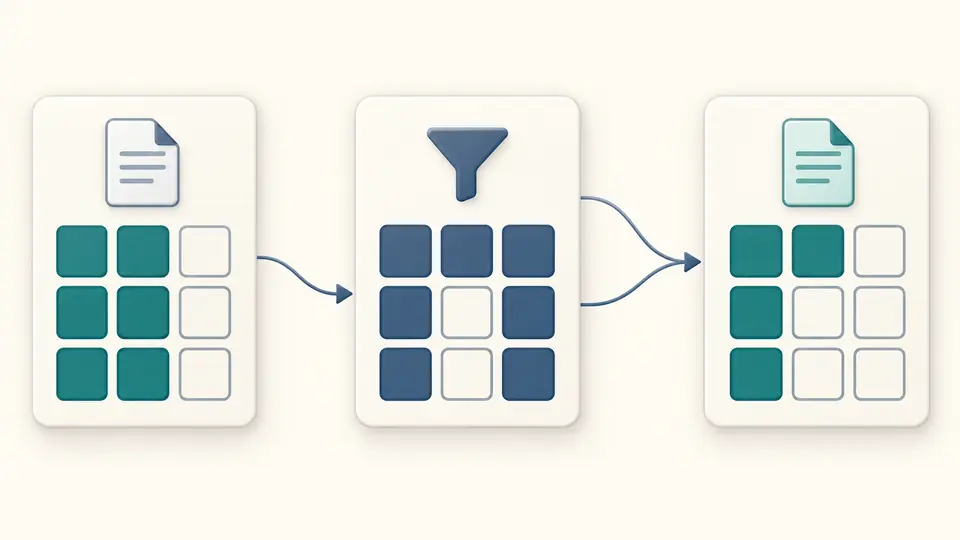
Two permission layers overlap, retaining only the slots present in both layers.

Check the request before the mask

01

Try the odd-mask example

Choose 111 in the example selector, then preview and apply it. The file stays at 0666. The preview reports exactly how many fields change, and Undo restores the previous input and result.

02

Paste the correct symbolic form

The mask accepts a complete umask -S value such as u=rwx,g=rx,o=rx. Requested modes instead accept a nine-character string such as rw-rw-rw-. These two forms express different things.

03

Freeze a result for comparison

Turn off automatic calculation to edit several fields together. Changes disable exports immediately; Calculate or Ctrl/Cmd+Enter refreshes the report. Expand the bit steps to check each operand before copying.

Read the bits that survive

Independent creation requests

Compare default file permissions based on 0666 and directory permissions based on 0777, or replace either request. A program creating an executable may request 0777; a private file may request only 0600.

Octal and symbolic views

An octal umask identifies the bits to clear. A symbolic umask in full u=,g=,o= form identifies allowed permissions. Results show both four-digit octal and rwx, grouped by owner, group and others.

Trace the AND operation

Each result includes requested bits, mask bits, the nine-bit complement, and the final intersection. Removed bits are shown separately, so a mask bit absent from the request is not mistaken for a change.

What the calculation leaves out

Nine permission bits only
Numeric fields accept three octal digits or four with a leading zero. Requested modes also accept nine rwx characters; special bits, file-type prefixes and ACL suffixes are rejected. Surrounding whitespace is trimmed, with a 128-character input limit.
Complete symbolic assignments
Mask symbols must name u, g and o once each, in any clause order, with permissions written in rwx order or left empty. Relative expressions such as g+w, a= shortcuts and copying permissions with g=u are outside this parser.
No ACL or filesystem simulation
The report assumes ordinary mode masking. A parent directory with a default ACL follows a different creation path on Linux. Inherited special bits, later chmod calls, mount rules and application-specific behavior can change actual permissions.
Forward calculation, no system changes
The page does not infer a unique mask from a desired file mode: 026 and 027 can both produce 0640 from 0666. It neither changes existing files nor runs commands, writes shell configuration or persists your inputs.

Umask calculator questions

Why do some umask values not take effect?

A mask bit matters only when the same bit is present in the request. For a 0666 request, 026 and 027 both give 0640 because the differing execute bit was already absent. The operation is AND with the complemented mask, not subtraction.

Why doesn’t umask change execute permissions on files?

Common file-creation commands request 0666, which contains no execute bits. A mask cannot add them. A program can request 0777 when creating an executable; enter that request here to see the corresponding result.

Why does umask output four digits such as 0022?

0022 and 022 represent the same mask here. The leading zero does not add a fourth permission class. The calculator accepts only zero in that position and rejects special-bit values such as 1022.

How should I understand the output of umask -S?

The output names permissions allowed through the mask. u=rwx,g=rx,o=rx describes allowed mode 0755 and mask 0022. It does not promise that a file requested with 0666 will receive execute permission.

How does umask affect ACLs?

On Linux, a parent default ACL is inherited and the request further limits its permissions; that path replaces the ordinary umask calculation. This tool has no ACL input, so use its result only for the mode-masking case.

Unexpected permission result?

Inspect another creation mode

The umask calculator lets you compare a program’s requested mode with what its mask can preserve. Check the operands before treating the output as an explanation of a real file.