01
Keep one field at a time
Paste a bare value or one labeled line such as CapEff: 0000000000000003. Digit-only input is still hexadecimal: 10 means decimal 16. Other sets require a separate conversion.
Linux & Shell
Paste one hexadecimal mask or one /proc Cap field. Inspect its set bits or build a new combination with checkboxes.
Decode a valid value first. Each checkbox opens a one-bit replacement preview; unnamed bits remain intact.
This browser processes the pasted value locally, without reading your system or sending it to a server.
Fixed UAPI name snapshots; this does not detect your kernel or simulate its permission checks.
The result is out of date. Decode before editing bits or exporting.
A Linux capability decoder is useful when a process report gives you a long hex value rather than readable capability names. Keep the field label: CapEff and CapBnd can contain the same number while describing different sets.
The example has 14 named bits. It demonstrates the notation, not your browser’s permissions or a promise about every container runtime. Compare the source field and the selected name table before interpreting the result.
Keep the numerical value and its interpretation separate.
The Linux capability decoder connects each set bit to its CAP_* name and a short explanation. Reverse selection previews the exact bit being changed, so a replacement remains visible before you apply it.
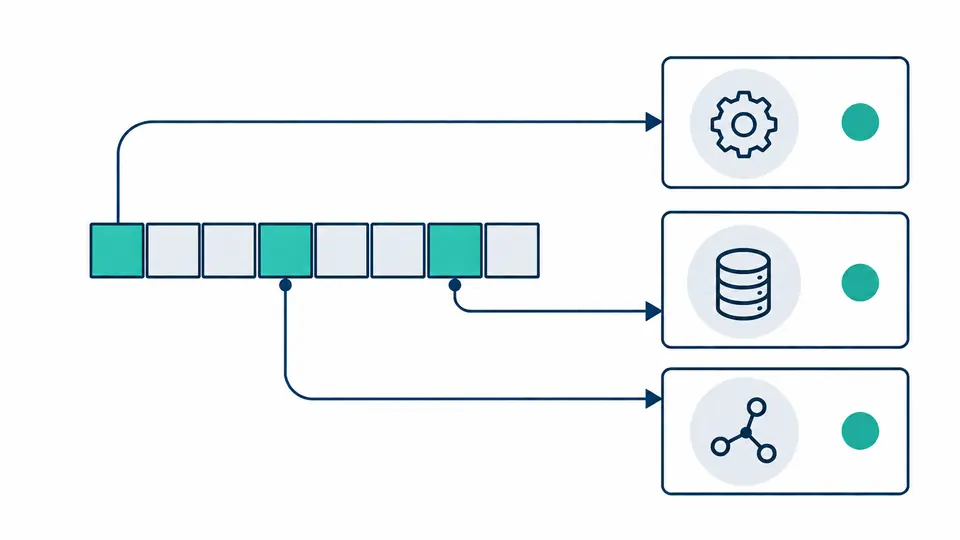
A bit may be unnamed in the 3.16 snapshot and named in 5.9. Switching snapshots changes that classification while preserving the full mask, including all high bits through position 63.
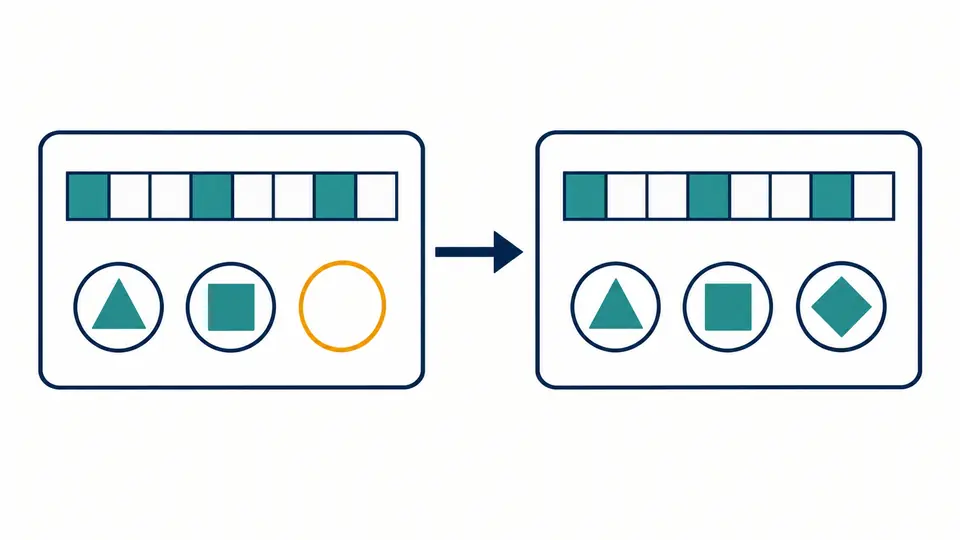
Paste a bare value or one labeled line such as CapEff: 0000000000000003. Digit-only input is still hexadecimal: 10 means decimal 16. Other sets require a separate conversion.
The snapshots end at bits 37, 39 and 40 for Linux 3.16, 5.8 and 5.9. They are name dictionaries; a distribution may backport changes, and this page does not probe its running kernel.
Checkboxes are enabled only for a current valid result. Applying a preview updates the source and report together; Undo restores the previous source exactly. Manual decoding also supports Ctrl/Cmd + Enter.
The Linux capabilities calculator keeps every unsigned bit, including bit 63. Hex is normalized to 16 lowercase digits and binary to 64 digits. Decimal and mask fields are strings in JSON, so large values retain their exact meaning.
The selected list includes the number and a brief purpose for every recognized capability. CAP_NET_BROADCAST remains identified as unused. An older table reports newer bits separately instead of inventing names or clearing them.
Text and JSON exports retain the chosen table and optional CapEff or other field label. They include all set bits, even those without names. The text report is data for inspection, not syntax to pass directly to setcap.
On the target Linux host, inspect the Cap fields in /proc/PID/status or use getpcaps where available. Paste one field here to read its bits. capsh --decode converts a hexadecimal mask on the host; neither method by itself reveals the minimum set the program needs.
A snapshot shows capabilities held, not every operation a program will attempt. Review the program and its documented requirements, then observe representative workloads in a controlled environment. This decoder does not trace calls or recommend a minimal grant set.
The permitted set limits which capabilities a thread may place in its effective set. The effective set is the set used for capability checks; a thread can retain permitted capabilities while disabling them effectively. Decoding one field does not simulate how execution will transform the sets.
In libcap notation, p refers to permitted capabilities and e to effective state. File capabilities have an effective flag that participates in execution rules. An expression such as cap_net_raw+ep is not a hexadecimal mask and is rejected here; the letters are not extra bit numbers.
capsh --print reports the context in which capsh runs. To inspect another process, read that process’s status or use a suitable process-aware tool. Also distinguish file capabilities from thread capability sets and check whether the installed libcap knows newer names.
Still have a question?
Use the Linux capability decoder with the source field intact, compare its known and unnamed bits, then export the report you have checked.
A decoded number is not a security configuration guarantee.