01
Switch topic without opening another page
The Git topic is open by default. Choosing Cron or SQL resets the search and group so a hidden filter from the previous topic cannot make the new list look empty.
Developer reference
Choose a topic, filter its entries and open a sourced example before copying it.
Create a new branch and switch to it in one command; it does not change the current commit's files.
git switch -c feature/loginBefore using: Read the command and check your repository before running it. This page does not execute Git.
Search and filtering run locally in this page; a source opens only when you choose its link.
Showing 7 of 7 entries
Developer cheat sheets help when you remember the task but not the exact flag, field order or unit. Start with Git, then switch to regex, Cron, chmod, CSS or SQL without leaving the page.
These programming cheat sheets keep short explanations beside real examples. Use this developer quick reference to inspect a command before copying it; the page never runs code against your system.
The example stays attached to its scope and source.
A Git command cheat sheet and a regex cheat sheet usually live on separate pages. These developer cheat sheets let you switch topics and narrow the visible entries without sending a query to a server.

SQL examples place PostgreSQL, MySQL and SQLite type choices side by side. You can inspect the difference before copying a declaration rather than assuming one name has identical storage semantics everywhere.
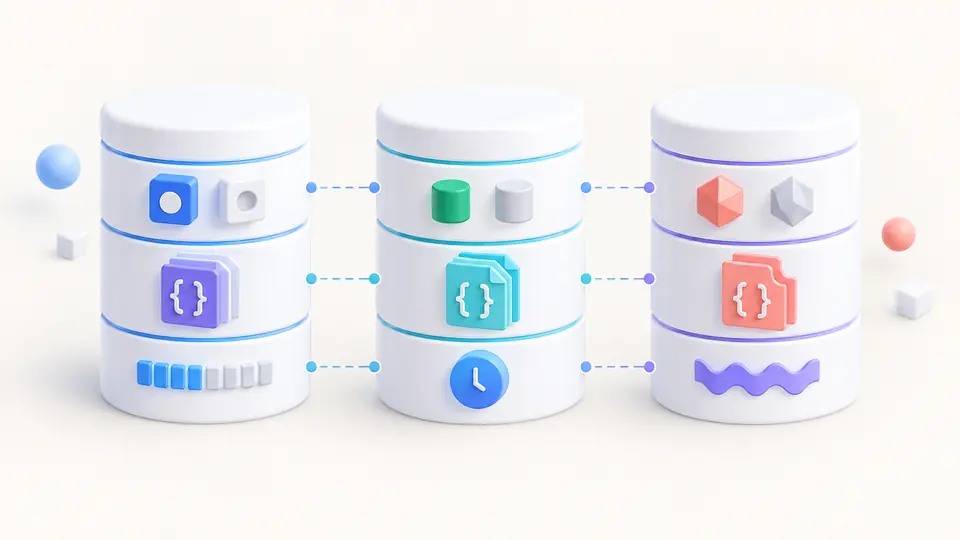
The Git topic is open by default. Choosing Cron or SQL resets the search and group so a hidden filter from the previous topic cannot make the new list look empty.
Typing filters the current topic immediately, including code, examples and descriptions. The group chips narrow the same list; there is no submit step or network request.
Open a result to see its example, scope note and official source. Developer cheat sheets do not execute a command, test a regex or migrate a database for you.
Inspect, branch, stage, fetch and undo entries distinguish unstaging from reverting a shared commit. The page does not recommend reset --hard as a casual fix.
Anchors, digit classes, named groups and lazy quantifiers show JavaScript examples with a dialect note; the linked tester handles actual input.
Examples state the minute/hour/day fields and call out the OR relationship between restricted day-of-month and day-of-week values.
Boolean, JSON, decimal and time entries compare PostgreSQL, MySQL and SQLite instead of presenting a fictional universal type.
Reset moves a branch tip and can rewrite local history; revert adds a new commit that reverses an earlier one. For a commit others may already have, inspect the history and consider revert. These developer cheat sheets show revert rather than a destructive reset recipe.
If the commit was shared, git revert creates a reversing commit. If it is only local, Git has reset options with different effects on the index and working tree; read Git's reset documentation before choosing one.
A greedy quantifier first tries to consume more input; a lazy one tries less. In JavaScript, adding ? after + or * makes it lazy. Test against your real input because later pattern parts still affect the final match.
Both group a subpattern, but (...) captures the matched text while (?:...) does not create a capture group. Use a named capture when the returned value needs an explicit name.
No. This regex cheat sheet uses JavaScript RegExp syntax. Flags, escaping and some features vary by engine; check the documentation for the engine that will run your expression.
Found an outdated example?
Choose a topic, inspect the source and copy only the syntax that fits your environment. Developer cheat sheets stay available without a login or network search.