status
Inspect tracked and untracked changes; does not commit them.
Reads repository information if you run it; no repository is inspected here.
Git & Version Control
Choose a template or inspect one command. Review its arguments and effects before taking it to a terminal.
git status
Quoting targets POSIX shells: sh, Bash, zsh and Git Bash. Check your repository before running.
Inspect tracked and untracked changes; does not commit them.
Reads repository information if you run it; no repository is inspected here.
Processed in this browser. No command execution, repository access or network request.
Preview ready. Nothing was executed.
Use the Git command builder when you know the task but cannot remember the flag: a shallow clone, a compact history graph, or a diff of staged changes. Start with the read-only status preview and choose the smallest operation that answers your question.
A Git cheat sheet shows a fixed example. Here the preview changes with your actual branch, path and message, while the adjacent explanation makes the consequences visible. It never claims that a syntactically supported command fits your repository.
The Git command builder quotes values as single POSIX arguments. A message containing spaces or an apostrophe stays one value; a path beginning with a dash is separated from options. Git may still interpret that path as a pathspec, so shell quoting is not the same as literal filename matching.
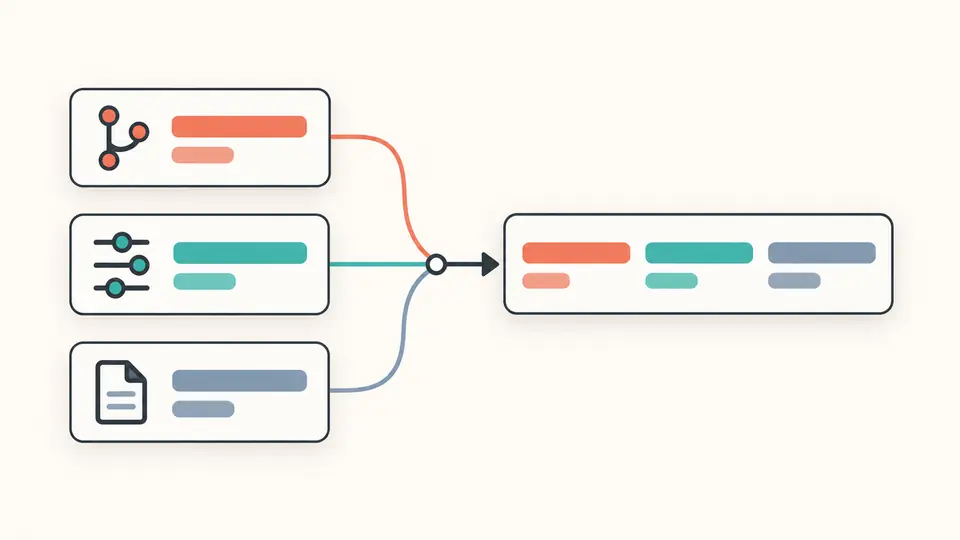
Inspect a supported command without sending it to an AI service. Each result shows the operation, parameter meanings and risk category. Hard reset and force-with-lease retain a warning even when every argument is syntactically valid.
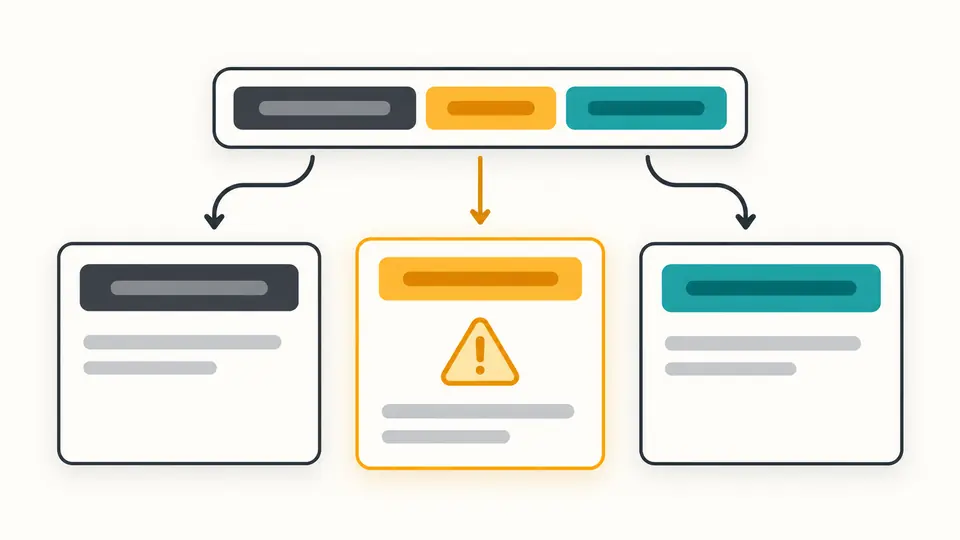
The default diff compares the working tree with the index. Enable staged changes to compare the index with HEAD, or supply a revision to change the baseline. The optional path limits the comparison to one Git pathspec.
Automatic updates wait 350 ms after editing. Switch them off to reveal the generate button, then use Ctrl/Cmd + Enter. Changing a field immediately disables copying until the result is refreshed.
Loading an example or clearing fields first opens a replacement preview. Apply it, then undo once to restore input and output. Workflow recipes contain separate lines: check each result before running the next line yourself.
The Git command generator covers status, clone, log, diff, switch, add, commit, fetch, push and reset. Clone accepts a branch and depth; log offers a count, graph and all refs. Hidden fields never become options for unrelated commands.
The Git command explainer accepts one literal command and recognizes the same option subset. Known aliases such as --staged and --cached share a meaning. Unknown flags, duplicate options, incomplete quotes and extra arguments stop the result instead of being silently ignored.
Inspect changes with status, diff and log; create a branch with status, switch -c and status; prepare a commit with status, add and commit. Recipes preserve your fields when selected and never decide whether it is safe to continue after a failed step.
Choose an operation and fill the relevant fields. The form produces a command preview with explanations. Check the target repository and shell before copying; generating text does not run Git.
For an unshared last commit, reset --soft HEAD~1 moves the branch back while retaining the index and working files; mixed also unstages the changes. Inspect your history first. Published commits usually require a different collaboration decision, often a new revert commit; this page does not provide a revert template.
For git diff, --cached and --staged are synonyms. Both compare the index with HEAD when no revision is supplied. Plain git diff shows unstaged tracked changes, so an empty diff does not mean there is nothing staged to commit.
No. It covers the ten named subcommands with the displayed flags, ordinary names and simple revisions. Commands involving aliases, global options, shell expansion or unsupported flags are rejected. Consult the Git manual for those cases.
No command text or field values are sent for analysis, and there is no saved history or share link containing them. Clipboard access happens only when you click Copy.
Does a preview differ from your device’s documented syntax?
Return to the Git command builder, select a read-only template first, and inspect the exact parameters. Copy the current result only after its meaning matches your intended operation.