Git & Version Control

Git branch name validatorwith precise diagnostics

Check one literal branch, reference or object ID. Keep syntax errors separate from naming advice.

Git branch name validator

Input name or hash

Check report

Enter a name or hash to begin.

Text is checked in this browser; no repository access or input upload occurs.

Check options

One value, up to 4,096 UTF-16 code units. Diagnostics are shown 50 at a time.

Enter a name or hash to begin.

Git branch name validator helps when a branch command rejects a name that looks ordinary. A pasted space, a dot at a path boundary or a reserved suffix may be hard to spot in a terminal message.

Start by choosing what the text represents. The same main string passes as a branch but needs the single-level option as a reference. A hexadecimal string needs an algorithm context before its length can be interpreted.

Why use this Git branch name validator?

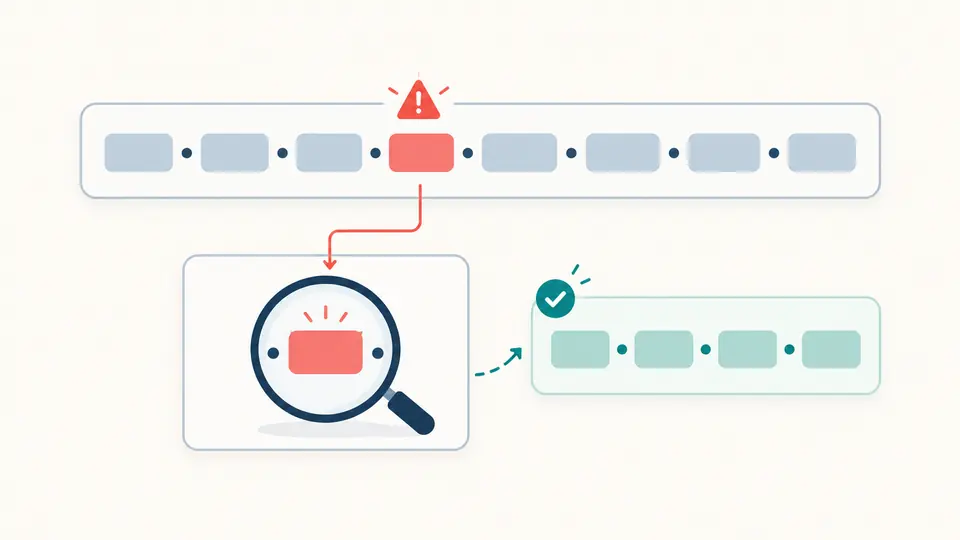
Locate the character before changing the name

The Git branch name validator reports individual positions while preserving every input character. An optional ASCII candidate appears separately, so a syntactic diagnosis does not quietly rename your branch or erase a meaningful character.

A row of name tokens with one highlighted error connected to a separate diagnostic card

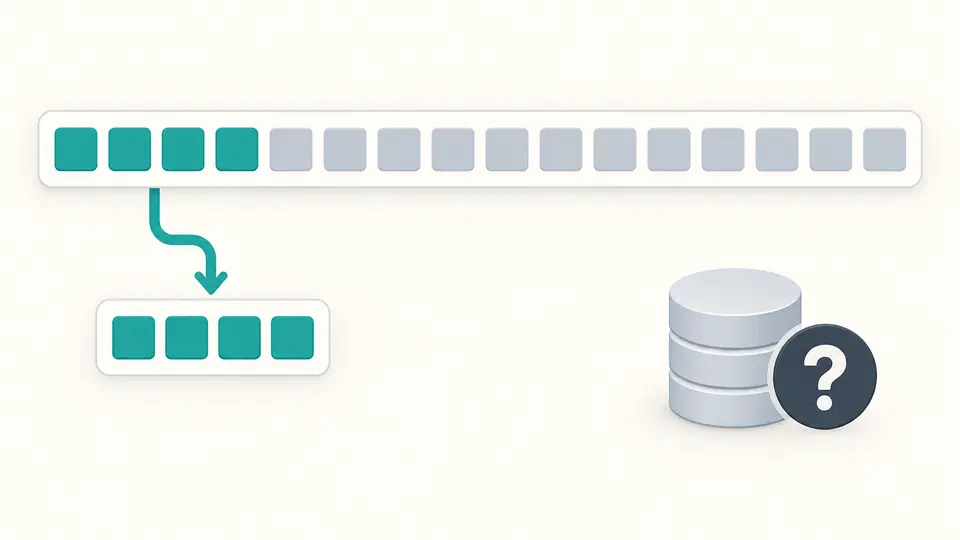
Show a prefix without claiming uniqueness

A long object ID can be shortened for a release note, but that prefix might match several objects. The hash report identifies full versus abbreviated format and displays only existing characters; it never invents the missing suffix.

A long row of tokens with its first segment copied to a shorter row and an unresolved repository symbol

Choose the context before reading the verdict

01

Compare branch and reference rules

Switching modes keeps the same input. For a full branch reference enter refs/heads/main; for a branch shorthand enter main. The single-level checkbox only removes the reference mode’s slash requirement.

  • It does not make @, a trailing dot or repeated slashes valid.
02

Separate complete IDs from abbreviations

Choose SHA-1 for a 40-character full ID or SHA-256 for a 64-character full ID. When abbreviations are enabled, 4 characters through one less than the full length are accepted as abbreviated format.

  • The default seven-character display never pads a shorter input.
03

Review the latest report

Automatic checking waits 350 ms after edits. Turn it off for a manual run or press Ctrl/Cmd + Enter. Clicking a diagnostic moves the editor to its line and column.

  • Editing disables every export immediately; a completed invalid report can still be exported for review.

Names, suggestions and object ID formats

A Git ref checker with distinct contexts

Git branch naming rules add branch-specific restrictions such as HEAD and a leading hyphen. Reference checks can allow one-level names explicitly. Rules follow literal git check-ref-format semantics, without expanding checkout history.

Character-level diagnostics

The report finds forbidden ASCII controls, spaces, punctuation and sequences such as .. and @{. Slash-separated components cannot start with a dot or end in .lock. Positions use one-based lines and UTF-16 columns; JSON also carries exact offsets.

Conservative branch suggestions

The generator lowercases ASCII and replaces characters outside letters, digits, dot, underscore, slash and hyphen. It repairs forbidden structures and checks the candidate again. Non-Latin text is not transliterated; an empty usable name becomes branch.

Explicit hash interpretation

A short Git hash is assessed against the selected algorithm. Forty hexadecimal characters are a full SHA-1 ID but an abbreviated SHA-256 ID. Uppercase hex remains uppercase, and the exported report records the algorithm and whether an abbreviation was accepted.

What a format check cannot establish

No repository facts
This page cannot prove that a commit exists, that a prefix is unique or that a branch can be created. Existing ref collisions, permissions, filesystem limits and protected branch policies need the actual repository. No Git command is executed.
Literal input, including whitespace
Input is not trimmed or normalized before validation. A newline is a forbidden character, not a batch separator. Revision expressions such as HEAD~1, main^ and @{-1}, and wildcard refspecs, are outside this tool’s scope.
Advice is separate from syntax
Git accepts characters that shells interpret specially. Portability suggestions and GitHub restrictions on refs/ prefixes and 40-digit hexadecimal names do not change the Git syntax verdict. Team naming conventions are not enforced here.
Bounded text and complete reports
One input may contain at most 4,096 UTF-16 code units. This is the tool’s processing budget, not a universal Git length limit. Diagnostics appear 50 at a time; copying and downloading JSON includes the entire completed report, including invalid findings.
Changes require a review
Examples and clearing show a replacement preview with character counts. Apply performs the replacement; one undo restores the input, options and report state. A suggested branch name is only offered for copying, never applied automatically or claimed to preserve your original meaning.

Git branch name validator questions

How do I check for valid Git branch names?

Use branch mode for a literal name, or run git check-ref-format --branch with the name as a quoted argument in your own shell. A valid report checks spelling rules only. main and master are not forbidden names merely because a team may protect them.

Which characters are illegal within a branch name?

Git rejects ASCII control characters, spaces, ~, ^, :, ?, *, [, and backslash, as well as forbidden sequences and component boundaries. A closing ] or a dollar sign is not a Git syntax error, although shell quoting may be required. Branch HEAD is separately reserved.

Why does git check-ref-format master fail while --branch master passes?

The default command validates a reference name and expects a slash. Branch mode checks the shorthand in the branch namespace instead. Use the appropriate context; do not append a meaningless slash, because trailing slashes are also invalid.

How is the length of a short Git commit hash determined?

Git chooses a repository-unique prefix, with a minimum requested length of four; the default comes from core.abbrev. Seven is only this page’s display default. Copying the first seven characters cannot prove that no other object shares them.

How can I check whether a commit exists in a Git repository by its SHA-1?

You must query that repository. For example, git cat-file -e with an appropriate object expression can check existence, and a commit-type check is a separate concern. A full hexadecimal ID, even one with the expected length, does not prove an object or commit exists.

Still have a question?

Review the name in its actual context

Use the Git branch name validator to explain the syntax first, then verify repository-dependent facts where the branch or object will be used.