Developer tools

Browserslist query

Resolve a query or compare two target lists. Expand the explanation to see what each condition changes.

Browserslist query

Query A

Target versions

Enter a query in A.

Queries are processed in your browser. No query is sent or saved.

Options and data

Plain queries only. Commas or newlines separate conditions; # starts a comment.

Per input: 10,000 characters, 100 clauses. Worker timeout: 5 seconds.

Global bundled snapshot, not live traffic or your site’s audience. Refreshing does not update the database.

Browserslist 4.28.9 · caniuse-lite 1.0.30001810 · Baseline 2.11.21

Resolving targets…

A small change to a Browserslist query can add a whole browser family or remove versions you still support. Before updating your build configuration, inspect the actual target browsers and compare the proposed rule with the existing one.

This workbench keeps the original identifiers and version ranges returned by the official engine. A shared engine version is useful when investigating differences between a teammate’s output, a CI build and an online playground. A percentage without its data version cannot settle that disagreement.

Review a Browserslist query before changing builds

Follow the set, one condition at a time

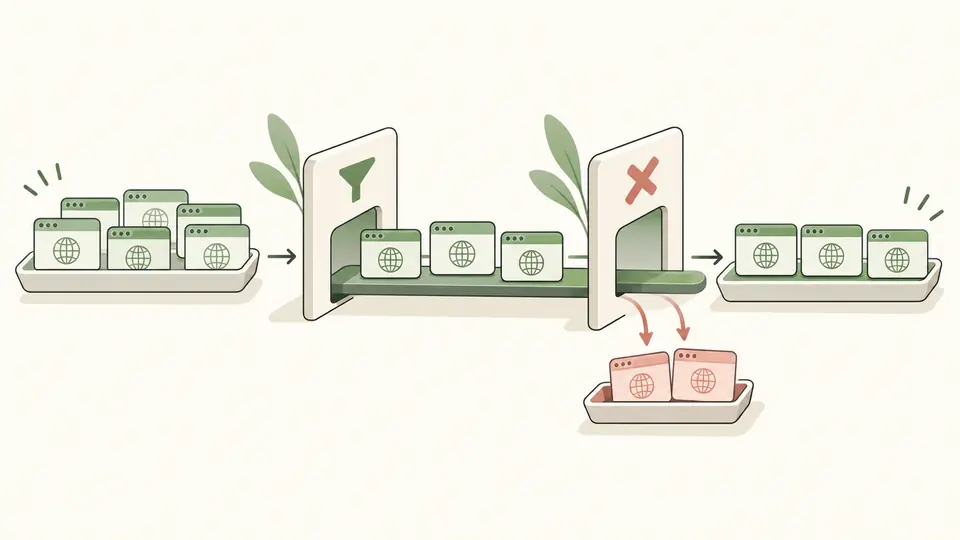
The Browserslist query explanation shows how the accumulated target set changes after each clause. A comma adds matches; and intersects the entire set built so far; not removes matches. Counts make an unexpectedly broad rule visible before you export it.

A sequence of filters adds browser cards and removes excluded cards from a target list.

See exactly what a proposed rule changes

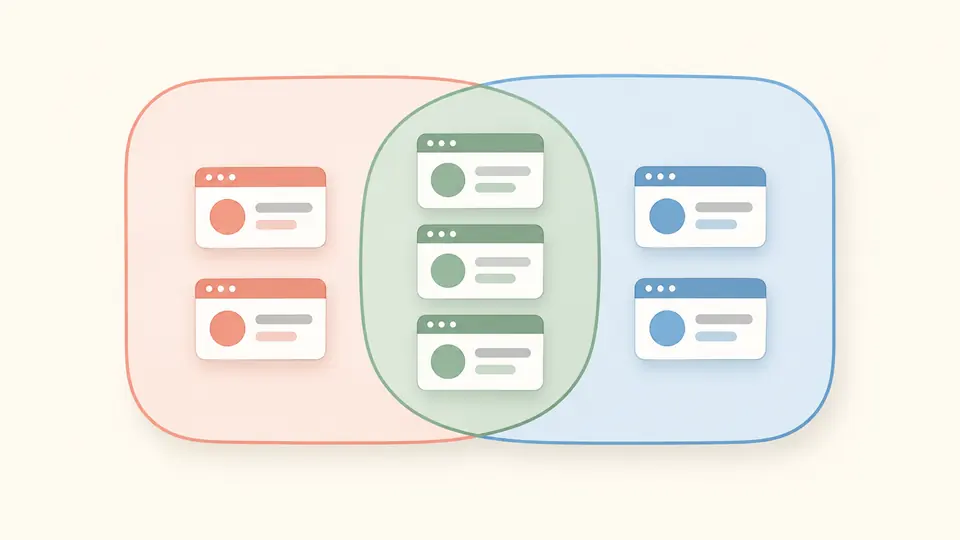
Compare A with B to inspect versions added in B, versions removed from A and their intersection. The comparison uses complete browser-and-version identifiers, so a Safari version range stays intact instead of being reduced to a browser name.

Two collections of browser cards share a central group, with distinct cards on either side.

Check the assumptions behind your target list

01

Keep only query text

Paste queries separated by commas or newlines; # begins a comment. A line ending in and or or continues onto the next nonempty line. Extract the required environment from package.json yourself: this page does not select production or development configurations.

02

Compare with a deliberate baseline

A starts at defaults. Enable comparison to reveal B, initially last 2 versions. The added list means B minus A; removed means A minus B. These are version counts, not percentage-point changes in coverage.

03

Wait for a fresh report

Automatic parsing runs after 350 ms. Turn it off to use Parse or Ctrl/Cmd + Enter. Editing either input or changing comparison disables exports immediately. Copy and download include the full report even when only 50 targets are visible.

Inspect syntax, targets and evidence together

Official selection semantics

Browser aliases, explicit version ranges, last-version rules, ESR, global usage thresholds, cover and the bundled Baseline mapping use the official parser. Query composition is evaluated in order; it is not a Boolean expression with the usual and-before-or precedence.

Readable rule trace

Expand the explanation for A or B to see each source clause, its original line, the set operation and the cumulative count. The defaults node also shows its expansion. This trace explains selection steps; it does not claim to explain every browser’s feature support.

Versioned JSON evidence

The exported report contains original and normalized queries, complete targets, step counts, differences, global coverage, three dependency versions and generation time. Generation time records the run; it is not the publication date of the underlying data.

Strict errors and reversible examples

Unknown versions and unavailable query types fail visibly. No condition is silently discarded. Loading the comparison example or clearing both queries first previews the replacement and character count; one undo restores the previous inputs and report.

What these results can and cannot establish

Bundled data, not live audience measurement
Coverage uses the bundled caniuse-lite global usage snapshot. It is neither real-time traffic nor your site’s audience. Refreshing the page does not update the dataset; compare the displayed package versions when results disagree. Relative date queries also depend on the device clock.
No project or external statistics loading
extends, browserslist config, JSON objects, environment sections, country queries and custom statistics are rejected. Paste plain queries from the intended environment. This page does not open project files, download configuration packages or connect to analytics.
Browser targets only
Node.js and Electron queries are rejected, including current node. Feature-level supports queries are unavailable in this browser build. Baseline mapping is supported, but a target list does not prove that your CSS, JavaScript, polyfills or website work on real devices.
Respect the database’s version granularity
Unknown versions produce errors. Mobile targets are not substituted with desktop histories. Values such as ios_saf 15.6-15.8 represent a database range; individual patch releases are not necessarily queryable. Only Opera Mini uses the special all version.
Bounded queries and complete exports
Each input allows 10,000 characters and 100 clauses, with a five-second worker timeout. Results appear in batches of 50. Empty valid intersections remain valid reports; blank A input clears the report, while a blank enabled B must be filled before comparison.

Browserslist query questions

How can I see the browsers selected by my configuration?

Copy the desired environment’s query text into A and inspect the target list. For the project’s actual file and environment resolution, run npx browserslist in that project. Here you can use a Browserslist query as a reproducible input and export the versions shown beside it.

What happens if there is no Browserslist configuration?

The upstream CLI falls back to defaults when it finds no configuration. This page explicitly pre-fills defaults, whose expansion is > 0.5%, last 2 versions, Firefox ESR, not dead. Clearing the input here produces an empty workbench instead of silently restoring that fallback.

Should the browser database be updated regularly?

Update your project’s database through the current update-browserslist-db workflow and review changes to its lockfile and targets. The data shipped on this page changes only with a new site build. Saving a report with dependency versions helps explain why a later run differs.

Why does not and_uc all fail?

all is a special version for Opera Mini, not a wildcard accepted by every browser. To exclude UC Android, use a valid version condition such as defaults, not and_uc > 0. Start with a positive query; a standalone not clause has no initial set to subtract from.

Why can last 2 versions include unexpected older browsers?

It selects recent versions for each browser family represented in the dataset, not two browser releases overall. Discontinued families and sparse mobile histories may therefore surprise you. Inspect the actual list and compare with a rule containing not dead; old issue examples may no longer match the bundled data.

Why does an iOS patch query not return the versions I expected?

Can I Use often groups iOS releases into ranges rather than individual patches. A query such as ios >= 15.7.2 does not invent missing patch records. Inspect the engine’s returned ios_saf ranges, use versions present in its database and validate the intended devices separately.

Unexpected version result?

Compare your next configuration change

Keep the current Browserslist query in A, put the proposal in B, then review additions and removals before copying the report.