01
Select the source format deliberately
Changing the format keeps your text in place. Use the example button to preview a replacement suited to the selected format; applying it provides one undo.
Developer tools
Read dependency declarations, inspect their fields, and export a reviewed group without rewriting the source.
Text is processed in this browser. No package lookup, URL fetch or upload is performed.
For pyproject.toml: Only project.dependencies, project.optional-dependencies and build-system.requires are extracted. Other dependency tables are ignored.
100 KiB UTF-8 · 1000 dependencies · 4096 characters per declaration · markers are not evaluated.
Input or options changed. Parse again before exporting.
Use this requirements parser when a copied dependency list contains repeated declarations, extras or platform conditions. Seeing the name alone is not enough to decide whether two lines mean the same thing.
requirements.txt and pyproject.toml describe different parts of a project workflow. Here you can inspect their declared Python dependencies without creating an environment or running an installer.
Keep conditions and dependency groups visible.
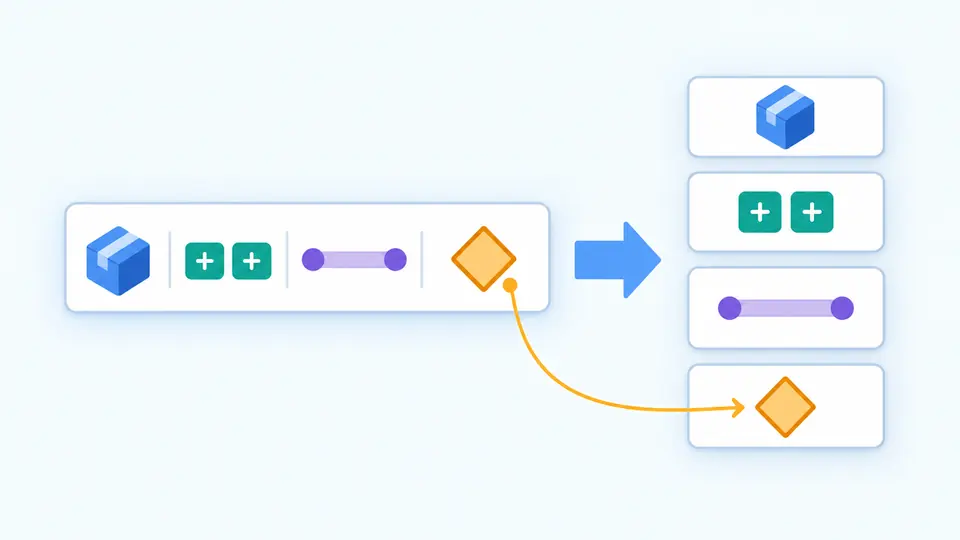
An environment marker belongs to its declaration. The result separates name, extras, specifiers, URL and marker into fields while retaining the original requirement. Nothing is removed because it appears irrelevant to this browser.
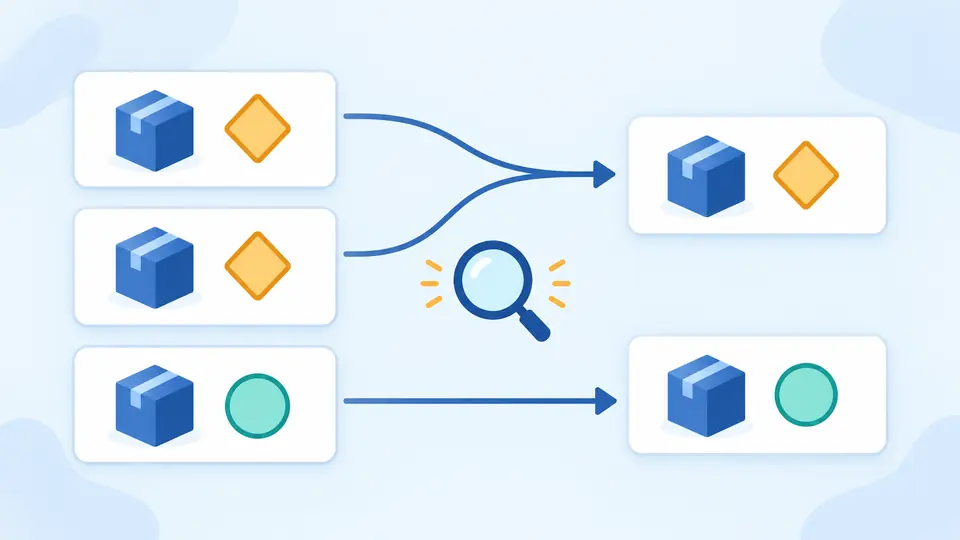
Organize requirements.txt with a preview that counts exact duplicates and reordered entries. Two lines naming the same package with different constraints survive. In TOML, choose the runtime, optional or build group explicitly.
Changing the format keeps your text in place. Use the example button to preview a replacement suited to the selected format; applying it provides one undo.
TOML starts at project.dependencies even when that group is empty. Optional extras and build-system.requires remain separate choices; selecting one does not activate or merge the others.
Auto parsing waits 350 ms. Turn it off to use the parse button or Ctrl/Cmd + Enter. A changed input or option disables export until a new result is ready.
The structured view includes original and normalized package names, extras, version specifiers, environment markers, direct references and source locations. Version spelling is checked, but no candidate version is tested against a range.
A TOML 1.0 parser checks the whole document syntax. Supported dependency fields must contain string arrays. A malformed declaration points to its source string; unrelated tool tables are not checked against their own schemas.
JSON retains structured fields and the group name. TXT contains the selected declarations, one per line. The screen shows 50 records at a time; copy and download include the whole confirmed group.
Yes. A line beginning with # is a comment, and whitespace followed by # starts an inline comment. This tool follows that rule; a URL fragment without preceding whitespace stays part of the URL. Comments remain in your input, but are not included in the extracted dependency list.
Yes. For example, importlib-metadata; python_version < "3.10" is conditional. The parser checks and preserves the marker. Your Python installer, not the browser, decides whether that declaration applies to the target environment.
It depends on the workflow. Standard project dependencies can live in pyproject.toml, while requirements.txt can be an installer input or an exported environment list. This tool extracts a selected standard group; it does not produce a resolved lock file or replace your build configuration.
You can use bounds such as package>=1,<2, or separate declarations with different markers. Different constraints are retained during deduplication. Multiple lines for the same name are not automatically alternatives and can still be incompatible.
Inspect the conflicting constraints in the target environment with your package manager. This tool can expose repeated declarations and show their conditions, but cannot compute a compatible version set. Removing an exact duplicate does not resolve contradictory constraints.
Unexpected version result?
Return to requirements.txt with the group you want to inspect, then review the confirmed output before using it elsewhere.