01
Switch to deliberate checks
Auto checking waits 350 ms after an edit. Turn it off to reveal Validate and format; Ctrl or Cmd plus Enter runs the same check. Changing input or indentation immediately disables stale exports.
Versioning & Packages
Edit one manifest, inspect field errors, and sort dependency groups without changing scripts or conditional exports.
Your manifest stays in this browser. No registry lookup or script execution.
name identifies the package. New-package naming rules apply; it is optional for local projects.
Checks bundled manifest rules, names and root version. External tool configurations are preserved without their own validation.
One object; 100,000 UTF-16 units, depth 100. Unsafe integers and overflow are rejected. Dependency specifiers are only checked as strings.
dependencies: 0 · devDependencies: 0 · peerDependencies: 0 · optionalDependencies: 0
No dependency entries to show.
Input or options changed. Check again before exporting.
A package.json editor is useful when a merge leaves a manifest difficult to review. A JSON parser can accept the file while a dependency value or a package name still needs attention.
Start with the private-project example. Compare the four dependency groups before sorting, then inspect the result without changing the original input.
This package.json editor sorts names inside dependencies, devDependencies, peerDependencies and optionalDependencies only. It leaves scripts, top-level fields and exports conditions in their original order, so a tidy diff does not silently change condition priority.
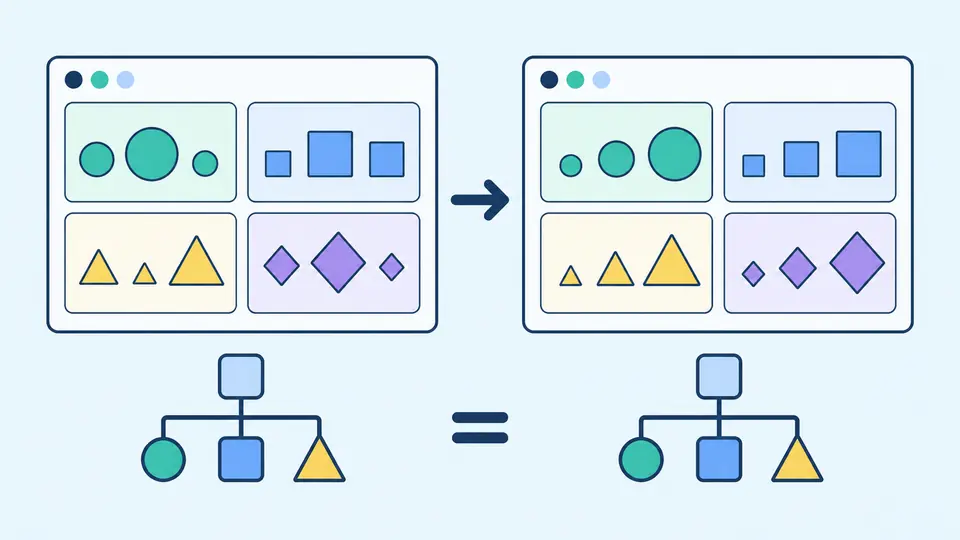
The result is a separate preview. Applying it, loading an example or clearing input shows the replacement size first. One undo restores the previous input and result together, including an invalid or outdated result.
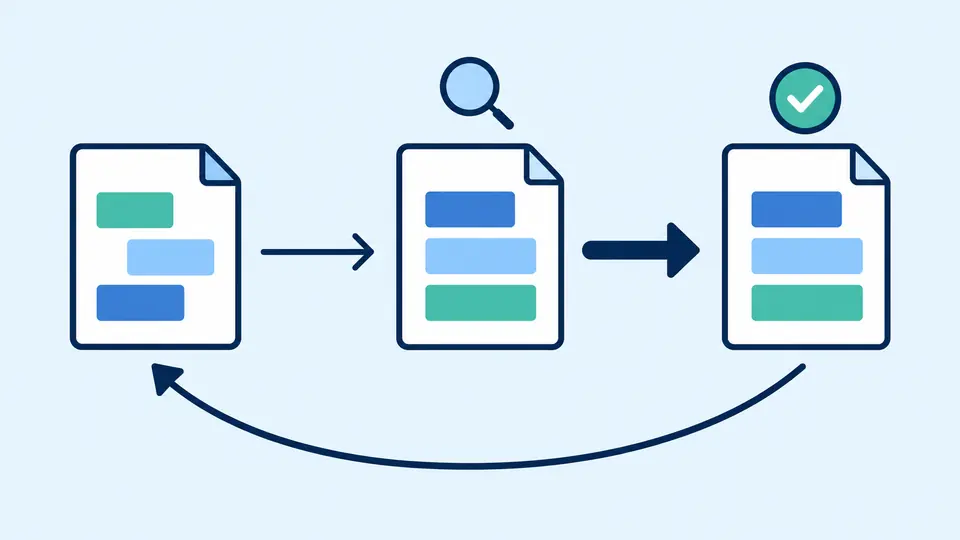
Auto checking waits 350 ms after an edit. Turn it off to reveal Validate and format; Ctrl or Cmd plus Enter runs the same check. Changing input or indentation immediately disables stale exports.
Sort dependencies previews all four groups. The group count reports how many maps actually changed order. Switch back to original order to format the unchanged source; neither action upgrades a version.
Copy and download use the valid result, even before application. Apply result opens a replacement preview. After confirmation, Undo restores the earlier source and result, rather than trying to reverse individual text edits.
The package.json validator rejects comments, trailing commas, duplicate keys and non-object roots. Diagnostics retain the original line, column and JSON Pointer, including keys with slashes.
npm package name validation uses new-package rules for name and historical-name rules for dependency keys. A present version must parse with node-semver; absent name and version remain acceptable for a local project.
Inspect each package name and unchanged dependency specifier in its own group. Long lists show 100 rows at a time. Field notes explain runtime, development, peer and optional dependencies instead of merging them.
Use the package.json formatter with two spaces, four spaces or tabs. To sort package.json dependencies, select the dedicated preview. Custom fields and numeric spelling survive formatting; the file downloads as package.json.
Standard JSON does not allow // or block comments. This tool rejects them rather than stripping them automatically. If you use a custom metadata field for notes, it remains ordinary data; check that your own tooling accepts that convention.
dependencies describes runtime packages; devDependencies is for development and testing; peerDependencies describes compatibility expected from a consuming project. optionalDependencies permits installation failure. The tool preserves every group and does not decide where a package belongs.
Yes. The sorting preview orders names inside the four dependency maps in the browser. No npm package is installed. Review the changed-group count and download the result; scripts and conditional exports keep their order.
New names must satisfy npm’s rules, including lowercase and URL-friendly spelling and a total length of at most 214 characters. Scoped names such as @team/widget are supported. A valid spelling says nothing about registry availability or ownership.
For ordinary nonzero major versions, ~1.2.3 generally allows patch updates while ^1.2.3 allows compatible minor updates too. Zero-major and prerelease ranges have additional rules. This tool preserves the range string and does not resolve an installed version.
For a project that will not be published, npm permits omitted name and version, so an empty object passes this local structural check. Publication requires additional metadata and context. This page does not turn a passing local check into permission to publish.
Missing a useful manifest check?
Open the package.json editor with a small example, inspect the dependency groups and keep the original input until you are ready to apply the result.