01
Choose the bytes you will ship
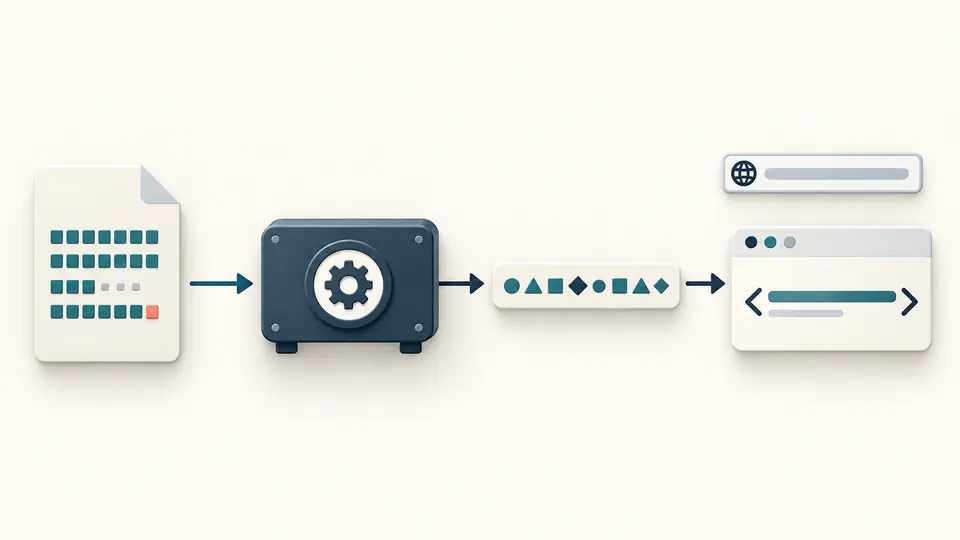
File mode preserves exact bytes, while text mode encodes what is in the editor as UTF-8. Even one trailing newline changes the value.
Web Security Config
Choose pasted source or a local file; the optional URL is used only to assemble the tag.
Text is encoded as UTF-8; file mode preserves exact bytes.
Content stays in this browser tab; the address is never fetched.
One file up to 20 MiB or 1,000,000 text units. SHA-256/384/512 only.
Enter text or choose a file.
SRI hash generator is useful when a CDN script or stylesheet must stay pinned to the bytes you reviewed. A version label alone does not prove that the delivered file stayed identical.
A Subresource Integrity generator must encode the raw digest as Base64, not show the hex string from a general file checksum. Hash the final deployed file whenever possible; pasted text may have different line endings.
See the bytes and the value that your markup will actually use.
SRI hash generator reads one selected file as raw bytes, including its BOM and line endings. It never fetches the address typed for the HTML tag, so an unreviewed CDN response cannot quietly become the reference.
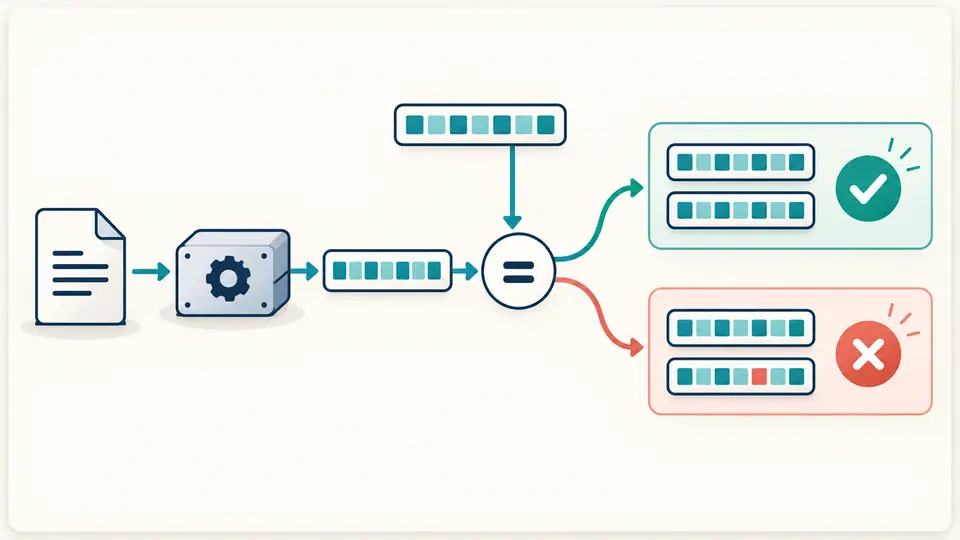
Paste one SHA-256, SHA-384 or SHA-512 integrity value that uses the chosen algorithm. A mismatch is shown beside the newly calculated value; copying stays disabled as soon as any input changes.
File mode preserves exact bytes, while text mode encodes what is in the editor as UTF-8. Even one trailing newline changes the value.
SHA-384 is the default; the existing token field accepts only one token of that same algorithm. Changing it requires a new run.
An address is optional and never fetched. Without it, copy the integrity attribute; with it, inspect the generated script or stylesheet tag and its crossorigin setting.
The integrity attribute generator produces sha256-, sha384- or sha512-prefixed Base64. The displayed SHA-384 SRI hash is not a hex file checksum.
Use the SRI hash verifier field to compare one existing token with the selected text or file. A well-formed but different token is a mismatch, not a parser error.
Choose script or link rel="stylesheet"; the URL is escaped as an HTML attribute and crossorigin="anonymous" is included for cross-origin use.
A worker reads at most one 20 MiB file into Web Crypto. Cancel or change input to discard the pending result, and stale output cannot be copied or downloaded.
SRI hash generator defaults to SHA-384 and also supports SHA-256 and SHA-512, the three algorithms in the SRI specification. Choose the algorithm required by your build or CDN workflow.
For a cross-origin resource, the browser needs a CORS-enabled request and a server response that permits it. The generated tag includes crossorigin="anonymous"; this tool does not test the server headers.
Usually no. A different response has different bytes, so a fixed SRI value can block the updated file. Pin a stable asset version and recalculate after a deliberate release.
No. The pasted text or selected file is hashed in this browser tab. The optional resource URL is only written into output markup and is never fetched by this tool.
Check the final file, line endings, build output and CDN version. SRI compares exact bytes; even a newline or updated bundle can make the previously published token fail.
Still have a question?
Return to the SRI hash generator with the exact file you plan to serve, then review its integrity value and complete tag before publishing.