01
Start with the conservative draft
The balanced preset uses strict-origin-when-cross-origin and self for three browser features; switching presets keeps your separate HSTS and CORS settings.
- A preset is a starting point, never a safety grade.
Web security settings
Choose a policy draft, inspect every emitted header, and review the deployment warnings before copying.
Preset: Balanced draft
Referrer-Policy: Strict origin when cross origin
Permissions-Policy: Camera · Self (self) / Microphone · Self (self) / Geolocation · Self (self)
HSTS: Omit
CORS example: Omit
Referrer-Policy: strict-origin-when-cross-origin
Permissions-Policy: camera=(self), microphone=(self), geolocation=(self)
Policy values stay in this browser. No request is sent to your origin.
HSTS works on HTTPS responses. Test a short max-age first; preload requires at least one year and all subdomains on HTTPS.
Use * only without credentials, or enter one exact http(s) origin with no path. This is a response example, not an authorization rule.
Referrer-Policy: strict-origin-when-cross-originThe selected policy controls which Referer details a browser sends.
Permissions-Policy: camera=(self), microphone=(self), geolocation=(self)An empty allowlist blocks a feature; self keeps it on the same origin.
No warnings for the selected draft.
2 headers ready · 0 warnings
When an API needs a CORS response and the main site needs a referral policy, copying a generic security snippet makes it hard to see which header does what. This Security Headers Generator keeps those choices separate.
An HTTP security headers draft here is plain response text. It does not inspect your live server, enable HTTPS, or prove that a policy suits every page.
Every generated line stays visible with the decision that produced it.
The Security Headers Generator shows Referrer-Policy and three Permissions-Policy features as individual choices; a privacy preset blocks those features without silently switching on HSTS.
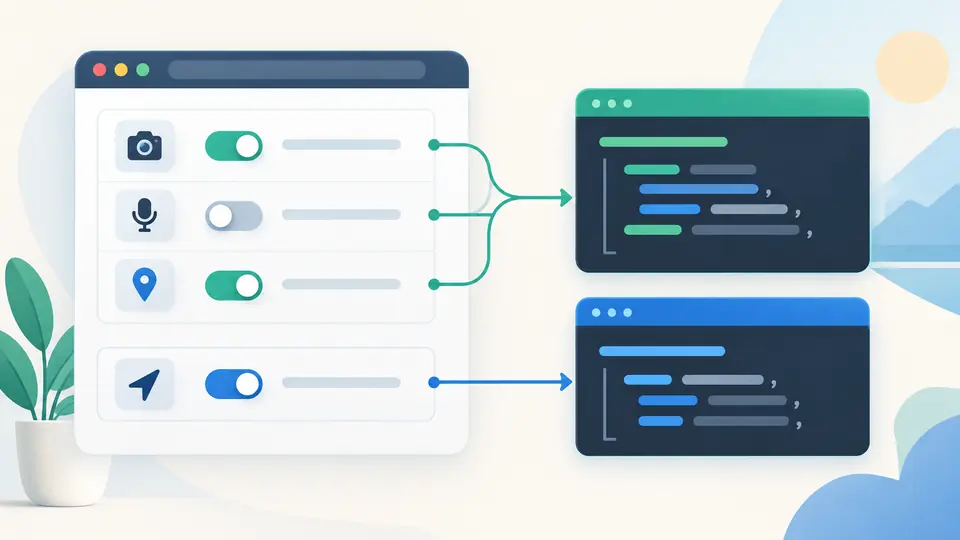
HSTS and the CORS headers are opt-in. A short HSTS trial and a precise CORS origin make risky changes obvious before you move a draft to a server.
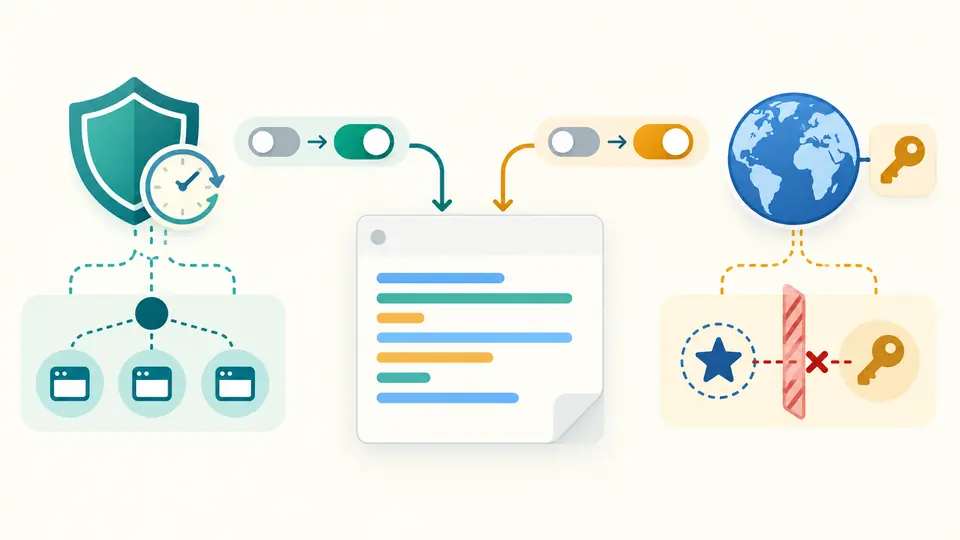
The balanced preset uses strict-origin-when-cross-origin and self for three browser features; switching presets keeps your separate HSTS and CORS settings.
HSTS begins at 300 seconds and stays off until enabled. Preload requires a year and includeSubDomains; wildcard CORS cannot be combined with credentials.
Auto generation waits 350 ms after changes. Turn it off for Ctrl/Cmd+Enter; a changed field disables copying and downloading until you regenerate.
Select one of four policies, including no-referrer; the output states the exact Referrer-Policy value rather than promising universal privacy.
Set camera, microphone and geolocation to self or none independently in Permissions-Policy.
Add Strict-Transport-Security and a CORS origin example only when their separate switches are on.
The preload token is an eligibility signal; you must separately submit the domain, and removing it later can take time. This generator enforces the one-year max-age and includeSubDomains prerequisites.
In Permissions-Policy, self allows the current origin and none uses an empty allowlist. This page intentionally omits the unrestricted * option, which would allow more contexts.
Copy the raw header lines into the response configuration you actually maintain, whether that is Nginx or Express. This page does not generate platform-specific syntax or test precedence.
No CSP is generated here. A production CSP needs an inventory of your scripts and resources; the four policies here cannot infer it.
No. The Security Headers Generator runs in this browser, sends no request to your site, and does not store a draft on a server.
Something looks wrong?
Adjust one policy, read its explanation and copy only after the result is current.