Images, SVG & icons

SVG optimizerReview every change

Format, minify or optimize static SVG, compare the candidate, then apply it.

SVG optimizer

SVG source

Result

SVG processing and preview stay in your browser; external resources are blocked.

Options

Source or options changed. Generate a new result.

A design export can hide a small icon inside pages of comments and metadata. This SVG optimizer lets you inspect the actual markup before deciding which cleanup is appropriate.

Use the SVG viewer to compare the original and candidate, then inspect individual path data. A smaller result is useful only when it still represents the artwork you intended.

Why use this SVG optimizer?

Keep source review and visual confirmation together.

Inspect before replacing

The SVG optimizer prepares a candidate with byte counts and change statistics. Check the two drawings before applying it; an undo restores the previous source and result together.

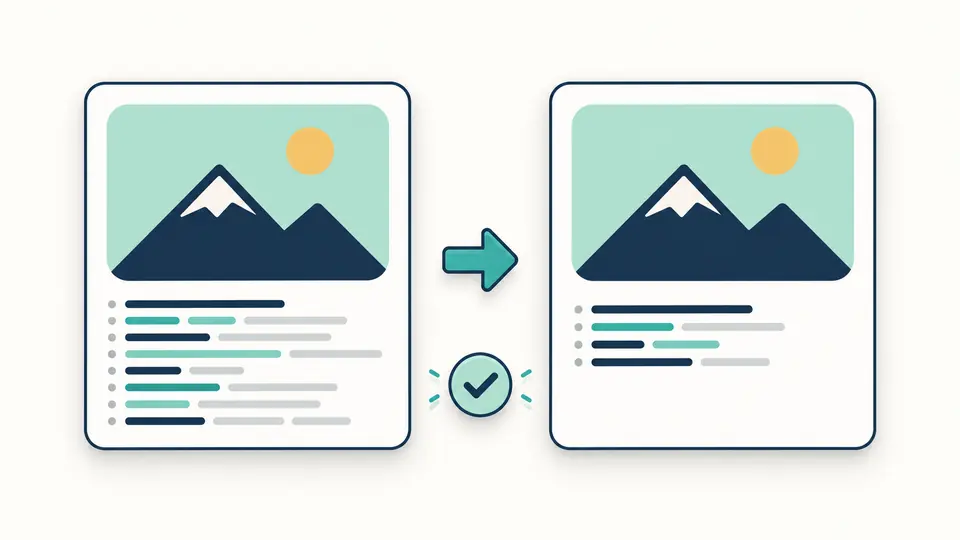
Two matching vector drawings beside source blocks, with redundant nodes removed from one block.

Choose a useful raster size

A tiny icon viewBox need not produce a tiny PNG. Choose a pixel width and retain the drawing’s aspect ratio, with transparency for placing the exported image over another background.

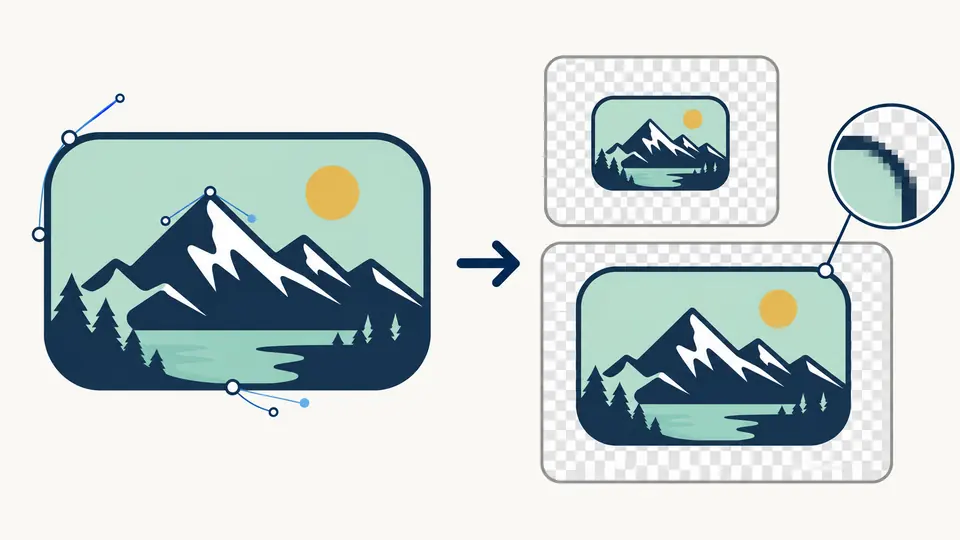
A vector shape converted into a larger pixel image over a transparency checkerboard.

Avoid accidental changes to your artwork

01

Start with a complete document

Supply the complete svg element, including its namespace and viewBox. A lone path fragment has no drawing coordinate system and must first be placed inside a valid SVG.

  • Use the example to see a supported static document.
02

Enable precision changes deliberately

Comment and metadata removal start enabled. Numeric rounding and path optimization start disabled; the precision setting affects only the transformations you enable.

  • Ctrl/Cmd + Enter runs the main action in manual mode.
03

Review again after editing

Changing source or options makes the old candidate stale. Generate a new preview before applying or exporting so a previous icon cannot be copied by mistake.

  • Undo restores both source and output after an applied change.

From readable markup to a checked asset

Formatting without a new file format

Use the SVG minifier to switch between indented XML and compact markup while keeping the document as SVG. Formatting uses two spaces; it is useful for finding an unexpected group or tracing an inherited fill before reviewing the optimized result. Text content requires care because whitespace can be meaningful.

Independent optimization choices

Remove comments and metadata independently of geometry changes. Optional numeric and path optimization uses SVGO with the chosen precision. IDs, viewBox, title and desc remain available, so routine cleanup does not deliberately remove sizing information or accessible descriptions.

Inspect path data in context

The path view lists d data rather than pretending every shape is a path. Check an index and identifier against the source when an icon contains several outlines. This is an inspection surface; moving Bézier handles or performing boolean shape operations belongs in a vector editor.

A controlled SVG to PNG export

Export a transparent PNG at a chosen width while preserving the ratio defined by viewBox or supported pixel dimensions. Width and height must each stay within 4096 pixels, with at most 16,777,216 pixels in total; a very tall ratio can exceed the height limit even at a valid width. Keep SVG for scalable assets; use PNG when the destination needs pixels.

Accepted documents and export limits

Static SVG only
Scripts, event handlers, animations, foreignObject, image elements and style elements are rejected. External references, embedded images, processing instructions and doctypes are not supported. Common static shapes, text, gradients and internal fragment references are supported; this is not a general SVG sanitizer.
Limited styles and namespaces
Only an allowed subset of presentation declarations is accepted in style attributes, and URL values must refer to local fragment IDs. Arbitrary XML namespaces, including RDF content inside editor metadata, are outside the supported subset. Remove unsupported editor content at its source before trying again.
Bounded documents and dimensions
A document may contain at most 1 MiB of UTF-8 input, 20,000 nodes including text and comments, and 100 nesting levels. Optimization stops if its worker exceeds 20 seconds. Raster export needs a usable viewBox or supported pixel width and height. Relative or complex CSS units do not provide a reliable export size here; specify a definite coordinate system instead. PNG width and height must both be at most 4096 pixels; tall artwork can fail the height limit.
Optimization can affect appearance
Rounding and rewriting path data may move fine geometry. Compare the candidate and original before applying, and check the asset in its final embedding context. The SVG optimizer reports actual bytes rather than promising a fixed saving; a hand-written icon may already be compact.

SVG optimizer questions

Will optimization alter the picture?

Yes, especially when numeric or path optimization is enabled. Small coordinate changes can matter for tightly aligned strokes. Keep those options off for conservative cleanup, and compare the candidate at the sizes where you plan to use the artwork.

Why retain viewBox?

viewBox defines the coordinate rectangle used to scale the artwork. This tool preserves it, along with IDs, title and desc. Keeping it helps the same SVG fit different display sizes and provides a ratio for PNG export.

Can scripted SVGs be processed?

No. The accepted input is a static SVG subset: script elements, event handlers and animation elements are rejected before previewing. The tool does not execute source code or load resources referenced outside the document.

How are large files handled?

The input limit is 1 MiB, with 20,000 nodes and a depth of 100. Oversized documents are rejected rather than partially processed. Simplify a large map or illustration in its source application, or process it with a build tool suited to that scale.

Can SVG be converted to another format?

PNG export is included. Set the width from 1 to 4096 pixels, subject to a 16,777,216-pixel area limit, with height also capped at 4096 pixels; the supported source dimensions determine the height. This page does not generate JPEG, WebP, framework components or traced vectors from bitmap images.

Found an edge case this converter gets wrong?

Try the SVG optimizer

Review one icon with the SVG optimizer, confirm its appearance, then take the checked asset into your project.

Keep an original copy for future design edits.