Images, SVG & Icons

EXIF viewer and removerInspect first, then clean a copy

Choose one static JPEG, PNG or WebP image. Inspection starts immediately; cleanup waits for your approval.

EXIF viewer and remover

Original image

Drop one JPEG, PNG or WebP image here. Maximum 20 MiB.

Cleaned result

Choose an image to inspect.

Inspection and cleanup happen in this browser. The image and GPS coordinates are not sent to a server or map.

Full cleanup keeps ICC profiles. GPS only leaves XMP, IPTC and other location clues untouched.

Choose an image to inspect.

An EXIF viewer and remover helps when a photo is ready to share but its invisible location and camera history are still a question. A travel photo may carry GPS coordinates even when the picture itself looks harmless. An image metadata viewer shows the detected fields and the container blocks that hold them before you decide what to remove.

This EXIF viewer and remover reads a local file, highlights GPS, then makes a separate cleaned copy. Choose all supported metadata blocks or, for a JPEG, remove GPS metadata from EXIF while retaining other camera details. You can compare the parsed output with the original before downloading; strip photo metadata only after you have seen the preview.

Why use this EXIF viewer and remover

See the location risk and the verified result in the same workbench.

GPS is visible before deletion

The EXIF viewer and remover calls out coordinates when they exist, next to camera and date fields. You choose a scope after seeing the actual file instead of assuming every photo contains a geotag.

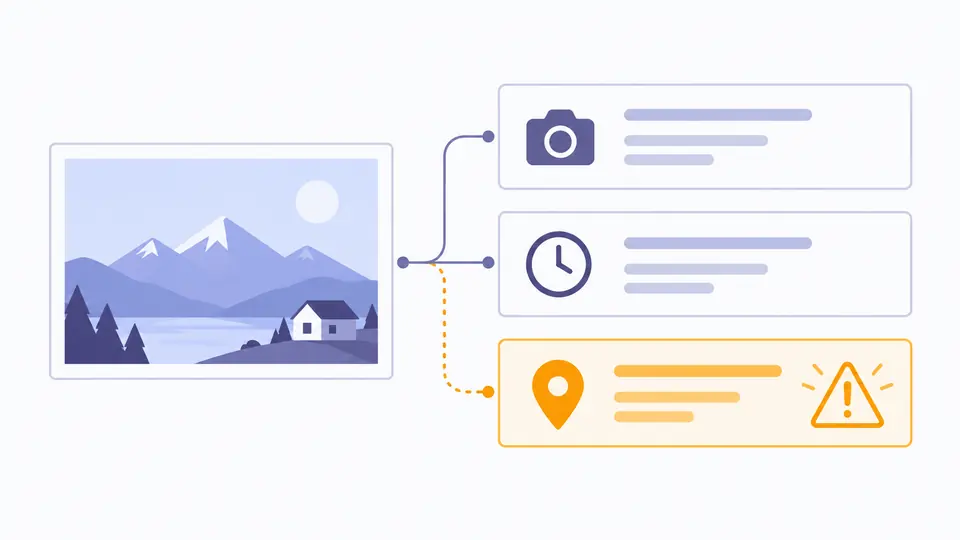
A photo card with a highlighted location pin beside its metadata blocks, with no map or text.

A cleaned copy is checked again

After applying, the tool parses the output bytes again and lists removed and retained blocks. ICC colour profiles remain where needed, and a rotated JPEG is refused for full cleanup rather than silently appearing sideways.

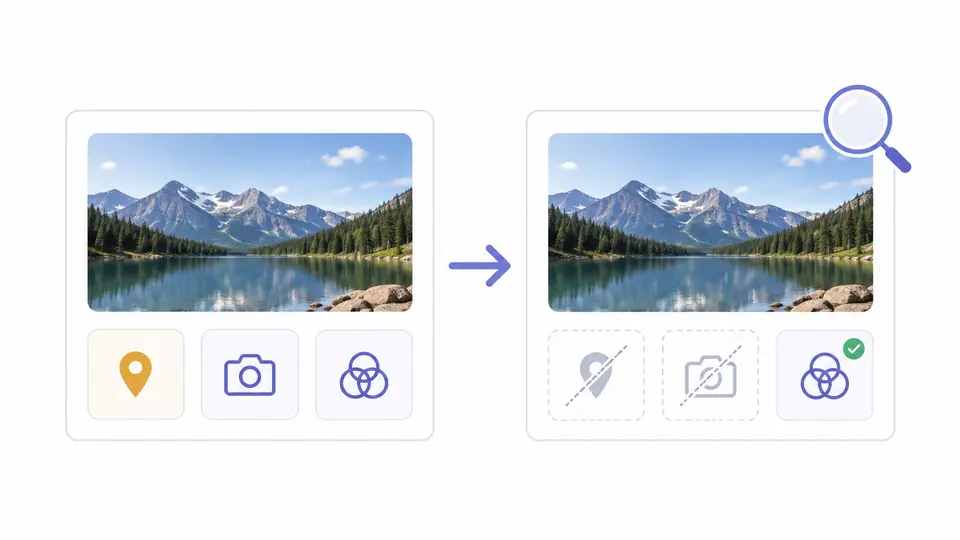
Two photo cards connected by an arrow; removed metadata markers are crossed out while a colour profile marker stays.

Three checks before sharing a photo

01

Inspect the actual file

Drop or choose one image, or load the sample with GPS data. The tool checks file magic and container structure rather than trusting a .jpg extension; inspection is automatic, cleanup is not.

  • Files over 20 MiB and animated or unsupported formats are refused before cleanup.
02

Choose the scope deliberately

The default removes the listed supported blocks. JPEG also offers GPS only, which keeps camera EXIF but may leave location text in XMP or IPTC. Preview shows the number and names of items targeted.

  • Ctrl/Cmd + Enter opens the preview; Apply is always a separate confirmation.
03

Verify the new copy

Apply creates a new image in memory and parses it again. Compare the removed fields with the remaining blocks, then download the copy; the original file on disk is never overwritten.

  • Changing the file or scope clears the old result, so an outdated copy cannot be downloaded.

Inspect, select and verify

Readable EXIF and container summary

See camera, capture time, exposure and GPS fields where the file exposes them. XMP, IPTC, text and ICC blocks are also listed by type so unparsed data is not mistaken for absence.

JPEG GPS-only option

Remove EXIF GPS coordinates while keeping the other readable EXIF fields. This is a narrower action than remove EXIF data altogether; XMP or the filename can still disclose a place.

Byte-level supported cleanup

JPEG APP1/APP13/comments, PNG EXIF/text/time and WebP EXIF/XMP are removed from a copy without canvas recompression. The result is parsed again before its download button is enabled.

What the cleaned file does and does not guarantee

Three static formats, one file
Only static JPEG, PNG and WebP files up to 20 MiB are accepted. HEIC, RAW, TIFF, AVIF, animation and enhanced JPEG containers need a different workflow.
Some information remains
ICC colour profiles and required image structure stay intact. Unknown proprietary blocks are reported as retained; visible faces, addresses, watermarks, filenames and cloud copies are outside metadata cleanup.
Orientation can block full cleanup
If a JPEG needs an EXIF rotation tag, full cleanup is refused because deleting it could turn the picture sideways. GPS-only cleanup may be used when the file has readable GPS and no unsupported MakerNote.
GPS-only is deliberately narrow
The JPEG option rebuilds the EXIF block without its GPS IFD, then checks the new bytes. It does not promise to remove location mentions from XMP, IPTC or the image pixels.

EXIF viewer and remover: common questions

Are my images uploaded to a server?

No. The EXIF viewer and remover reads and writes the chosen file in your browser. The image is not sent to this site or to a map service.

What image formats are supported?

This version accepts one static JPEG, PNG or WebP image up to 20 MiB. HEIC, TIFF, RAW, AVIF and animated images are refused rather than partly cleaned.

Will removing EXIF affect image quality?

All-supported cleanup copies encoded image data instead of drawing it on a canvas, so it does not add a compression generation. A JPEG that relies on a non-default orientation tag is refused for that mode.

Can I remove only GPS or capture time?

GPS only is available for JPEGs with readable EXIF coordinates. Capture time cannot be removed on its own here; full cleanup removes the supported metadata blocks together. GPS-only may still leave location clues in XMP, IPTC, filenames or visible pixels.

Does X (Twitter) strip EXIF from uploaded photos?

Platforms handle uploads differently and may change their rules. If the original file matters, inspect the downloaded or shared copy itself instead of assuming that X removed its EXIF.

Need another answer?

Use the EXIF viewer and remover now

Load a photo, inspect its location and camera fields, preview the removal, then download only after the copy has been verified.

The original file stays on your device.