Images, SVG & icons

Favicon generatorEvery size from one image

Drop a logo or an existing .ico, check the 16 px tab preview, then download the whole package.

Favicon generator

Source image

Drop a PNG, JPG, WebP, GIF, SVG or ICO file here, or paste an image from the clipboard.

Images are read and resized in this browser tab; nothing is uploaded.

Package preview

Choose, drop or paste an image to start.

Icon options

Sizes inside favicon.ico

HTML and manifest

Choose, drop or paste an image to start.

A new site, a rebrand or a Lighthouse warning usually ends the same way: you have one logo and need half a dozen icon files plus the tags that point to them. This favicon generator produces the current set from that single source, so you are not resizing the same picture six times in an image editor.

It also works in the other direction. Drop the favicon.ico you inherited and it lists every size stored inside, lets you save each one as a PNG, and uses the largest as the source for the missing Apple and Android icons.

Why use this favicon generator

It produces the set browsers and phones request today, and nothing they stopped asking for.

One source, the whole current set

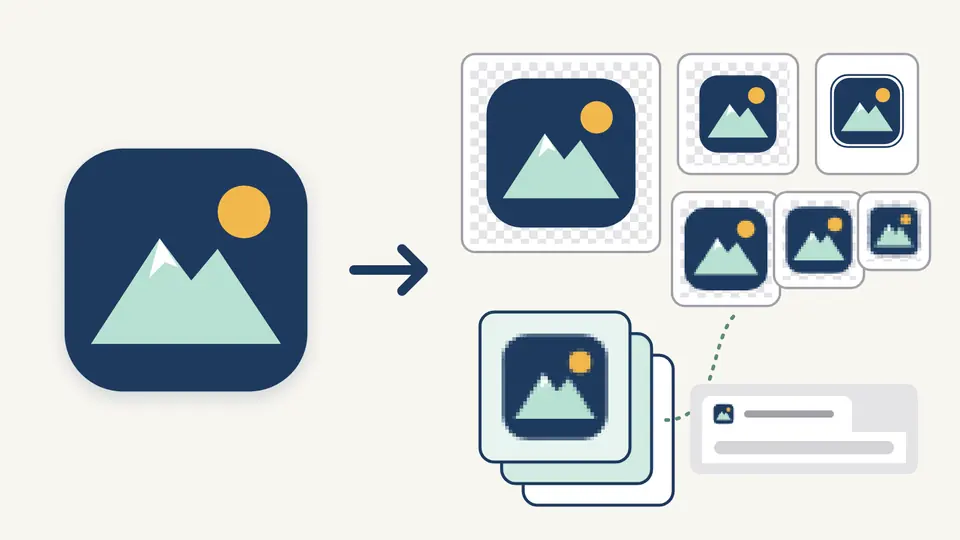
A multi-size favicon.ico, 16 and 32 px PNGs, the 180 px Apple touch icon, 192 and 512 px Android icons and site.webmanifest come from a single image. The HTML tags point at your real path, so a site served from /static/ does not need six hand edits.

A large app logo on the left with an arrow to the same logo at several sizes, a layered ICO file and a small browser tab showing the 16 pixel icon

Open an ICO to see what is really inside

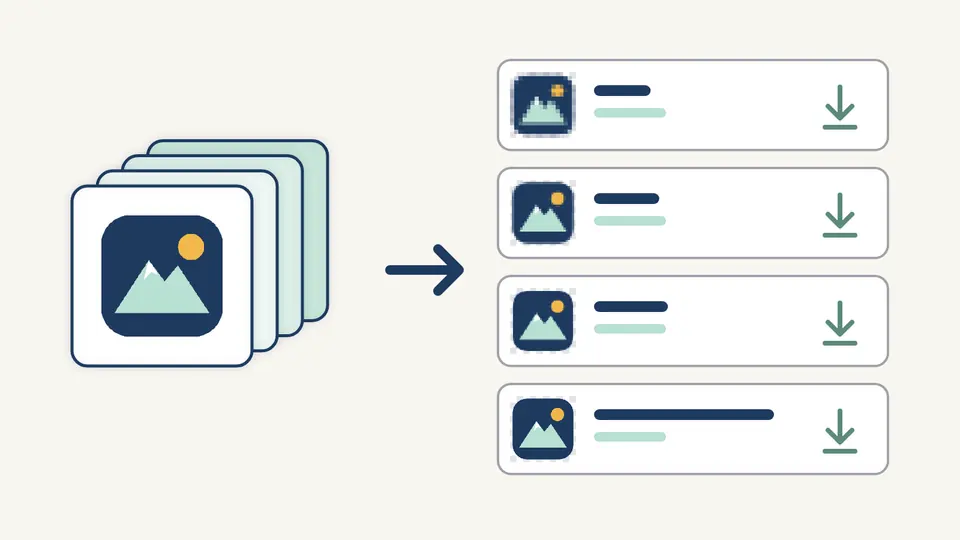
Drop an existing favicon.ico and the tool lists each embedded image with its real dimensions, bit depth, PNG or BMP encoding and byte size. Save any of them as a PNG, or all of them in one ZIP, which covers the usual ICO to PNG job without a second site.

A stack of icon layers taken apart into four rows, each row holding one embedded size of the same logo with a download arrow

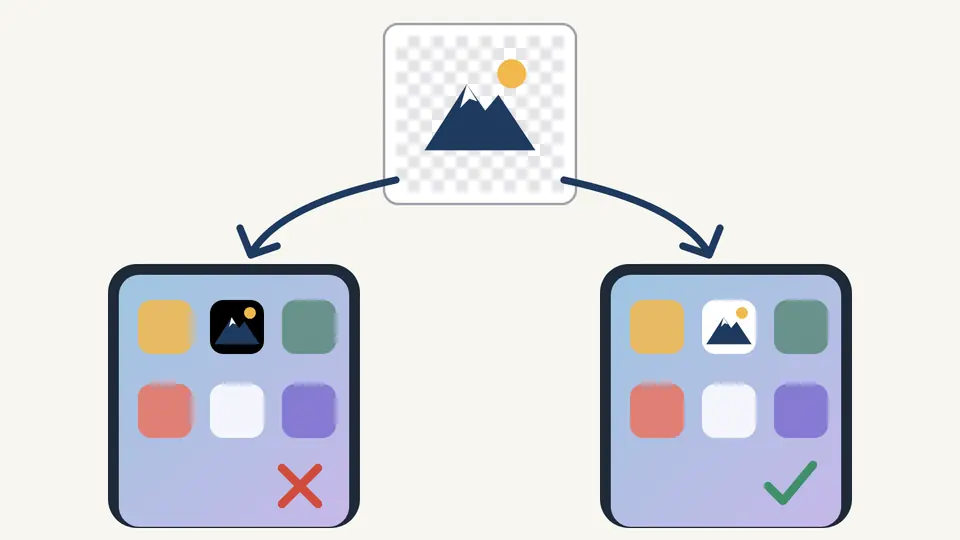
No black square on the iPhone home screen

iOS paints transparent touch icons on black. The apple-touch-icon is therefore always filled with your background colour and left square, because iOS applies its own rounded mask, while the browser icons keep their transparency.

A transparent logo shown on two phone home screens: on the left it sits on a black tile, on the right on a white tile

Three details that decide whether the icon looks right

01

Start from the largest, squarest source you have

An SVG or a square PNG of at least 512 px gives the sharpest results. A non-square image is centred rather than cropped, and a raster under 512 px gets a warning with its actual size, because the 512 px Android icon would be an upscale.

  • You can paste a screenshot or copied image directly with Ctrl/Cmd+V.
  • Dropping an .ico uses its largest embedded image as the source.
02

Judge the 16 px tab, not the big preview

Generation reruns about 300 ms after each change. Watch the light and dark tab mock-ups and the 4× zoom: thin strokes and small text vanish at 16 px. A little padding helps wide logos; a corner radius only applies to browser and Android icons.

  • Turn off Auto-generate to work manually; Ctrl/Cmd+Enter then runs it.
  • Leave the ICO at 16, 32 and 48 unless you need a 256 px desktop shortcut icon.
03

Set the path before you copy the HTML

The site path is written into every link tag and every manifest icon src. If the files will live in /assets/icons/, enter that first, then download the ZIP and copy the HTML into the head of your pages.

  • Empty app names are left out of the manifest instead of being written as empty strings.
  • Undo brings back the previous image and settings once after Clear or a replacement.

What the package contains and how it is checked

Current file set, flat ZIP

favicon.ico, favicon-16x16.png, favicon-32x32.png, apple-touch-icon.png, android-chrome-192x192.png, android-chrome-512x512.png and site.webmanifest, plus favicon.svg when the source is an SVG. Every file sits at the ZIP root, ready to copy next to your index page.

Choosable ICO sizes

The ICO can hold any mix of 16, 24, 32, 48, 64, 128 and 256 px images, stored as PNG data, which every current browser and Windows reads. This makes it a PNG to ICO converter as well as a favicon package tool.

Favicon sizes checked with numbers

The source is identified by its bytes rather than its extension, and the warnings quote the real width and height. SVG sources are never flagged as too small, since they scale without loss.

Head tags and manifest that agree

The link tags, theme-color meta and manifest icon list are built from the same path and colours, so the HTML never points at a file that is missing from the ZIP.

What it does not produce, and why

No URL fetching or live-site checking
Nothing is requested from the network, so it cannot import the icon of an existing website or audit one that is already deployed. Save the file first and drop it in.
No retired platform files
Windows tile images and browserconfig.xml, the Safari mask-icon and the old 57–152 px Apple sizes are not generated. Current Edge, Safari and iOS use the files in this package.
No maskable Android icon yet
The manifest icons have no purpose value. A maskable icon needs a safe-zone preview because Android crops about a fifth of the edge, and a wrong flag is worse than none.
Fit, never crop
The source is scaled to fit inside the padded square and centred. There is no crop box; trim the image first if the subject is off-centre.
SVG is copied, not redrawn
favicon.svg is your original file. Padding, radius and background only affect the PNG and ICO output, and there is no automatic dark-mode variant.
ICO output is PNG-based
Legacy BMP and 256-colour ICO images can be read and extracted, but new ICO files always contain PNG data. Animated GIFs use their first frame only.
Input limits
Source files up to 20 MB and 8192 px per side; ICO files up to 10 MB and 64 embedded images. App names are limited to 60 characters.

Favicon generator questions

Which favicon sizes do I need?

For today's browsers and phones: a favicon.ico containing 16, 32 and 48 px, 16 and 32 px PNGs, a 180 px apple-touch-icon, and 192 and 512 px icons listed in site.webmanifest. That is exactly what this favicon generator puts in the ZIP.

Do I still need a favicon.ico file?

Yes. Some browsers, feed readers and crawlers still request /favicon.ico at the site root even without a link tag, and the ICO also covers old browsers that ignore PNG icons. Keep it at the root if you can.

Why is my favicon not showing?

Browsers cache favicons aggressively, so hard-reload or open the page in a private window first. Then confirm that the href in each link tag matches where the files really are; set the site path in the tool before copying the HTML so they agree.

Does a favicon need to be square?

The output is always square. A rectangular source is scaled to fit and centred, with transparent space on the short sides and a warning showing its dimensions. For wide logos, a simplified square mark usually reads better at 16 px.

What size should my source image be?

At least 512×512 px for raster images, since that is the largest output. Smaller sources still work but are upscaled. An SVG avoids the problem entirely.

How do I extract a PNG from an ICO file?

Drop the .ico into the source area. Each embedded image is listed with a PNG button, and the ZIP button saves them all. Legacy BMP images inside the ICO are converted with their transparency mask applied.

Missing a size or a platform?

Build your icon set with the favicon generator

Drop your logo into the favicon generator, check the 16 px tab on both backgrounds, then take the ZIP and the head tags to your site.

Keep the original logo file for later edits.