01
Paste the exact text
Use five hexadecimal groups in the 8-4-4-4-12 pattern. Uppercase letters work; surrounding spaces, braces and URN prefixes do not.
- Blank rows are counted separately; they are not malformed UUIDs.
Identifiers
One UUID per line; inspect the first valid format and the complete report.
Input is processed in this browser and is not sent to a server.
Time is encoded data, not proof of creation. A node field does not identify a device.
One canonical 36-character UUID per line. Uppercase is accepted; spaces and wrappers are not removed.
Maximum 2,000 lines and 200,000 UTF-16 code units.
Enter a UUID or choose an example.
Use the UUID decoder when an API response mixes identifier versions or a log has lost its separate date column. A UUID validator can establish the shape of the text; decoding then reveals which fields the selected layout carries.
A recognized UUID version does not prove that its generator followed the standard. Treat a UUID timestamp as encoded data: it can be chosen, copied or generated by an inaccurate clock.
The UUID decoder reads v1 and v6 Gregorian ticks and v7 Unix milliseconds. A v4 identifier has no standard date to recover, so its random bytes are never presented as an event time.
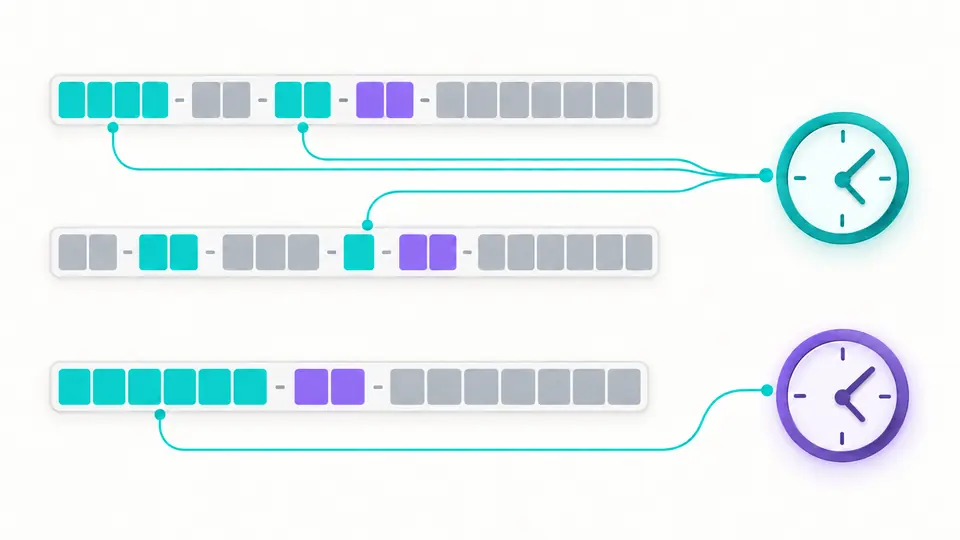
One malformed identifier does not erase its neighbours. Original source lines, positions, invalid values and blank rows remain in the JSON report, so you can compare it against the batch you pasted.
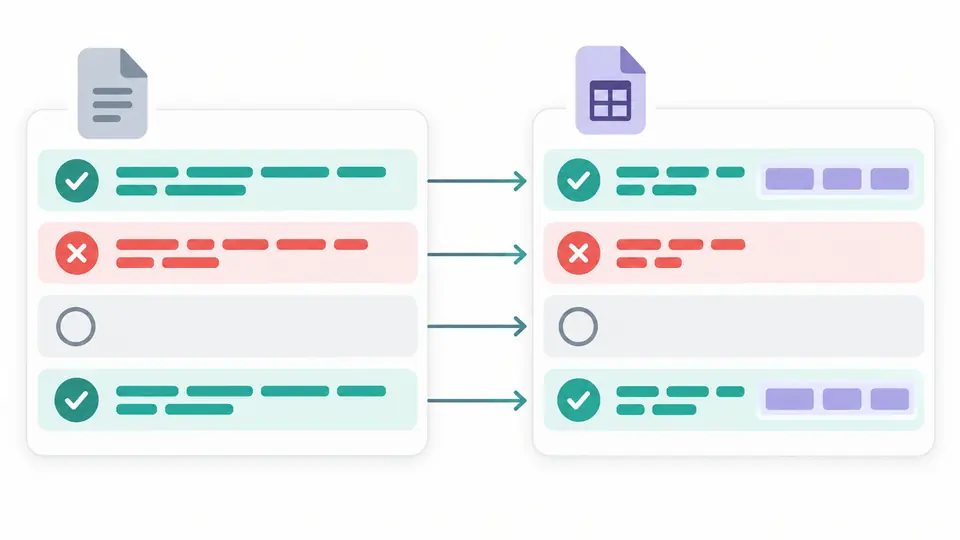
Use five hexadecimal groups in the 8-4-4-4-12 pattern. Uppercase letters work; surrounding spaces, braces and URN prefixes do not.
Automatic decoding runs 350 ms after the latest edit. Switch it off to run explicitly with the button or Ctrl/Cmd+Enter.
The field panel describes the first format-valid row. The JSON report covers every row, including unsupported layouts and errors outside the visible preview.
Read the leading variant bits as NCS, RFC, Microsoft or reserved. Non-RFC layouts are reported without applying RFC timestamp formulas.
Recognize version codes 1–8 and the all-zero Nil and all-one Max identifiers. Unknown codes remain distinguishable from malformed text.
v1/v6 reports preserve Gregorian ticks as decimal strings and the 100 ns remainder below a millisecond. v7 exposes its 48-bit Unix millisecond field.
Copy or download the whole report with original input and per-line outcomes. Display pagination does not limit the exported rows.
For RFC-layout v1, v6 and v7, yes: the UUID decoder reads the embedded clock. Other versions receive no invented date. The result is not proof of when an application record was created.
The leading bits of the ninth byte identify the layout family. The tool distinguishes RFC from NCS, Microsoft and reserved variants; only the RFC layout receives version-specific time decoding.
Canonical text is inspected for all variant families. Version codes 1–8 are recognized under the RFC variant, with Nil and Max handled separately. An unknown layout stays format-valid but unsupported.
The 48-bit node field in v1/v6 may come from hardware or a generated value. Reading it and its multicast bit cannot establish the identity of a machine.
v1 uses a split 60-bit count of 100 ns intervals from 1582-10-15. v7 stores 48-bit milliseconds from the Unix epoch; its other fields do not reveal a universal counter scheme.
Found an unexpected result?
Use the UUID decoder with a known identifier, inspect its version and applicable time fields, and keep the full JSON report for comparison.