01
Choose the intended dialect
The initial example uses the documented dotenv subset. Select the shell assignment subset only for static assignments; unsupported expansion and commands become errors. Neither mode runs a shell.
Configuration checks
Review assignments, switch to the table to edit a value, and preview every change before applying it.
Runs in your browser. Inputs stay in memory, without URLs, telemetry or local history.
Assignments: 5 · Unique keys: 5 · Duplicates: 0 · Empty: 1 · Warnings: 1
A deployment can fail because a second assignment quietly overrides the value you just checked. This .env editor keeps every declaration visible, including empty entries, so you can inspect the actual file before handing it to a loader.
Configuration values remain strings: 001, false and an empty assignment have distinct meanings. Look at the decoded table value alongside the original quoting whenever a path, password or multiline certificate behaves unexpectedly.
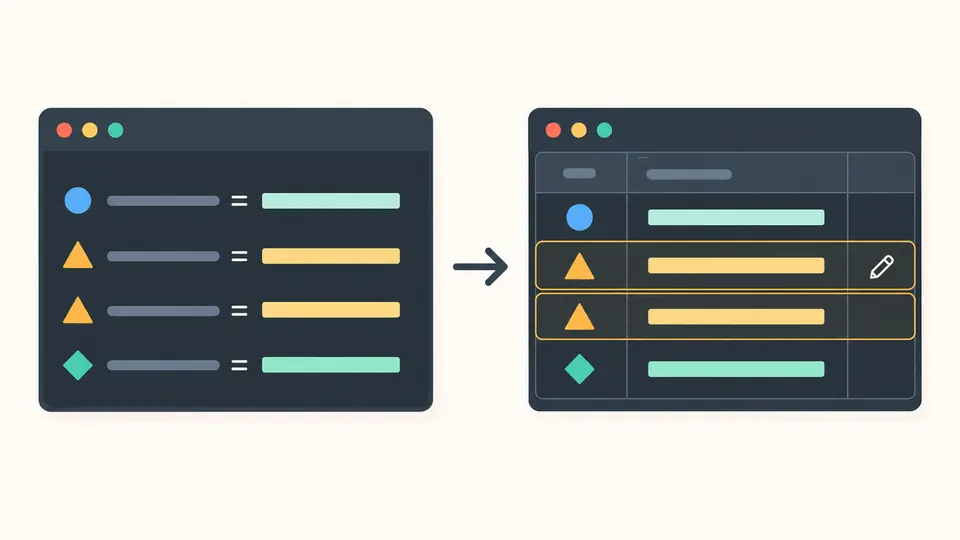
The .env editor turns source assignments into a table without folding duplicate names into one row. Original line numbers and a warning for each repeated key let you choose exactly which occurrence to edit.
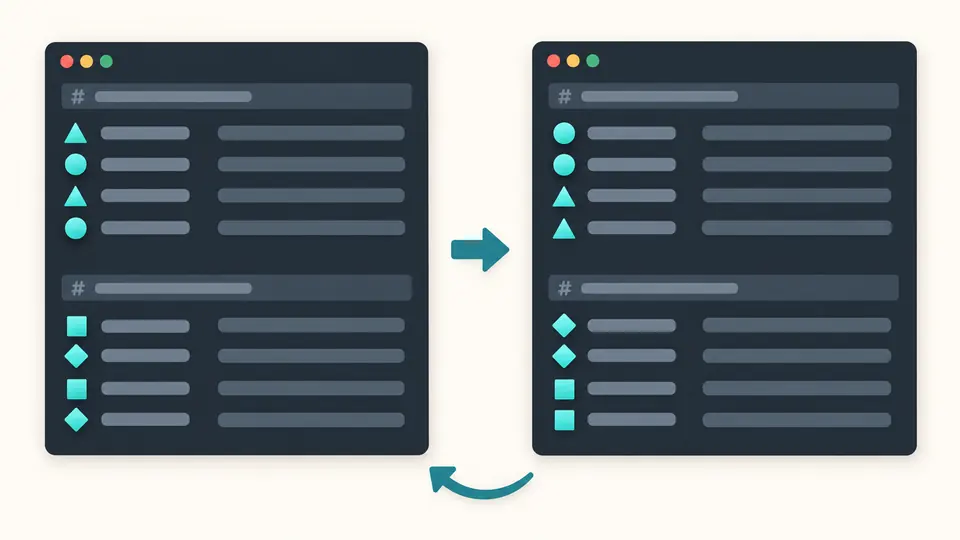
Sort within each uninterrupted group of assignments. Standalone comments and blank lines stay at group boundaries; equal keys keep their relative order. The preview shows the proposed file and how many rows would move before you apply it.
The initial example uses the documented dotenv subset. Select the shell assignment subset only for static assignments; unsupported expansion and commands become errors. Neither mode runs a shell.
Switch the result to the key-value table. Its cells show strings after the selected quoting rules, while the text result retains the original value syntax. An empty cell is present, not a missing variable.
Editing, deletion, sorting and replacing the source open a preview. Apply commits the change and creates one undo point. In manual mode, Ctrl/Cmd + Enter updates the result; exports stay disabled while it is outdated.
The .env formatter removes spacing around the assignment operator while retaining export prefixes, quoted value text, inline comments and blank lines. Line endings become LF and a leading UTF-8 BOM is removed; it does not rewrite all values into a new quoting style.
The dotenv validator reports malformed names, missing equals signs, unclosed quotes and unexpected trailing text with source locations. Duplicate keys, empty strings, potential interpolation and unknown double-quote escapes appear as warnings rather than silent corrections.
Use the environment variable editor to add a key, change a decoded string or remove a specific declaration. Repeated names remain separate rows. Edits are serialized as quoted literals, so inserted newlines or quote characters cannot become extra assignments.
Read UTF-8 files such as .env.local and .env.production. The same limits apply to pasted text and files: 1 MiB and 10,000 assignments. The table displays 100 rows at a time, while copying and downloading use the complete checked output.
Every occurrence stays in the source and table. The later row receives a warning with both line numbers; the last value is effective under the documented rules. You can delete or edit one occurrence explicitly, preview the result and undo the change.
Use ASCII letters, digits and underscores, starting with a letter or underscore. APP_PORT and _TOKEN are valid; 2PORT, APP-NAME and names containing spaces are rejected. Names are case-sensitive, so PORT and port are different keys.
Processing happens locally in the browser; this page does not send your configuration to a service or save it in local history. Source, table, preview and exported files still contain visible values. Use synthetic examples when screen sharing and handle downloaded secrets as carefully as the original file.
Blocking errors include a missing equals sign, invalid name, unclosed quote, unexpected text after a quoted value, NUL characters and unsupported syntax. A .env editor warning is different: an empty or duplicate entry remains exportable after you review it.
Choose the documented dotenv subset or the restricted shell assignment subset. Both support optional export prefixes and quoted multiline strings. They differ in spacing, hash-comment and escape rules; neither expands variables or executes commands. Invalid UTF-8 files and inputs above the stated limits are rejected.
Need help with a value or rule?
Open the .env editor, inspect the warnings and compare the proposed source with your original file before applying the change.