Choose string preservation or explicit type inference before reshaping environment settings.
ENV to JSON
Input
Result
Content stays in this browser. No input is uploaded, executed, saved or added to a URL.
Strict dotenv 17.4.2 subset. Quoted values stay strings; inference applies only to unquoted JSON numbers, true, false and null. Comments and original quoting are discarded.
ENV to JSON helps move application settings between flat assignment files and structured configuration. A port that looks numeric may still need to stay text; a quoted false should not unexpectedly become a Boolean.
Use dotenv to JSON for settings exported by a supported loader, or JSON to ENV when a deployment needs assignments. Converting environment variables to JSON does not execute them, expand references or decide which names your application understands.
Why use ENV to JSON
Make type and structure changes intentional
Keep strings recognizable
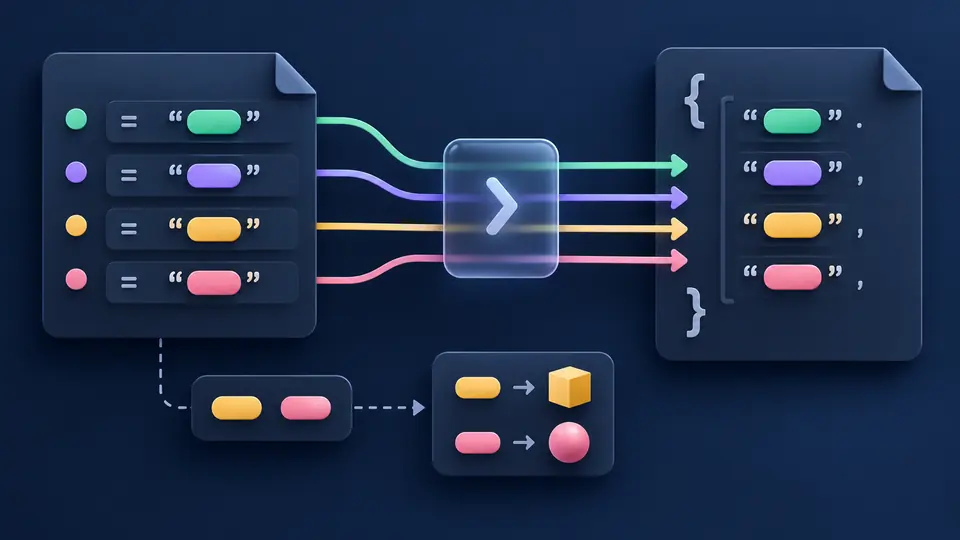
ENV to JSON preserves every accepted value as text by default, including 001, false and an empty assignment. Turn inference on only when the receiving JSON configuration expects typed primitives; quotes still protect text.
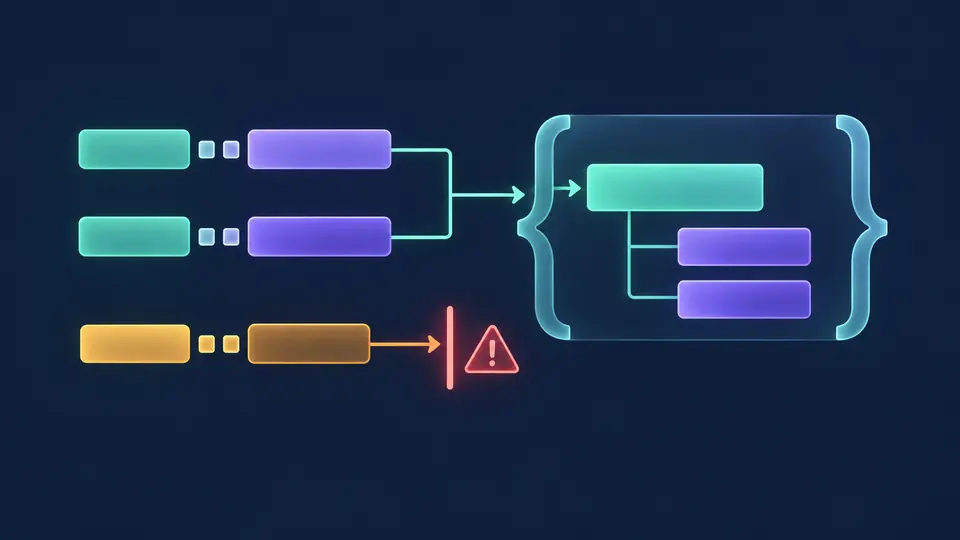
A double underscore can mark an object boundary when you opt in: DATABASE__HOST becomes a HOST field inside DATABASE. Ambiguous names and parent/leaf collisions stop conversion instead of silently moving a value to another path.
Three settings with consequences beyond formatting
01
Decide whether values are text
Preserve strings is the default. Inference recognizes only unquoted JSON number syntax and lowercase true, false or null. Values such as 001, NaN and [] remain strings; quoted primitives also remain strings. JSON → ENV requires strings unless inference is selected.
02
Turn hierarchy on deliberately
Flat mode treats DATABASE__HOST as one name. Nested mode splits __ into object paths and rejects empty segments or collisions. JSON key segments containing __ or ambiguous underscore boundaries cannot be flattened reversibly; arrays and nested empty objects are rejected.
03
Reverse a current result safely
Use result and reverse previews both the replacement text and new direction. Apply keeps one Undo for input, options and output. Automatic conversion waits 350 ms; turn it off to use Convert or Ctrl/Cmd+Enter. Any edit immediately disables stale exports.
Conversion without hidden coercion
Inspect the data contract at each boundary
Exact number tokens
In inferred mode, accepted JSON numbers keep their original digits and exponent spelling without passing through binary64. A consuming application may still round, overflow or underflow them. Both directions limit each numeric token to 1,000 characters.
A tested quoting subset
Single quotes, double quotes and backticks delimit values, including multiline values. Only double-quoted backslash-n and backslash-r decode to LF and CR. Other backslashes remain literal. The writer chooses a delimiter that does not appear in the string.
Case-sensitive path checks
ENV names follow [A-Za-z_][A-Za-z0-9_]*. Case is preserved. Duplicate assignments, invalid names and parent/leaf conflicts stop the whole conversion. Reserved __proto__ names are rejected to match the tested dotenv consumer.
One output for both exports
The result editor, clipboard and downloaded UTF-8 file contain the same generated text. Uploading a local file first opens a replacement preview. A failure keeps previous output stale and disables exports instead of emitting a partial configuration.
Supported syntax and deliberate limits
A converter for a declared subset, not an application runtime
Strict dotenv input, no execution
The accepted subset is checked against dotenv 17.4.2 parse. It supports equals assignments, optional export, blank lines, # comments and three quote delimiters. It rejects malformed lines rather than skipping them. No shell evaluation, dotenv-expand, command substitution or operating-system environment access occurs; dollar references stay literal.
Quote boundaries have a precise meaning
A matching quote cannot be embedded through a backslash; use another delimiter. A closing quote immediately preceded by a backslash is also rejected. Double quotes decode only literal backslash-n and backslash-r; physical CRLF and CR in ENV input normalize to LF. This is not universal shell or dotenv compatibility.
Some strings cannot be written safely
The writer tries single quotes, backticks, then safe double quotes, followed by an unquoted form only when there is no #, CR/LF, edge whitespace or opening quote. CR requires safe double quoting. A trailing backslash needs the safe unquoted form. Conflicting quotes and literal escapes can make a value unrepresentable; its path is reported without partial output.
Only object paths and primitive leaves
JSON requires an object root. String mode rejects number, Boolean and null leaves; inferred mode writes those primitive tokens explicitly, while quoted strings remain text on return. Arrays are never serialized into a string. Flat mode rejects objects below the root; nested mode rejects empty objects, __ inside segments and paths that do not split back exactly. An empty root object produces an empty ENV file. Each name and path segment must match [A-Za-z_][A-Za-z0-9_]*; case is preserved, duplicates and __proto__ are rejected.
Normalization loses presentation, not guessed fields
Comments, export markers, original delimiters and whitespace are not retained in JSON. No automatic renaming, array-index inference, merging, batch ZIP, URL fetching, sharing links or persistent input history is provided. A type policy is required because an ordinary ENV loader returns strings even for bare null or true.
Explicit work budgets
Input is limited to 500,000 UTF-16 characters and 2 MB UTF-8. At most 10,000 assignments, 50,000 nodes and depth 100 are accepted; a numeric token may contain 1,000 characters and output at most 2 million characters. NUL and unpaired Unicode surrogates are rejected. Size, syntax or representation failures disable all export.
ENV to JSON questions
Common questions about values and structure
How are quoted ENV values parsed?
The outer supported delimiter is removed and its content stays text, even with inference enabled. Double quotes interpret backslash-n and backslash-r; single quotes and backticks keep those sequences literal. ENV to JSON rejects embedded matching delimiters and ambiguous closing backslashes rather than inventing escape rules.
What becomes of ENV comments and export markers?
They do not appear in the JSON result. An unquoted # starts a comment, while # inside a supported quoted value is data. The optional export prefix is syntax only and is never executed. Reversing the result generates fresh assignments without restoring presentation.
Why does JSON contain text instead of numbers?
Preserve strings matches the fact that environment variables are strings. Select inference to promote unquoted valid JSON numeric tokens, true, false and null. A leading-zero value such as 001 and a quoted value such as "42" remain text; large numeric tokens retain their digits within the documented limit.
When does ENV output need quoting?
The writer normally quotes string values to preserve whitespace, # and primitive-looking text. It chooses a compatible delimiter rather than adding JSON-style escapes. A safe bare form is a fallback for some quote combinations or trailing backslashes; unsupported combinations produce a path error.
Can nested JSON be represented in ENV?
Choose nested objects with __ for nonempty object paths ending in supported primitives. DATABASE.HOST becomes DATABASE__HOST without renaming case. Arrays, empty nested objects, invalid names and ambiguous underscore boundaries are rejected; flat mode deliberately keeps keys unstructured.