TOML formatterKeep comments with your configuration
Check syntax, inspect table locations and format without rebuilding your file from plain objects.
TOML formatter
TOML input
Formatted result
Content stays in this browser. Input is not uploaded, executed, saved or added to a URL.
Sorting is off by default. Contiguous key groups are sorted; attached comments follow keys while group headings stay in place. Arrays and table order stay unchanged.
TOML 1.0.0 · dprint TOML 0.8.0 · toml-eslint-parser 1.0.3. Syntax validation does not check application schemas.
500,000 UTF-16 input units / 2 MB UTF-8; 50,000 nodes, depth 100, 2 million output characters; 5-second task timeout.
Table navigation
Enter TOML or run a check.
A TOML formatter should make a configuration easier to read without erasing the notes that explain it. This workbench keeps formatting in a separate result, so you can inspect whitespace and optional key sorting before replacing your input.
Use the TOML beautifier for readable project settings, or the TOML validator when you only need a syntax check. When you format TOML online, tables, repeated array tables and multiline text need a real parser rather than a line-by-line rewrite.
Why use this TOML formatter
Readable configuration with its explanations intact
Keep the notes beside the settings
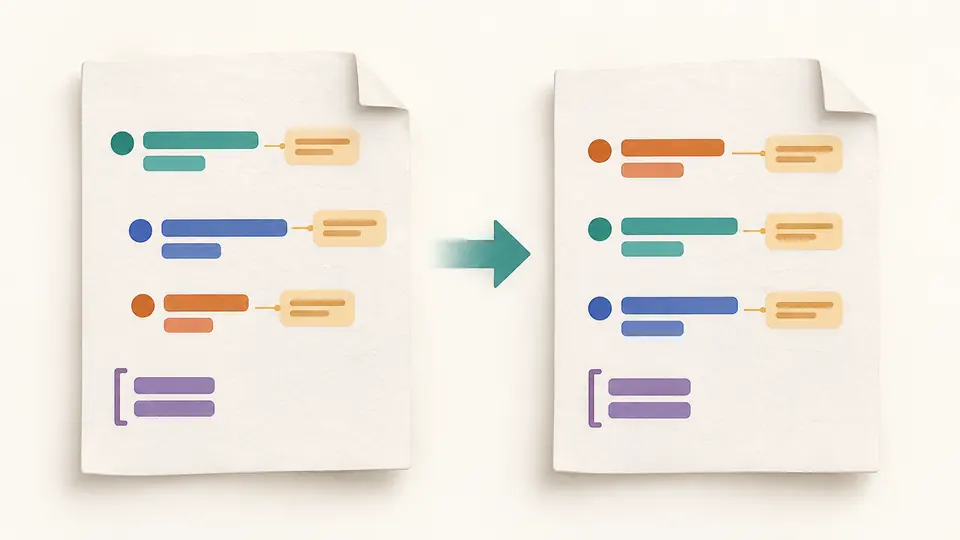
The TOML formatter retains standalone and trailing comments instead of discarding them during object serialization. Optional sorting moves an entry’s leading notes with that entry; blank-line-separated groups keep their own headings.
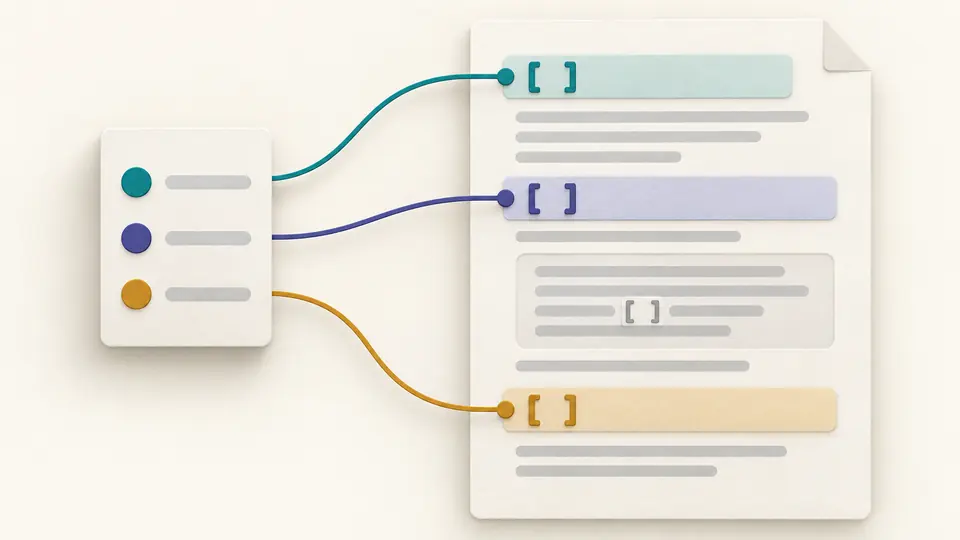
Navigation lists each real table header, including repeated array-table instances, with its input location. A bracketed line inside a triple-quoted string is data, so it never becomes a false navigation target.
Validate only cancels any pending automatic task and checks the current source without creating an exportable formatted result. It still provides table navigation. Edit the input to resume automatic formatting, or turn automatic mode off and use Format or Ctrl/Cmd+Enter.
02
Follow source locations
Click a table entry or the first reported error to focus its line and column in the input. Repeated array tables remain separate entries. Long navigation lists show 50 headers at a time; output downloads are never truncated to that display limit.
03
Review the replacement
Use result previews the formatted text before it becomes input. Example, Clear and a local UTF-8 file also use a replacement preview with line counts. Apply retains one Undo that restores input, options, result and any previous error; edits immediately disable stale exports.
Formatting with visible decisions
Control presentation while keeping TOML data types
Comment-aware output
A syntax-tree formatter handles comments, quoted keys, multiline strings and inline tables. A preservation guard compares parsed values and comment content before accepting output; failures stop the operation rather than exposing a partial file.
Scoped key sorting
Keep the original order by default, or sort contiguous key groups separated by blank lines. Attached leading and trailing comments move with their entries. Array elements, inline-table keys, ordinary table order and array-table instance order are not reordered.
Indentation and line endings
Choose two spaces, four spaces or tabs, a preferred width of 80, 100 or 120 columns, and LF or CRLF output. Width is a layout preference, not a guarantee that every string or comment fits. String values retain their content even when layout changes.
Current results only
Formatting runs in a cancellable browser worker with a five-second limit. Automatic mode waits 350 ms after an edit; manual mode exposes Format. The clipboard and UTF-8 download use the same current output text, and neither can export an outdated result.
Syntax, preservation and work limits
Know what a successful check actually establishes
TOML 1.0.0 is the declared contract
Parsing uses toml-eslint-parser 1.0.3 with TOML 1.0.0 selected. Formatting uses dprint TOML 0.8.0. Do not assume TOML 1.1-only syntax is accepted. Duplicate keys and invalid syntax stop at the first diagnostic, with an input line and column; this is not an exhaustive error list.
No object-to-text reconstruction
Comments and TOML values are retained, including large integers, dates and times, multiline strings and non-finite floats. Formatting changes presentation, so it does not promise identical bytes or blank-line placement. If a preservation check cannot establish safe output, the operation fails. Trailing whitespace in comments may be trimmed. Comments are ordinary text: they do not control formatting or trigger schema loading.
Sorting has deliberate boundaries
Sorting operates within key groups and keeps comment attachment. A standalone heading separated by a blank line stays at the top of its group. It does not sort tables, array-table instances, array elements or inline-table keys, and it does not apply Cargo-specific conventions.
Syntax is not an application schema
A syntactically valid pyproject.toml or Cargo.toml may still contain unknown fields, invalid dependency constraints or wrong value types for its application. No remote schema, dependency resolution, build check, automatic repair or duplicate-key deletion is performed.
Local text and one file at a time
Accepts pasted content or one UTF-8 file. LF and CRLF are supported; a bare CR is not a valid TOML 1.0 line break. There is no URL import, sharing link, saved input history, directory batch processing or automatic overwrite of the original file. Format conversion belongs to separate tools.
Bounded processing
Input must fit 500,000 UTF-16 units and 2 MB UTF-8, with at most 50,000 nodes and depth 100. Output is capped at 2 million characters, and each worker task has five seconds including engine loading. Invalid Unicode, syntax, limits or guard failures disable export; Cancel discards the current task.
TOML formatter questions
Comments, specification and project files
Does formatting also check syntax?
Yes. The TOML formatter parses the source before formatting and checks preservation before accepting the result. Validate only offers a separate syntax check without formatted output. An error remains visible with a clickable location, and editing invalidates all previous exports.
What TOML specification does it accept?
This page explicitly accepts TOML 1.0.0 through toml-eslint-parser 1.0.3 and formats with dprint TOML 0.8.0. The version is visible beside the options. Newer TOML 1.1 syntax is outside the declared contract even if another tool accepts it.
Will comments survive formatting?
Yes, accepted output retains comment content. Unlike converting to a plain object and serializing it again, this TOML formatter uses a syntax-tree formatter and a preservation guard. Sorting can move a comment with its key, while whitespace and blank-line layout may change.
Does this work with Python and Rust project files?
It can format TOML 1.0 syntax in pyproject.toml and Cargo.toml within the documented limits, preserving their values and comments. It does not validate Python packaging metadata, Rust dependencies or application schemas, and Cargo formatting conventions are disabled.
Can I format without uploading configuration?
Processing runs locally in a browser worker. The page loads its formatting engine as a site asset; your source is not included in that request. The TOML formatter creates a new download only when you request it, leaving your original file untouched.
Found a comment or table layout we should check?
Continue working with configuration
Choose a separate tool for comparison or conversion