01
Compare values with their types
The empty JSON Pointer means the document root. A slash in a key becomes ~1 and a tilde becomes ~0. Preview entries include containers, not just leaves; show more adds 50 entries up to the first 500.
JSON tools
Inspect the sample or paste strict JSON. Adjust indentation and multiline style before exporting validated YAML.
Processed in this browser. Your input is not uploaded or stored.
Result is out of date; export is disabled.
Use JSON to YAML when an API response must become a readable configuration. A port number and a quoted port label may look alike, yet the receiving program treats them differently.
This converter keeps the distinction visible with typed paths. It also retains numeric spelling, including long identifiers and decimal zeros, instead of letting JavaScript round the values first.
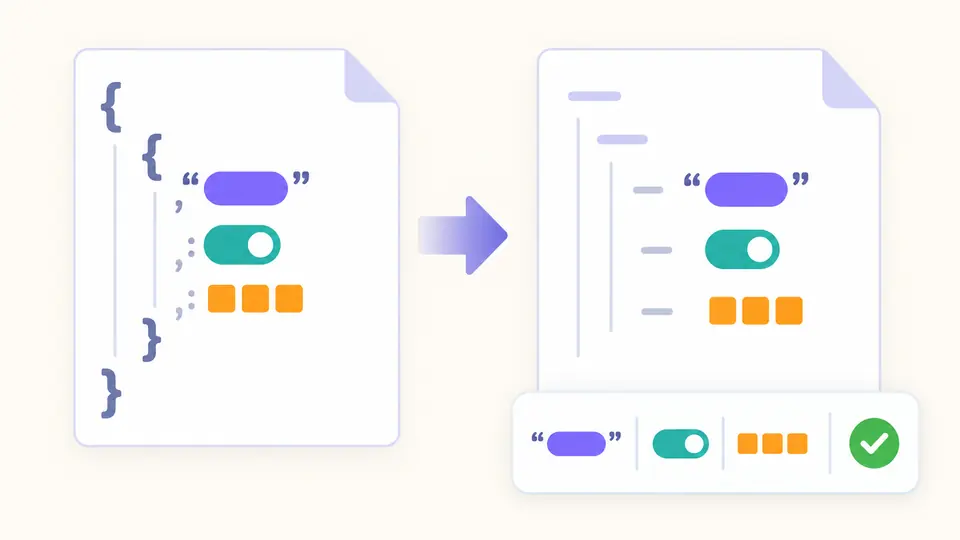
JSON to YAML keeps strings quoted, so "true", "007" and date-shaped text remain strings. The path preview distinguishes them from booleans and numbers; the six counters include every node, even those beyond the preview limit.
A literal block displays separate lines as configuration text. Quoted mode uses escape sequences instead. Neither choice is meant to fold or remove line breaks; the converter reparses its output to compare the actual string values.
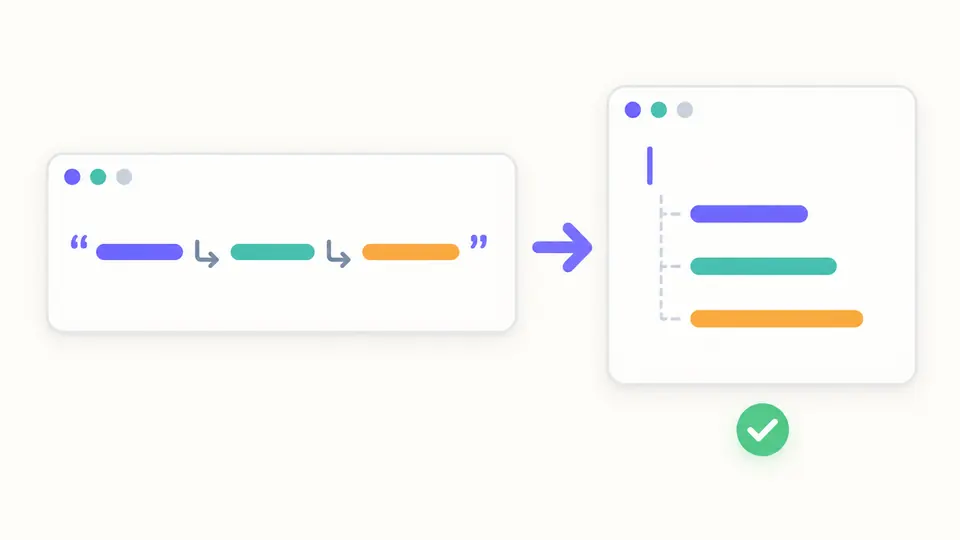
The empty JSON Pointer means the document root. A slash in a key becomes ~1 and a tilde becomes ~0. Preview entries include containers, not just leaves; show more adds 50 entries up to the first 500.
Automatic conversion waits 350 milliseconds after editing. Turn it off to use Convert or Ctrl/Cmd+Enter. Changing input or either option immediately disables export until the current result passes validation.
The status confirms a YAML 1.2 data check. Your target program may still round large numbers or reject application fields. Test the downloaded file with the program that will consume it.
Objects become mappings and arrays become sequences. A top-level string, number, boolean or null is also accepted. Empty maps and lists stay distinct as {} and [], rather than disappearing from the result.
Long integers, exponent spelling, negative zero and decimal zeros are emitted from the JSON token. No intermediate Number conversion is used for generation; numeric tokens are also compared during the post-conversion check.
Ordinary values and keys use double quotes. Literal mode uses | with a suitable trailing-newline marker when possible; carriage returns and control characters may require quoted escapes. Two or four spaces set nesting indentation.
The YAML parser checks the generated syntax, then mappings, sequence order, types and string values are compared with the JSON tree. A mismatch prevents copying and downloading. JSON to YML is the same format conversion; the download uses .yaml.
Mappings, sequences, strings, numbers, booleans and null retain their corresponding data types. The preview labels each path, including the root and empty containers. A quoted "8080" stays a string; 8080 stays a number.
The generated document must parse successfully as YAML 1.2 and match the original structure and values before export is enabled. This verifies format conversion, not the validity of an application configuration.
This JSON to YAML converter quotes ordinary strings and keys consistently. Multiline values may use literal blocks. Quoting prevents text such as "true" or a date from being inferred as a different type.
Yes. The parser stores object entries in input order, including keys such as "9" followed by "2". Arrays also retain order. There is no sorting option, so the layout follows the source hierarchy.
Nesting is supported to depth 100 under the character and node budgets. Deeper input is rejected instead of producing a partial document. Reduce the structure or process a smaller configuration.
Found an edge case this converter gets wrong?
Use JSON to YAML to compare the example’s string and numeric port values, choose a multiline style, then download the checked configuration.