01
Start with a local file
The file picker and drop zone accept one .json file. Opening begins a manual scan; the sample is deliberately small so you can try the tree without supplying data. UTF-8 and strict JSON are required.
JSON tools
Choose or drop one .json file. The scan runs locally; expand one branch at a time or enter an exact JSON Pointer.
Drop one .json file here or use Open JSON file
The validated tree will appear here.
The selected file stays in this browser tab; this viewer does not upload it.
Strict UTF-8 JSON only. The source file is never modified.
Choose a JSON file or load the sample.
A 40 MB API export can freeze a conventional editor before you reach the field you need. This large JSON viewer reads a local file in chunks and keeps the source on disk while it checks the document.
Use this big JSON file viewer when a JSON tree viewer built for pasted snippets feels cramped. To inspect a large JSON file online without uploading it, inspect a branch, search JSON path by exact pointer and copy only the small value you selected.
A file-first workflow with limits you can see.
The large JSON viewer scans one 1 MiB chunk at a time and retains neither a complete source string nor a parsed object tree. Progress shows how many bytes have been read; a 256 MiB cap is enforced before scanning.
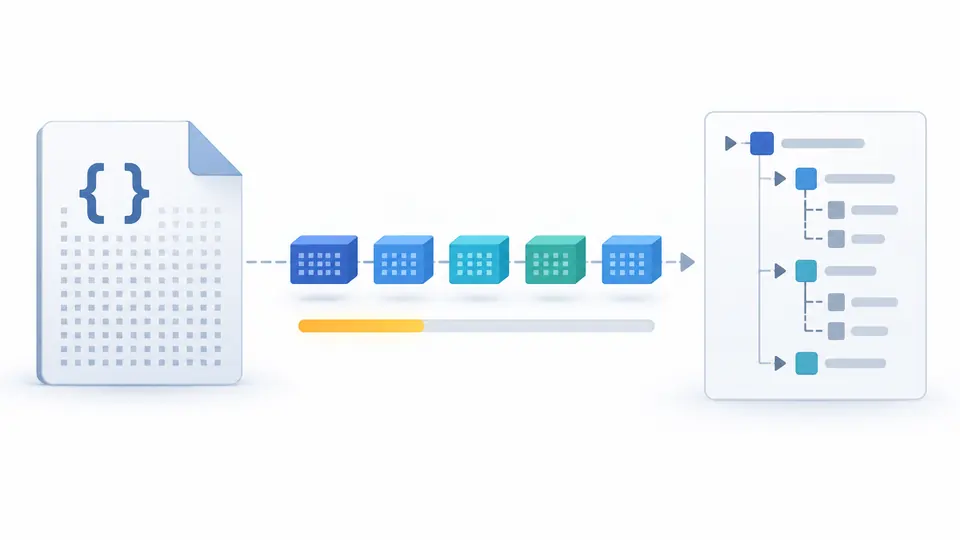
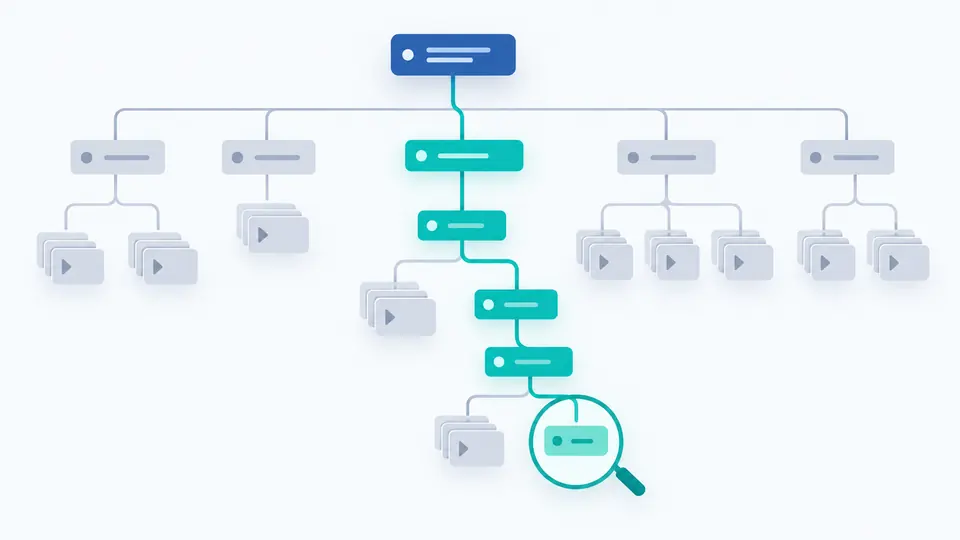
The root starts small. Expanding a container loads at most 100 immediate children, and an exact pointer can reach a nested value without expanding every sibling. The visible rows are virtualized so a large array does not create a matching number of DOM elements.
The file picker and drop zone accept one .json file. Opening begins a manual scan; the sample is deliberately small so you can try the tree without supplying data. UTF-8 and strict JSON are required.
Type /users/120/name for an array item or use ~1 for a slash in a key and ~0 for a tilde. Press Enter to locate the exact node; this is not a fuzzy search or a JSONPath filter.
Select a row to enable path copying. Value copying is available only when that node occupies at most 1 MiB, avoiding an accidental full-file copy. Changing the pointer makes the old selection stale until you locate again.
A byte scanner carries syntax and UTF-8 state across 1 MiB reads. A malformed document stops with a line, column and byte offset instead of showing a misleading partial tree.
Objects and arrays are read from the original file only when opened. Each batch contains at most 100 direct children; a long array can be paged without keeping all of its nodes in memory.
RFC 6901 pointer segments match object keys or zero-based array indexes. The viewer opens ancestors of a match, even if their branches were previously collapsed.
File size, bytes scanned and an estimate of this page’s scan buffer and loaded labels are shown. This is a risk guide, not a measurement of the browser process or device RAM.
Choose or drop one .json file. The large JSON viewer scans it in 1 MiB pieces and shows a tree after strict validation. Start with the root and open only the branch you need.
This page caps files at 256 MiB, so a 500 MB file is refused before scanning. Browser capacity varies; a desktop streaming tool is a better choice for files beyond this ceiling.
If you know the location, enter an RFC 6901 pointer such as /users/120/name. The path lookup scans the needed ancestors. It does not search arbitrary text across all values.
No. File slices are read by a local browser worker. The file contents are not sent to a server by this tool; the page reports its own cache estimate rather than claiming to know total device memory.
Expand a container to request its first 100 children, then load another page if needed. The source remains a File object, and only loaded rows are kept for browsing.
Still have a file that fails?
Return to the large JSON viewer when a file is too unwieldy for an ordinary editor. Check its progress and resource warning, then inspect a specific branch.