01
Use the correct address notation
Paths are RFC 6901 JSON Pointers, not dotted paths or JSONPath. For example, ["/user/name","/tags/0"] selects two locations; [""] selects the root. Encode a slash inside a key as ~1 and a tilde as ~0.
JSON tools
Choose an operation and run it manually. Inspect the result before applying it to the input.
Copy and download include the full result, beyond the visible preview.
JSON stays in browser memory and is not uploaded or saved.
Pointers: empty string = root, / = empty key; ~1 escapes / and ~0 escapes ~. Searches are literal and case-sensitive. Arrays use original zero-based indexes.
Keep/Delete use the path list, not the search filter. Array selections and deletions compact indexes. Rename and array operations use the target path. Objects convert to [[key,value]] entries; sorting accepts only all-number or all-string arrays.
Result is out of date; copy and download are disabled.
Use JSON key extractor to inspect an unfamiliar API response before choosing which fields to keep. Repeated names stay visible; complete JSON Pointer paths identify their individual locations, including nested arrays and empty property names.
A key list, a list of addresses and a set of leaf values answer different questions. Choose the appropriate view, then use exact paths for field edits. The operation produces a separate result so that the source remains available for comparison. You can extract JSON keys or inspect nested JSON paths without writing an expression.
JSON key extractor distinguishes repeated field names by their complete location. Leaf records include a Pointer, typed segments, a value type and the original value; an object key named "0" remains different from array index 0.
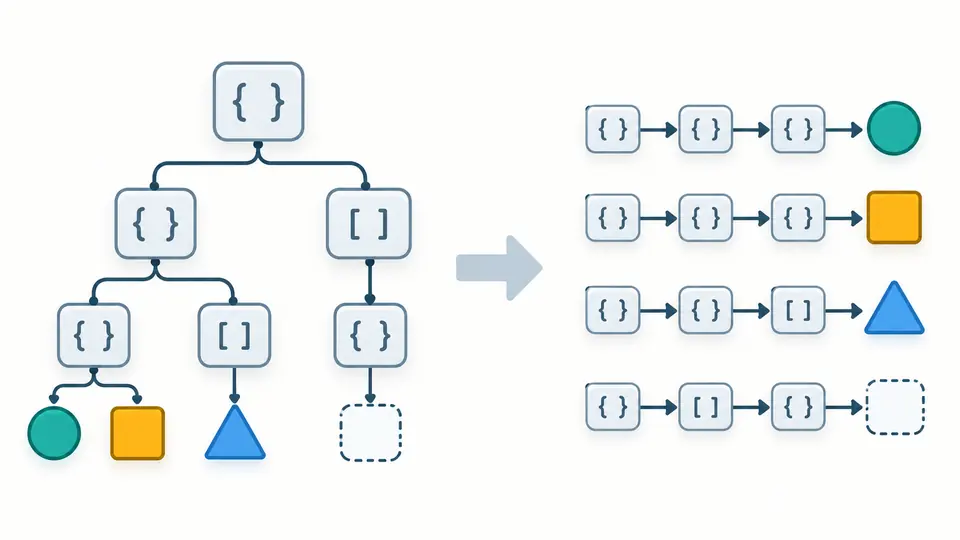
JSON key extractor groups selection, deletion, renaming and array operations in one workbench. Every operation creates a result preview; applying that result is a separate action with one-step undo, so you can compare the affected structure first.
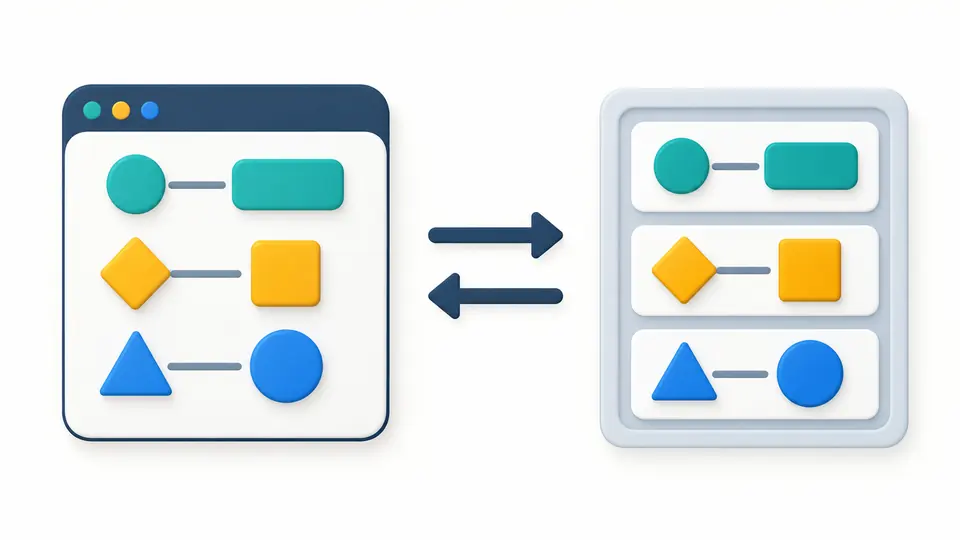
Paths are RFC 6901 JSON Pointers, not dotted paths or JSONPath. For example, ["/user/name","/tags/0"] selects two locations; [""] selects the root. Encode a slash inside a key as ~1 and a tilde as ~0.
The search box filters extracted paths by a case-sensitive literal substring. Keep and Delete instead read the explicit JSON string array; other edits use the single target. Run again after changing any parameter.
Keep and Delete compact array indexes. Use the result-as-input preview to check the replacement size, then apply. Undo restores input, options and output together; file import, examples and clearing use the same replacement flow.
Key names include repeated object fields but omit array indexes. Complete paths include the root and containers. Leaf records include scalar values and empty objects or arrays, together with typed path segments.
Keep preserves ancestor containers and retains a selected subtree in full; overlapping selections count once. Delete resolves all original indexes before removing them. Rename affects one object property and rejects overwriting an existing name.
Object to array emits [[key,value]] pairs in source order, preserving empty and numeric-looking keys. The reverse operation requires exactly two elements per entry and unique string keys, including safe handling of __proto__. This limited JSON array mapper keeps both keys and values instead of guessing a mapping from arbitrary records.
Sort compares decimal values exactly, including huge exponents, or compares strings by UTF-16 code units; equal items stay stable in both directions. Deduplication retains the first structurally equal value, ignoring object key order and treating 1, 1.0 and 1e0 as equal.
Yes. JSON key extractor recursively visits nested objects and every array element within the processing limits. Key names can repeat under different parents; complete paths distinguish those occurrences, while leaf records carry their values and typed addresses.
Complete paths use zero-based array indexes such as /tags/0; leaf records also include numeric array segments. Object property names remain string segments, even when a key is named "0". Empty arrays count as leaves, and paths include container addresses.
Yes. Copy and download include the whole accepted result even when the editor shows only the first 5,000 characters. Key names are exported as a JSON string array so quotes, empty names and embedded newlines remain unambiguous.
Run Deduplicate at an array target. The first structurally equal value stays; object key order is ignored, nested array order matters and mathematically equal numbers compare equal without rounding. It is also possible to run JSON array deduplicate on scalar values.
This JSON field renamer changes one exact object field at a time and preserves its value. A conflicting new name fails; an empty name is allowed. There is no whole-document pattern replacement. Apply each inspected result before addressing another field.
Found an unexpected field transformation?
Use JSON key extractor on the example, inspect one leaf path and review a field operation before applying the resulting JSON to the source.