YAML anchor explorerTrace a reference before expanding it
Inspect anchor definitions, alias targets and a separate expanded YAML result.
YAML anchor explorer
YAML input
Expanded YAML
Input stays in this browser. It is not uploaded, executed, saved or added to a URL.
Merge is off by default. When on, explicit keys win and earlier source maps win; merging is shallow. The merge example previews enabling this option.
yaml 2.9.0 · Source directives must match the selected version. Output declares its version.
500,000 UTF-16 input units / 2 MB UTF-8; 100 documents; 50,000 source nodes and expansion visits; depth 100; 5,000 graph rows; 2 million output characters and scalar-work units; 5-second timeout.
Source reference graph
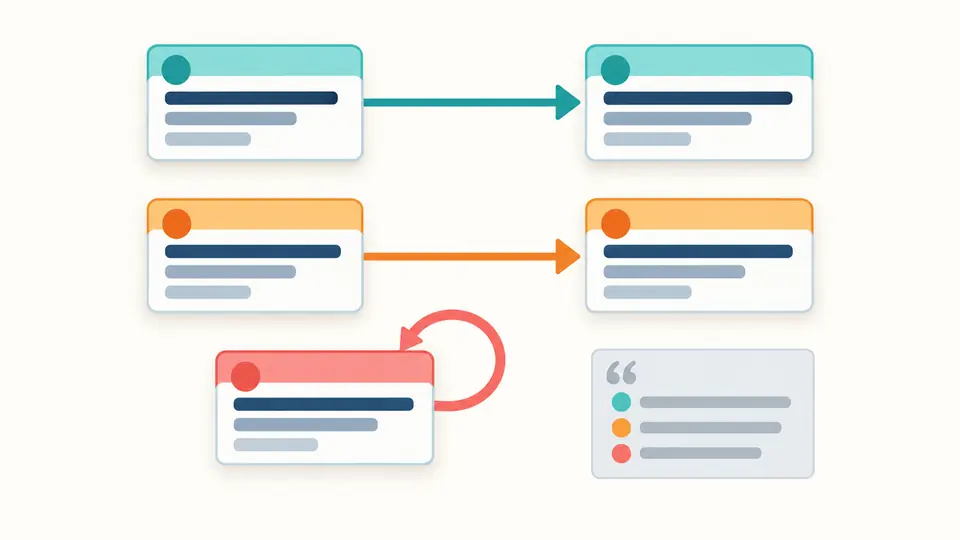
Arrows connect a definition to its use. Click either location to return to the input. “Target found” identifies a definition; it does not mean a cyclic graph can be expanded.
Enter YAML or run an analysis.
A YAML anchor explorer helps explain which shared definition a configuration actually uses. Reusing an anchor name can change the target of later aliases; the reference graph keeps each definition separate by its source location.
Use the YAML anchor explorer to navigate definitions, the YAML alias expander to review repeated values, and the optional YAML merge keys mode for shallow mapping inheritance. A failed expansion leaves the collected source graph available for diagnosis.
Why use this YAML anchor explorer
Make implicit reuse visible before changing a file
Follow the actual definition
The YAML anchor explorer links every alias to the nearest preceding definition in the same document. Two anchors with the same name remain distinct nodes, while text that merely contains an ampersand or asterisk does not become a false reference.
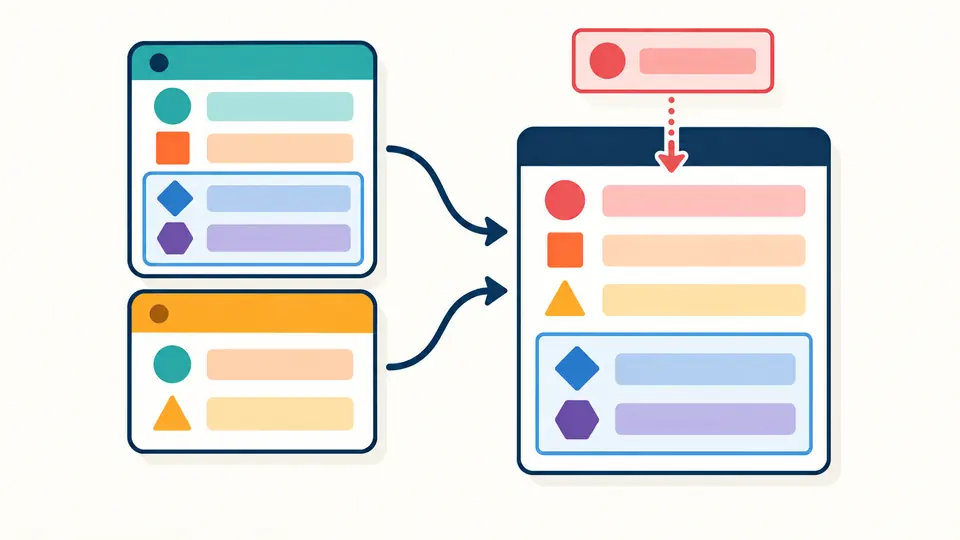
Enable merge expansion to inspect mapping inheritance. Explicit settings override inherited ones; the first map in a merge sequence takes precedence over later maps. The result stays separate until you review and apply it.
Three controls that reveal more than the final text
01
Choose a schema and a merge policy
YAML 1.2 core is the default and merge is off in both versions until selected. Switching to 1.1 changes implicit values such as yes and dates. An explicit %YAML directive must agree with your selection. The merge example previews both its input and its enabled merge option.
02
Navigate a definition or use
Click either end of a reference row to focus its exact source line and column. The graph shows 50 rows per page, including definitions with no uses. Unresolved aliases and detected cycle edges remain visible when expansion stops; a limit error may leave only a partial graph.
03
Restore a reviewed snapshot
Use result, examples, Clear and file import all preview replacement with line counts. Apply retains one Undo for input, options, output and diagnostics. Manual mode supports Ctrl/Cmd+Enter; automatic mode waits 350 ms after editing, and stale results cannot be exported.
References, merges and typed output
Separate YAML structure from application-specific behavior
Real source positions
The lexer and syntax tree identify actual anchor properties and alias nodes, including an anchor on a separate line or a string key. Quoted text and multiline block contents are data. Repeated names are resolved in source order, with a fresh definition table for each document.
Cycles stay inspectable
A graph pass detects recursive dependencies without expanding them. A self-reference can be valid YAML but has no finite alias-free expansion. The page reports the offending edge and blocks the whole output, preserving collected references for inspection.
Explicit shallow merging
The merge extension accepts maps, map aliases and sequences of maps. Earlier sources supply defaults; explicit keys replace them regardless of their position. Nested objects are replaced as values, not recursively merged, and sequences are never concatenated.
Preserve scalar meaning
Expansion copies syntax-tree nodes instead of passing through JSON. Large integers, numeric spellings, non-finite floats and timestamp tokens retain their source representation. The emitted YAML is parsed again under the same schema before an export becomes available.
Version, type and expansion boundaries
A successful expansion is a finite YAML value copy
Versions are explicit
Choose YAML 1.2 core or the YAML 1.1 schema, both through yaml 2.9.0. Conflicting %YAML directives stop the operation rather than overriding the option. Every output document declares the selected version. Merge is a separate extension, off by default even in 1.1.
Merge keys are not deep merge
With the extension enabled, plain << and !!merge keys merge maps. Multiple merge keys are accepted as an engine extension, processed in source order: earlier maps win and explicit keys always override them. Quoted << and !!str << are ordinary strings and stay quoted in output. With merge off, plain << is an ordinary string key; duplicate ordinary keys are rejected.
String keys and supported tags
Mapping keys must resolve to strings, including aliases to anchored strings. Numeric, boolean, null and collection keys are rejected instead of being converted to text. Core tags, timestamp and binary are supported; binary requires canonical padded Base64. Unknown tags and set, omap or pairs collections stop expansion. No custom constructor is executed.
Value preservation is not byte preservation
The output removes anchor and alias syntax, comments and original spacing. Numeric and timestamp source tokens are retained rather than rounded through Number or Date. Special floats and binary values stay YAML types. Strings may be requoted or reformatted. Apply only after reviewing the result; the original file is never overwritten automatically.
References do not cross documents or applications
An alias uses the nearest preceding definition in its own document. Forward references fail; a repeated anchor name is allowed and differs from a duplicate mapping key. Docker Compose interpolation, GitLab extends or !reference, Helm templates, JSON $ref, remote includes and cross-file imports are not evaluated.
All expansion paths have budgets
Input is limited to 500,000 UTF-16 units and 2 MB UTF-8, with 100 documents, 50,000 source nodes and depth 100. Expansion allows 50,000 visits, including repeated aliases, overridden merge sources and merge keys. Source/value scalar lengths share a 2 million unit work budget; final output has a separate 2 million character cap. Graph collection stops at 5,000 rows; each worker has five seconds. Any failure blocks the whole export, never a truncated YAML file.
YAML anchor explorer questions
Names, aliases and configuration reuse
Can an anchor name be reused?
Yes. This YAML anchor explorer associates each use with the nearest preceding definition of that name in the current document. Its location appears beside the alias, so you can distinguish definitions. A forward reference or a definition in another document cannot supply the target.
Are merge keys enabled?
They are off by default. Enable the merge option to expand mapping inheritance. Explicit keys win over inherited keys; in a sequence, the earlier source wins. Quoted << is a literal key. The selected YAML version and merge option are separate choices.
Does the explorer change the original anchors?
Analysis leaves your input intact and shows an alias-free output separately. Use result opens a replacement preview. Apply writes that text into the editor, and Undo restores the original input, options and analysis snapshot. Merely navigating a graph row never rewrites the input.
Can an alias refer to an array?
Yes. An alias can expand a sequence as a complete value, or appear as one element inside another sequence. This does not splice or concatenate arrays. Recursion or a work budget can prevent full expansion, in which case no result is exported.
Can anchors be shared across included Compose files?
YAML aliases are scoped to a single document. This tool does not process Compose include, variable interpolation or other application-level directives. Combining text does not make a cross-document alias valid; use your application’s configuration rules for reuse across files.
Found a reference or scalar case we should inspect?
Continue working with configuration
Choose a dedicated formatter, comparison or converter