01
Keep the complete address
Paste one six-byte value. Outer whitespace is ignored, but short bytes, internal spaces and mixed separators are rejected instead of silently repaired.
IP & Network
Check one 48-bit address, compare four notations, or preview a locally administered test value.
Addresses are processed in this browser; no device or vendor is queried.
Read the rightmost bit for I/G and the next bit for U/L. These flags do not verify assignment or a manufacturer.
Generation fixes local and unicast bits only. Test values may collide and do not claim a hardware vendor.
Address parsed; formats and flags are current.
When a switch export uses dots but a configuration form expects colons, use the MAC address formatter to preserve the address while changing its notation. The six byte values stay visible, so a separator change cannot hide a missing digit. The same result also explains the two flags that are often confused with a vendor identity.
Inspect the value behind the punctuation before putting it into a configuration.
The MAC address formatter shows colon, hyphen, Cisco dotted and unseparated forms together. Leading zeroes remain in place and byte order never changes. This makes a switch record and a DHCP reservation directly comparable without editing the source text.
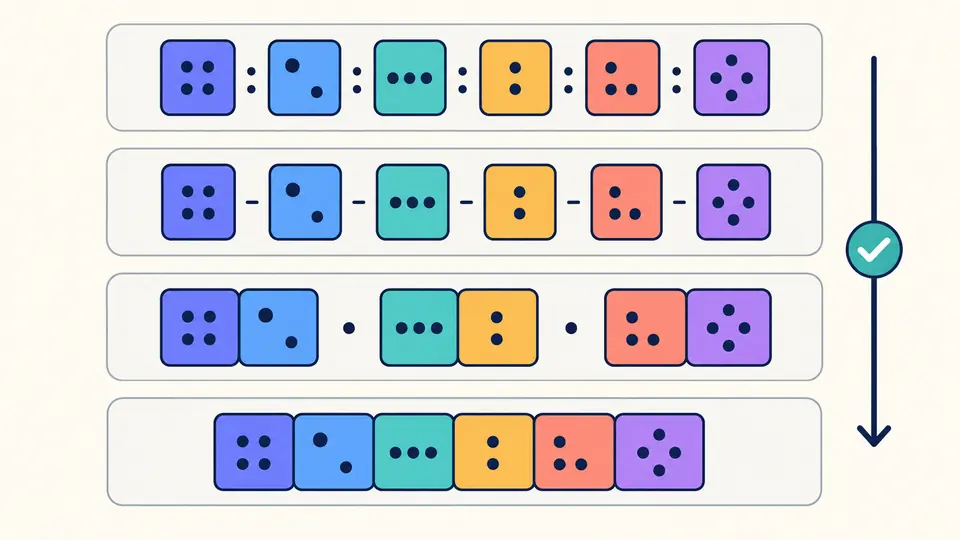
A locally administered MAC is identified by the second bit from the right in the first byte. A generated test value sets that bit and clears the rightmost group bit. Preview the replacement before applying it; undo restores both the previous input and its result.
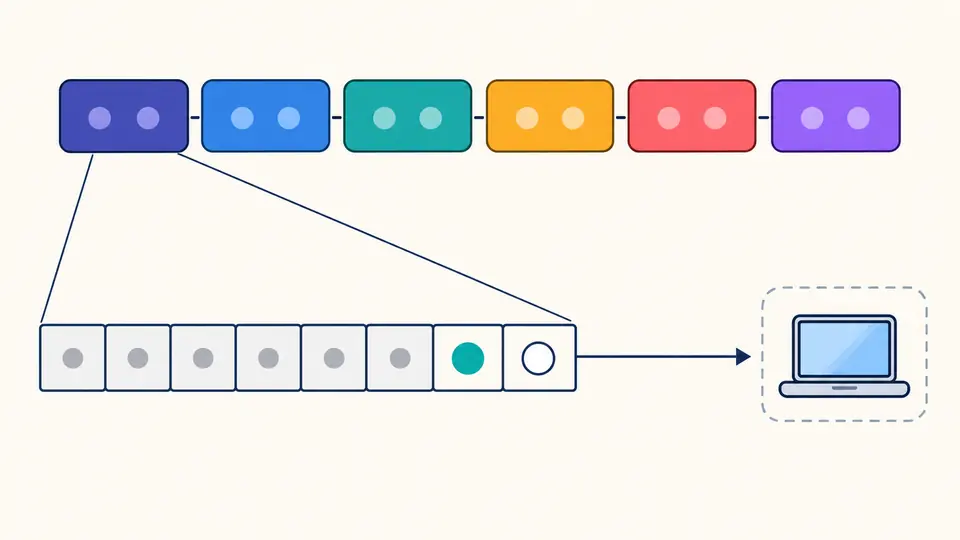
Paste one six-byte value. Outer whitespace is ignored, but short bytes, internal spaces and mixed separators are rejected instead of silently repaired.
All four forms are shown at once. Choose which one to copy or download, then select letter case. Changing either setting locks the old export until the next conversion. Disable automatic mode to run with Ctrl/Cmd + Enter.
Generate test value opens a preview, including how many input lines it replaces. Apply it to inspect the new address, or cancel to keep the original. Undo restores one previous input and result together.
Use the MAC address converter with six colon-separated or hyphen-separated bytes, three Cisco dotted MAC groups, or twelve contiguous hex digits. Uppercase and lowercase input are equivalent; zero padding is preserved.
The MAC address validator shows each byte in hexadecimal and decimal, plus the first byte in binary. I/G=0 is unicast; I/G=1 is a group address. U/L=1 marks local administration. All-zero and broadcast values receive a separate notice.
Six random bytes come from Web Crypto when you explicitly request a test value. The local bit is set and the group bit is cleared. The remaining bits are kept random; generation never borrows a manufacturer prefix from a vendor database.
Colon, hyphen, Cisco dotted and twelve-digit bare hexadecimal are accepted. They all describe the same six bytes. Do not mix separator styles within one value, and retain leading zeroes.
Inspect U/L, the second-least-significant bit of the first byte. A value of 1 marks local administration. The sample starts with 02, whose two low bits are 10: local and unicast.
I/G is the least-significant bit of the first byte. A 1 identifies a group address. The all-FF broadcast value is a special case, so the result labels it separately rather than calling it an individual device.
No. The displayed bytes and flags come entirely from the entered value. There is no OUI database lookup, and a universally administered bit pattern is not evidence that a particular device exists.
No. This page is limited to 48-bit addresses. Eight-byte EUI-64 values are rejected, and the tool does not insert FF:FE, flip a bit for IPv6 or derive an interface identifier.
Found an address representation we should examine?
Use the MAC address formatter to check the byte count and flags, then copy the notation your configuration expects.