01
Pick the path you mean to inspect
ICMP sends three packets. For a TCP port check, select one port; 443 is the default. Traceroute follows hops from a remote probe. The online ping test never starts on typing alone.
IP & Network
Enter one public hostname or IP. Confirm authorization, then run a single remote measurement.
Only Run sends the target, mode and region to Globalping. Measurements may be public by ID and retained by that service; the probe is not your device.
Enter a public host to begin.
Enter a public host to begin.
When your terminal can reach a site but someone in another region cannot, a network connectivity test from a remote probe gives a second vantage point. It does not measure the path from your own laptop.
A named remote observer makes the result interpretable.
The network connectivity test puts the actual probe city, country and network beside the target and timestamp. Two probes may see different RTTs or timeouts; neither result is your local connection.
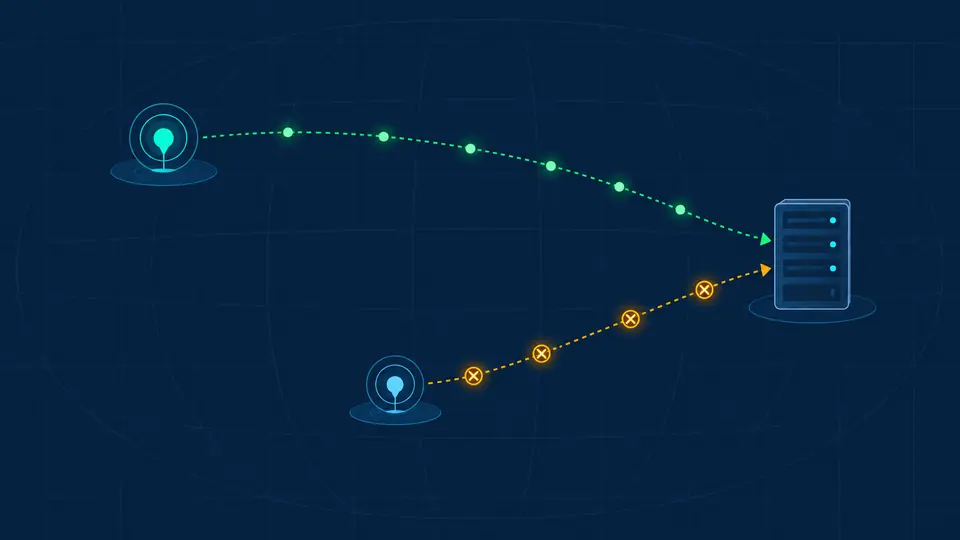
An unanswered ICMP ping can coexist with a TCP response on port 443. The network connectivity test keeps those methods distinct instead of declaring the whole site down.

ICMP sends three packets. For a TCP port check, select one port; 443 is the default. Traceroute follows hops from a remote probe. The online ping test never starts on typing alone.
Worldwide means one available probe, not measurements from every continent. North America, Europe and Asia filter the selection; the report shows the city and country that really ran it.
A lost ICMP reply is not proof that a website failed. Compare the TCP result or online traceroute, and read per-hop asterisks as missing replies rather than an automatic broken route.
Three packets yield received count, loss percentage and min/average/max RTT where replies exist. A packet loss test from one remote probe is a sample, not a continuous availability monitor.
TCP port check attempts a connection to the chosen port. A reply supports reachability from that probe; it does not test HTTPS, credentials, or the application behind the socket.
Traceroute lists returned hops and response times. Missing intermediate replies stay visible, so an operator can compare later responding hops without treating one silent router as a dead end.
ICMP replies may be filtered while TCP 443 remains reachable. Try the single-port mode from the same remote region; that still checks a remote probe, not your browser’s path.
That hop did not return a reply within the probe’s wait. If later hops respond, traffic passed beyond it. An asterisk alone cannot identify a broken router.
Ordinary ICMP ping has no port number. Select TCP port check to attempt one TCP connection; it reports that method separately rather than calling it ICMP.
ICMP asks for an echo reply. TCP mode tries a three-way handshake on your chosen port. Either can succeed while the other fails because firewalls and services handle them differently.
No. One remote ICMP observation may reflect filtering, route policy or transient loss. Compare a TCP port and your own browser, then repeat only when you intentionally want another sample.
Need another observation explained?
A network connectivity test is most useful when you record the mode, actual probe and time alongside the RTT or timeout. Run again deliberately if you need a second sample.