01
Choose a complete capture
Open a UTF-8 file or replace the sample with pasted text. The basic, AI-style and boundary examples reveal different cases; replacing existing input first shows line and byte counts and can be undone.
AI / LLM Dev Tools
Paste a captured stream or open a local UTF-8 file. The event list follows the blank-line dispatch rules; select a row to inspect its data.
No dispatched events yet.
Pasted text and local files stay in this browser. No endpoint request is sent.
Input changed. Parse again before exporting.
An API log contains many data lines, yet your client appears to receive fewer messages. The SSE parser shows which blocks actually dispatch and which final block was left unfinished.
Use this SSE event viewer to inspect a capture without reconnecting to the server. It preserves raw data beside an optional JSON view, so a plain-text marker such as [DONE] remains an event rather than an invented protocol error.
See the event stream the way an EventSource client would dispatch it.
The SSE parser treats a blank line as the dispatch boundary. A capture ending after only one newline keeps its last block out of the event list and points to its starting line, matching the browser rule instead of guessing an extra event.
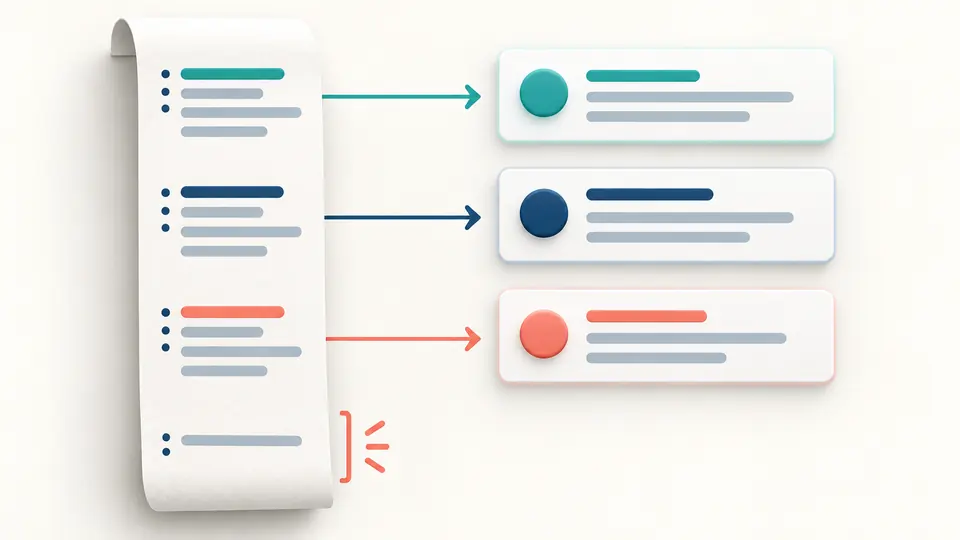
For each dispatched event, raw data remains intact. A valid JSON payload can be expanded for reading; malformed JSON-looking text and a [DONE] marker stay visible without erasing the SSE event. This makes the SSE parser useful for mixed AI and ordinary streams.
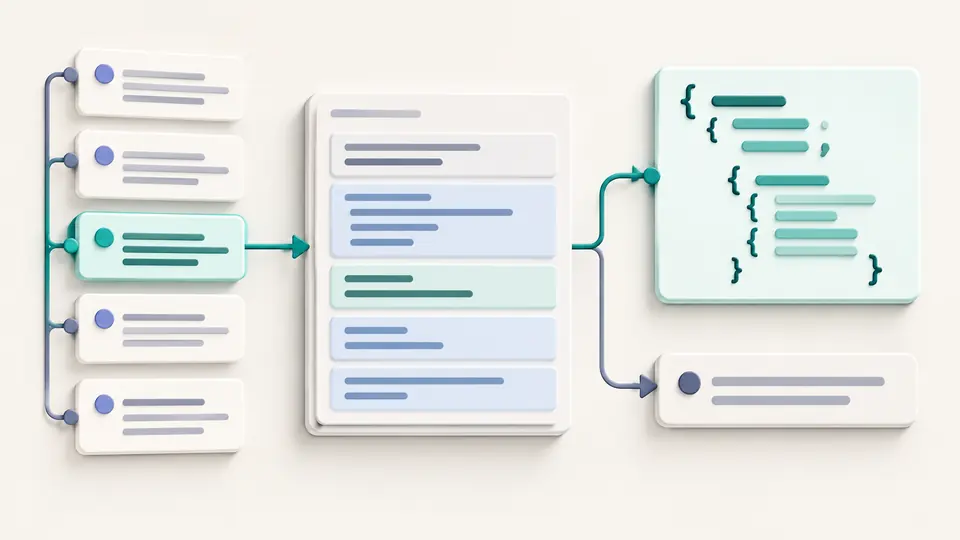
Open a UTF-8 file or replace the sample with pasted text. The basic, AI-style and boundary examples reveal different cases; replacing existing input first shows line and byte counts and can be undone.
Auto parse waits 350 ms after edits. Turn it off to run the SSE stream parser with the button or Ctrl/Cmd+Enter. An input edit immediately disables export until the current capture has been parsed again.
Select an event to compare inherited ID, retry and raw data. The list reveals 50 events at a time; JSON array or NDJSON export always includes every dispatched event, even when an event-type filter hides rows on screen.
LF, CRLF and CR are accepted as line endings. Consecutive data fields join with LF; a block without data dispatches nothing. The SSE parser records original line ranges beside each emitted event.
An ID persists into later events until an empty id clears it. Only ASCII digits update retry milliseconds; an invalid retry is diagnosed and the earlier value remains visible.
Strict JSON parsing marks a structured payload, while arbitrary text remains valid SSE data. A JSON-looking failure receives a separate warning and never removes its event.
Copy or download all dispatched events as a JSON array or one JSON object per NDJSON line. Event type filtering changes the visible list only, so the export scope stays predictable.
Only a blank line dispatches a data-bearing block. A final block ending after one line break is not emitted, and comment-only or retry-only blocks create no event. The diagnostics point to those lines.
Yes. The SSE parser reads the standard event, data, id and retry fields without assuming a provider schema. It does not reconstruct a model's final response from token fields.
Some provider events may carry metadata or control payloads. This page shows each dispatched SSE event and its raw data; it does not decide which provider-specific field should count as generated text.
Yes. Pasted captures and local files are processed in this browser. The SSE parser does not send their contents to a server or connect to a live endpoint.
This offline page cannot inspect the Python connection. In a saved capture, first check whether each data block ends with a blank line; a final block without one is not dispatched. Then inspect the client's buffering and HTTP response separately.
Still investigating a stream?
Start with a short example, then open the saved stream you need to explain. Keep its raw data in view while you check exactly which events were dispatched.
All parsing happens in your browser.