01
Choose the right profile
JSON-RPC 2.0 permits batches. MCP 2025-11-25 uses initialize; MCP 2026-07-28 uses server/discover and request metadata. The selected profile changes the findings.
AI / LLM Dev Tools
Paste one message, a batch array, or one JSON frame per line. Pick the protocol profile before analyzing.
Input stays in this browser. No server request is sent.
Ready for a capture.
Ready for a capture.
When a captured RPC trace has a response before its request, reading line by line quickly becomes unreliable. The JSON-RPC message viewer pairs typed IDs across the entire input and keeps the original frame order visible.
Use this MCP message inspector to examine tool listings, resource URIs and capability declarations in a saved transcript. A JSON-RPC log viewer can reveal structure without contacting the server.
A response inside a batch may arrive before the response to an earlier request. Typed ID matching reveals the pair, and a notification is marked as needing no reply.
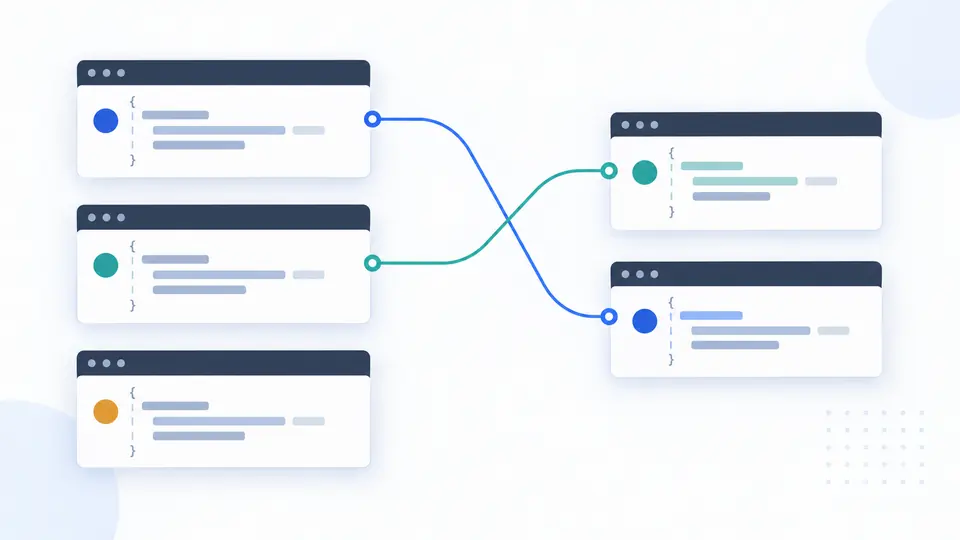
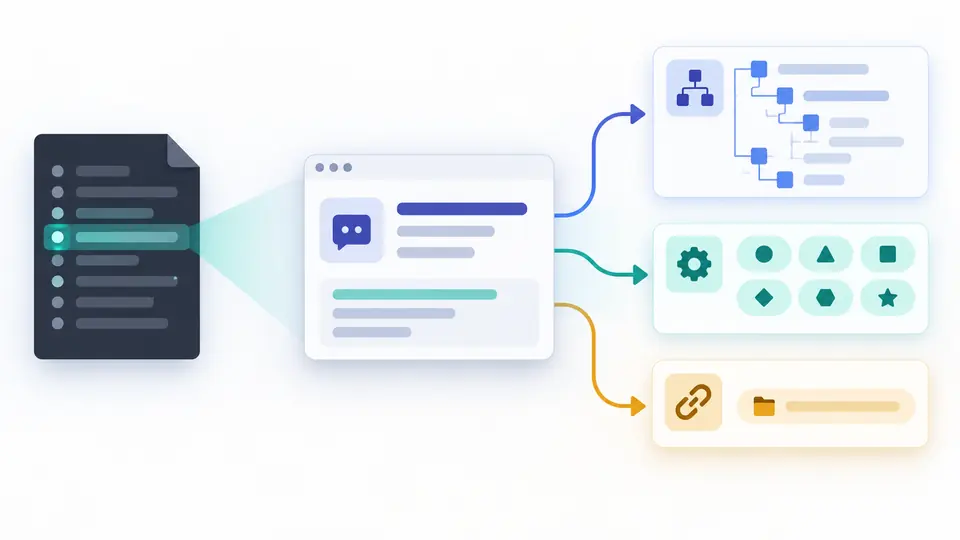
A tools/list response yields tool names and input schemas, while resource listings expose URI schemes. Missing messages stay unknown rather than being invented.
JSON-RPC 2.0 permits batches. MCP 2025-11-25 uses initialize; MCP 2026-07-28 uses server/discover and request metadata. The selected profile changes the findings.
A top-level array is a batch. Separate complete JSON values on separate lines are captured frames. The JSON-RPC request response viewer never pairs batch entries by position.
Analysis runs when you click or press Ctrl/Cmd+Enter. Editing text or changing profile disables export until you analyze again; the frame count is for the full report.
String "1" and number 1 remain different IDs. Duplicate requests make a match ambiguous, and unpaired responses are shown separately.
Request, notification, success and error frames stay distinct. MCP profiles show capabilities only when the matching discovery response is actually in the capture.
A tools/list result is checked for tool names and valid inputSchema objects. A later tools/call can be checked against a listed schema when that definition is present.
Resources and URI templates are listed with their schemes and paths. A custom scheme is shown as data, never opened as a link.
Analyze a capture containing both frames. The viewer matches equal typed IDs, even when a response appears earlier. A lone request is marked unpaired.
Yes. The 2.0 specification allows any response order. This viewer never uses array positions to infer pairs; select JSON-RPC 2.0 for generic batches.
No. A request without id is a notification and expects no response. The report does not flag that absence as an unmatched request.
Select an MCP profile and include the tools/list request and response in your capture. The viewer lists names and checks inputSchema; no response means no catalog can be inferred.
A JSON-RPC error uses the top-level error object. A tool execution failure may instead be a successful RPC response whose result has isError. The viewer does not merge those categories.
Unexpected result?
Open a sample, switch profiles if needed, and keep the analysis with your incident notes. The JSON-RPC message viewer runs entirely in this browser.