Numbers, Bitwise & Units

transfer time calculatorPlan the transfer window

Estimate duration from size and speed, or find the bandwidth needed to meet a deadline.

transfer time calculator

Input

1 B = 8 bit · 1 GB = 1000³ B · 1 GiB = 1024³ B. Mbps uses decimal bits; MB/s uses decimal bytes.

Use a dot, up to 15 significant digits, and values from 0.000000000001 to 1000000000000000. Units go in the selectors.

Results

Estimated duration

≈ 800 s

Ideal duration · 100% efficiency
≈ 800 s
Effective payload throughput
≈ 100 Mbps / ≈ 12.5 MB/s
Efficiency (%)
100%
Equivalent units
  • ≈ 800 s
  • ≈ 13.33333333 min
  • ≈ 0.2222222222 h
  • ≈ 0.009259259259 d

Substituted formula

80000000000 bit ÷ 100000000 bps ≈ 800 s

100000000 bps × (100 ÷ 100) ≈ 100000000 bps

80000000000 bit ÷ 100000000 bps ≈ 800 s

Constant average throughput; no setup latency or separate disk time. All values are estimates rounded to 10 significant digits.

Your input is processed in this browser and is not sent to a server.

Options

Payload rate = entered rate × efficiency / 100. Use 100% for already measured payload throughput; lower it only for additional losses.

Estimate updated. Review the assumptions before using it.

Use the transfer time calculator before scheduling a backup, moving a media archive or starting a large download. A quoted line speed is only one input: the size unit and the share of that speed available to your transfer matter too.

The same model serves as a download time calculator and an upload time calculator. Use the rate for the direction you intend to transfer. If you already measured sustained payload throughput, keep efficiency at 100% to avoid discounting that measured speed twice.

Why use this transfer time calculator?

See the cost of an efficiency assumption

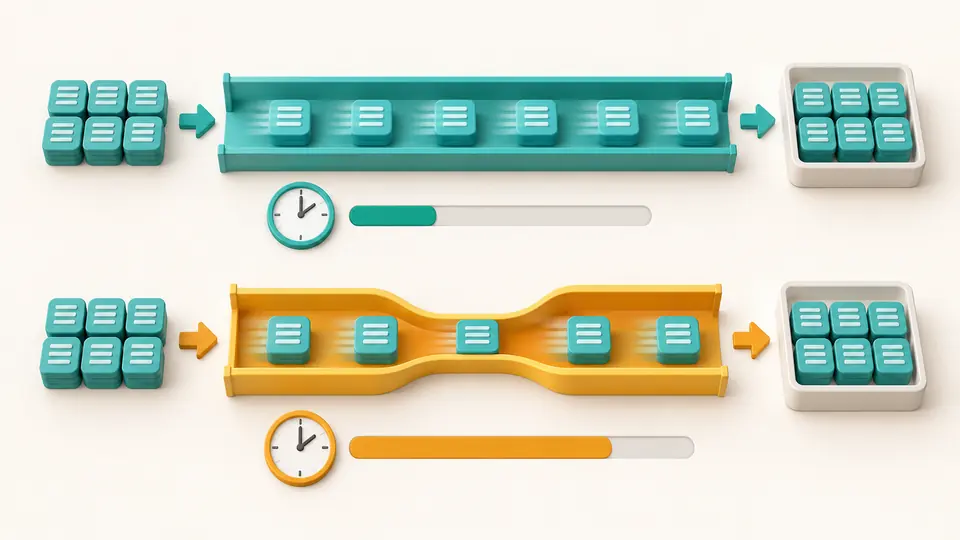
For 10 GB at 100 Mbps, the ideal duration is 800 seconds. At 80% efficiency it becomes 1000 seconds. Both figures remain visible, so the extra 200 seconds can be traced to your assumption. Losing 20% of the usable rate increases time by 25%, not by 20%.

Equal data blocks pass through full and partly usable channels, with a longer time bar under the reduced-throughput path.

Work backward from the available window

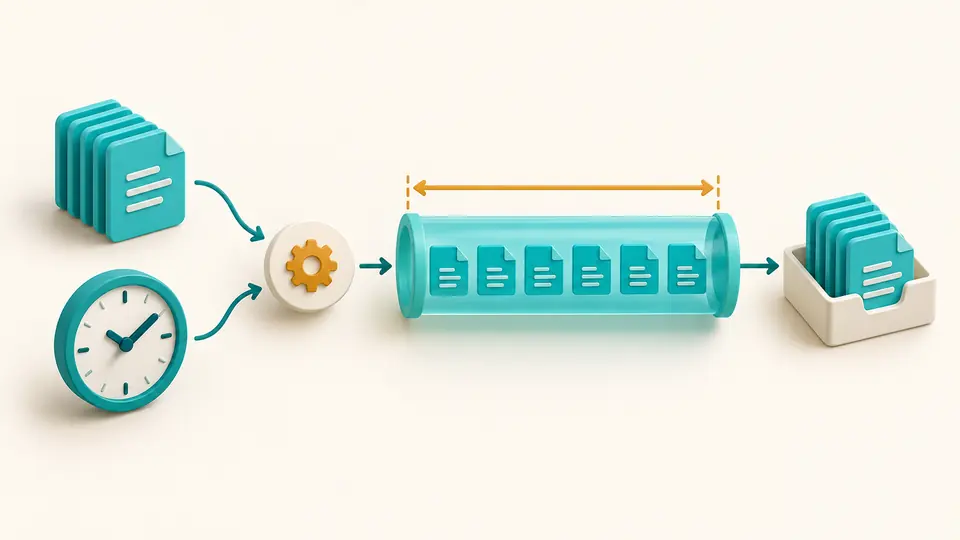
This transfer time calculator also works as a bandwidth calculator. To move 10 GB in ten minutes, the payload must average about 133.3333333 Mbps. With 80% efficiency, the required line rate rises to about 166.6666667 Mbps. The target time stays fixed while the required capacity changes.

A fixed data stack and a clock point toward a channel whose width represents the bandwidth needed to meet the deadline.

Check three assumptions before exporting

01

Match the unit printed beside your number

Choose GB for decimal gigabytes and GiB for binary gibibytes. A speed shown as MB/s is a byte rate; Mbps is a bit rate. Changing a selector reinterprets the number already in the field, rather than converting that number into a new unit.

02

Use efficiency once

An efficiency of 90 means 90% of the entered rate carries your data. It does not add 10% to the file size or predict a particular protocol. Start from 100% for measured payload speed and lower the percentage only when you want an additional allowance.

03

Keep the report tied to the inputs

Turning automatic calculation off reveals the Calculate button; Ctrl/Cmd+Enter also runs it. Changes immediately disable export until results refresh. The report includes the active input pair, efficiency and substituted formula, so someone reading it later can reproduce your estimate.

Time, capacity and a visible calculation

Two directions of the same equation

Time mode divides data bits by effective bits per second. Bandwidth mode divides data bits by the target seconds and efficiency. Separate speed and duration drafts survive mode changes; a hidden draft does not become an extra constraint or leak into the report.

Decimal and binary units stay distinct

Capacity supports bit, B, KB through PB and KiB through PiB. Speed includes bps through Tbps, decimal byte rates through TB/s and binary byte rates through TiB/s. The result shows useful payload throughput in both Mbps and MB/s, making the factor of eight easy to verify.

Inspect the numbers behind the estimate

Expand equivalent units for seconds, minutes, hours and days, or the required rate in fourteen speed units. The formula uses normalized bits and seconds. Display values use ten significant digits; scientific notation keeps very small positive estimates visible instead of rounding them to zero.

What the estimate includes

A constant average rate
There is no network speed test, RTT or TCP-window simulation, packet-loss model, concurrent-user allocator or guaranteed finish time. Server limits, disk work and setup delays are not added separately. Enter a representative sustained rate and leave operational margin outside the calculation.
One explicit efficiency factor
Efficiency is between 0.000000000001 and 100 percent. The default 100% is an ideal baseline, not a claim about your connection. The tool supplies no automatic Wi-Fi, VPN or protocol preset because those labels alone do not determine usable throughput.
Bounded decimal input
Use a dot and at most fifteen significant digits, with up to 100 characters per field. Size, speed and duration must each be between 0.000000000001 and 1000000000000000 in the selected unit. Zero, negative numbers, commas, scientific input notation, expressions and unit suffixes in numeric fields are rejected.
Duration is an interval
Choose s, min, h or d; a day is exactly 86400 seconds. Mixed clock input, calendar deadlines, pause/resume progress and maximum transferable-size mode are not included. To estimate remaining time, enter the remaining data amount yourself.
Reports are estimates
Every displayed value is marked ≈ and rounded to ten significant digits. Copy and TXT download include assumptions but no inactive-mode drafts. This page does not inspect files, fetch URLs, save permanent history or place your inputs in a share link.

Transfer time calculator questions

How do I calculate a file transfer duration?

Convert the amount to bits, then divide by usable bits per second. Ten decimal gigabytes contains 80000000000 bits; at 100000000 bits per second it takes 800 seconds. When efficiency is below 100%, multiply the rate by the efficiency fraction before dividing.

Why do Mbps and MB/s give different numbers?

There are eight bits in one byte. A 100 Mbps rate therefore equals 12.5 MB/s before additional losses. Select the unit that the source actually displays; entering 100 MB/s describes a connection eight times faster than 100 Mbps.

Why does a real download take longer?

The transfer may share bandwidth, run into a server limit or wait for storage and processing. A fixed-rate estimate cannot predict those changes. Use a measured average or compare several efficiency assumptions, while keeping installation and decompression time separate.

How does TCP overhead affect the result?

Headers, acknowledgments and retransmissions use resources beyond the file payload. This page represents their combined effect only through your chosen efficiency. For a 10% rate loss, enter 90%; the duration is divided by 0.9 rather than multiplied by 1.1.

Why can uploading be slower than downloading?

Many access plans allocate different rates to the two directions. For a cloud backup, enter the upstream rate instead of the advertised downstream rate. The formula stays the same; the connection rate and available share can be very different.

Something looks wrong?

Check the next transfer window

Return to the transfer time calculator, compare an ideal baseline with your own efficiency assumption, and export the result with its formula.